VST plugins that sound finished.
Vocal chain, autotune, synths, drums, amp, EQ and more, each built around one sound you hear on the first note. Every plugin plays right here in your browser, on the same engine as the download.
864 presetsApple Silicon nativeMac & Windows
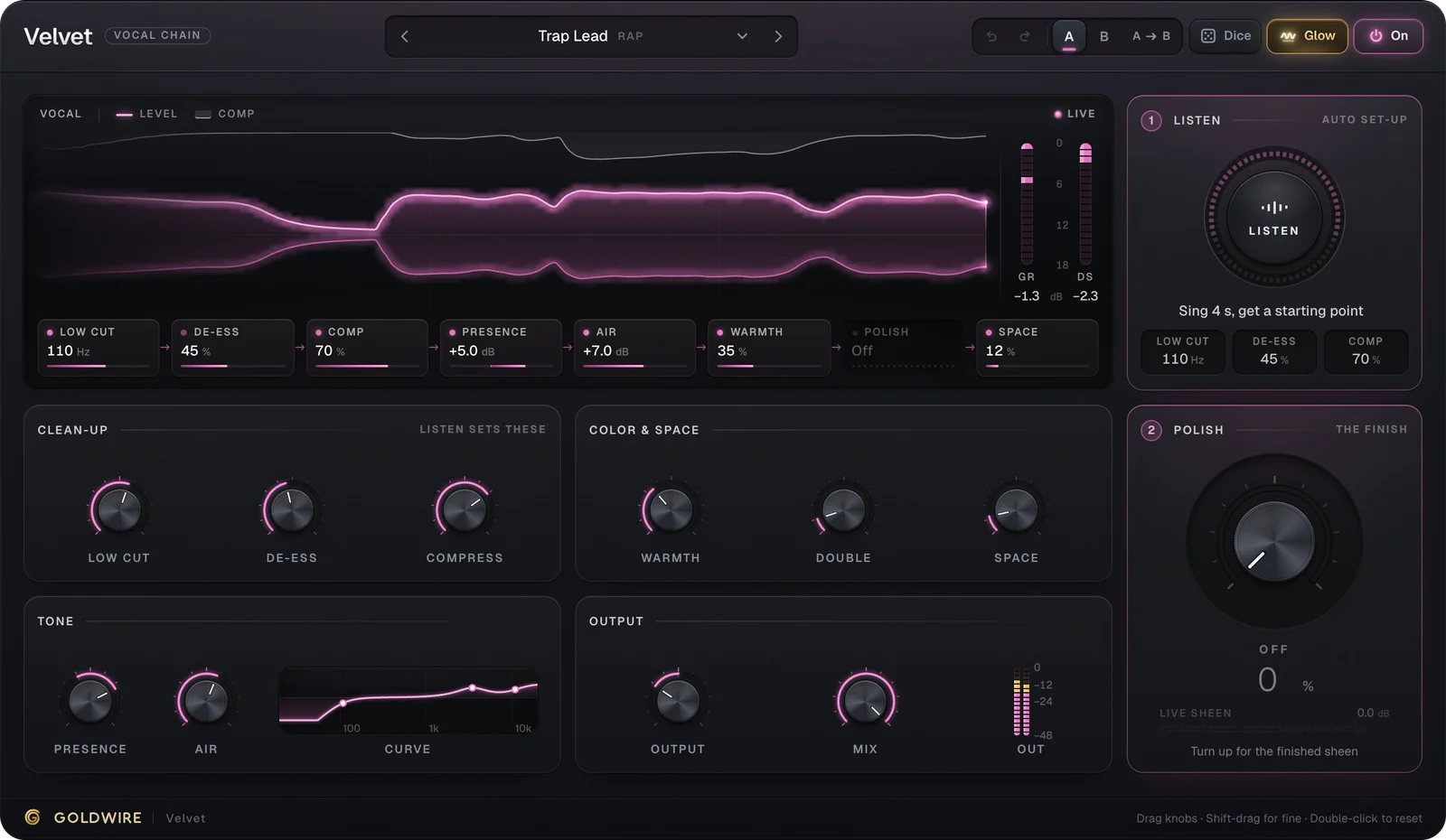
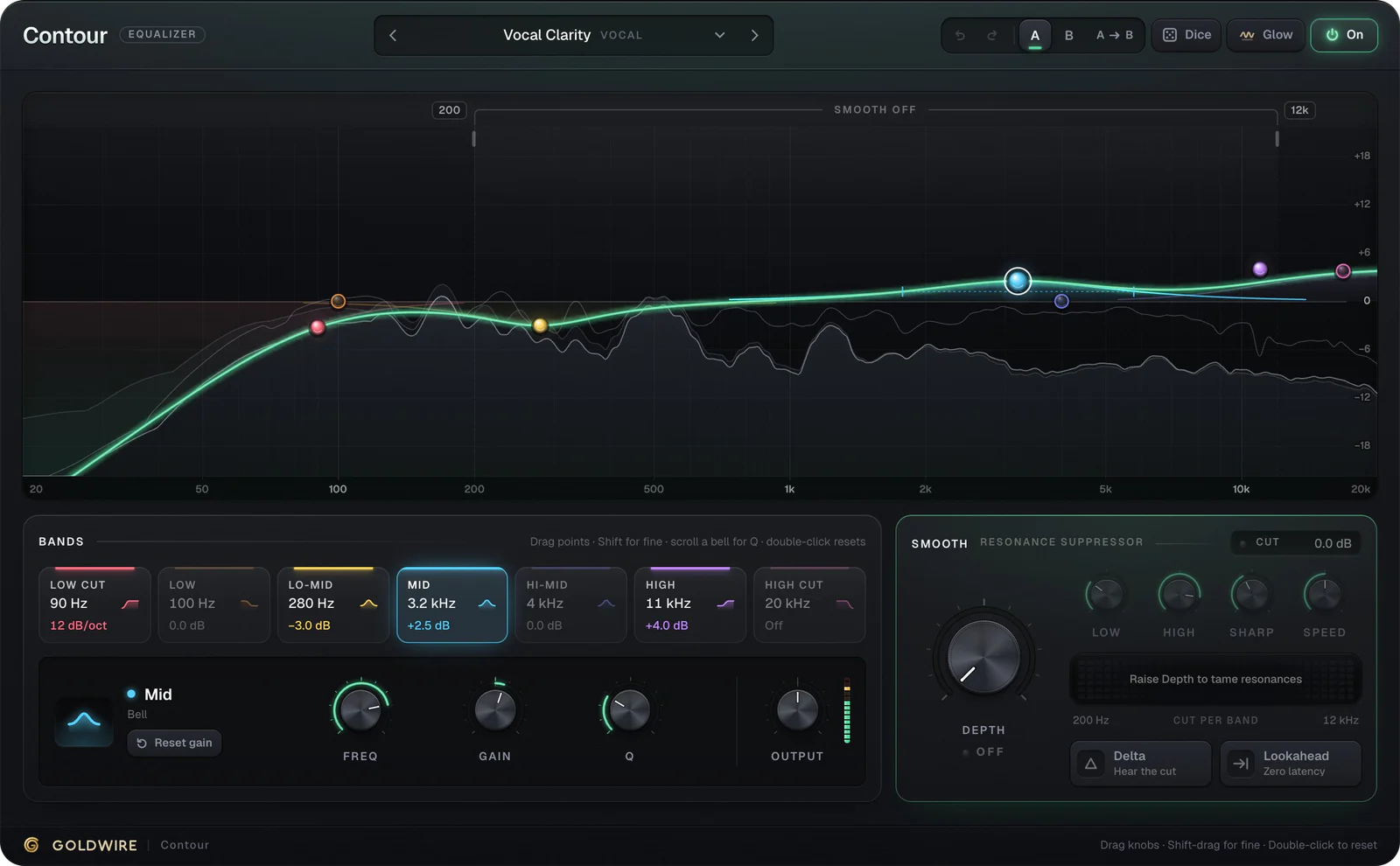


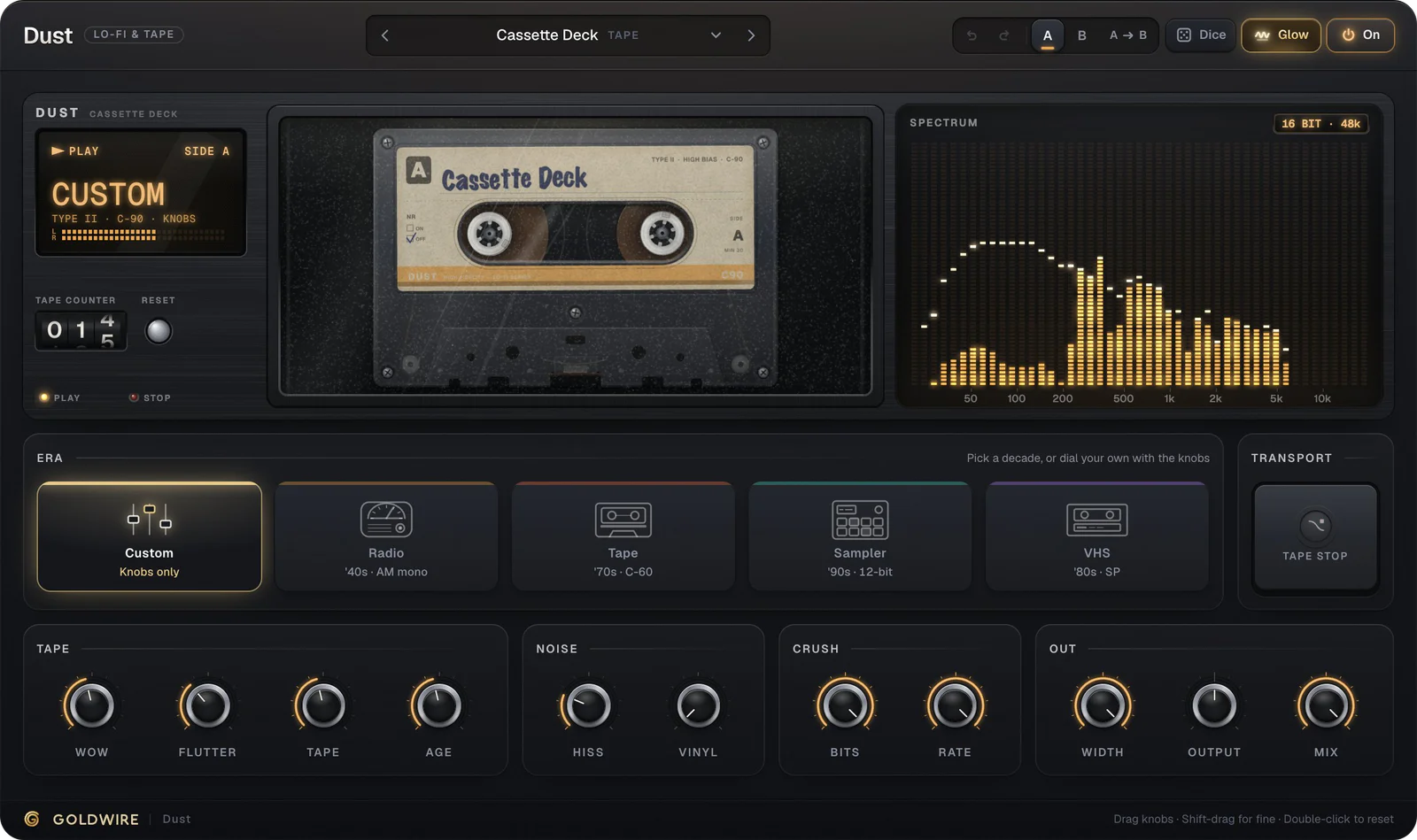

Velvet · Vocal chain · €49Open Velvet →
- VST3 · AU · AAXMac (Apple Silicon & Intel) and Windows
- Every major DAWAbleton, Pro Tools, FL Studio, Logic & more
- Instant downloadInstaller and license key by email
- No iLokJust a license key, no dongle, no account
- Works offlineActivate once, never phones home
- 30-day refundNot for you? Email us for a full refund
Just released
Make anything sing.
A drum loop that plays your chord, and a hum that plays a synth. Both run live on their pages: press play and hear it.
 New
Spectral harmonizer
Gravity. Drums that sing your chord.
Gravity pulls every partial of a loop toward the notes you pick or play. The hits stay punchy, the tails sing the harmony.
 New
Voice synth
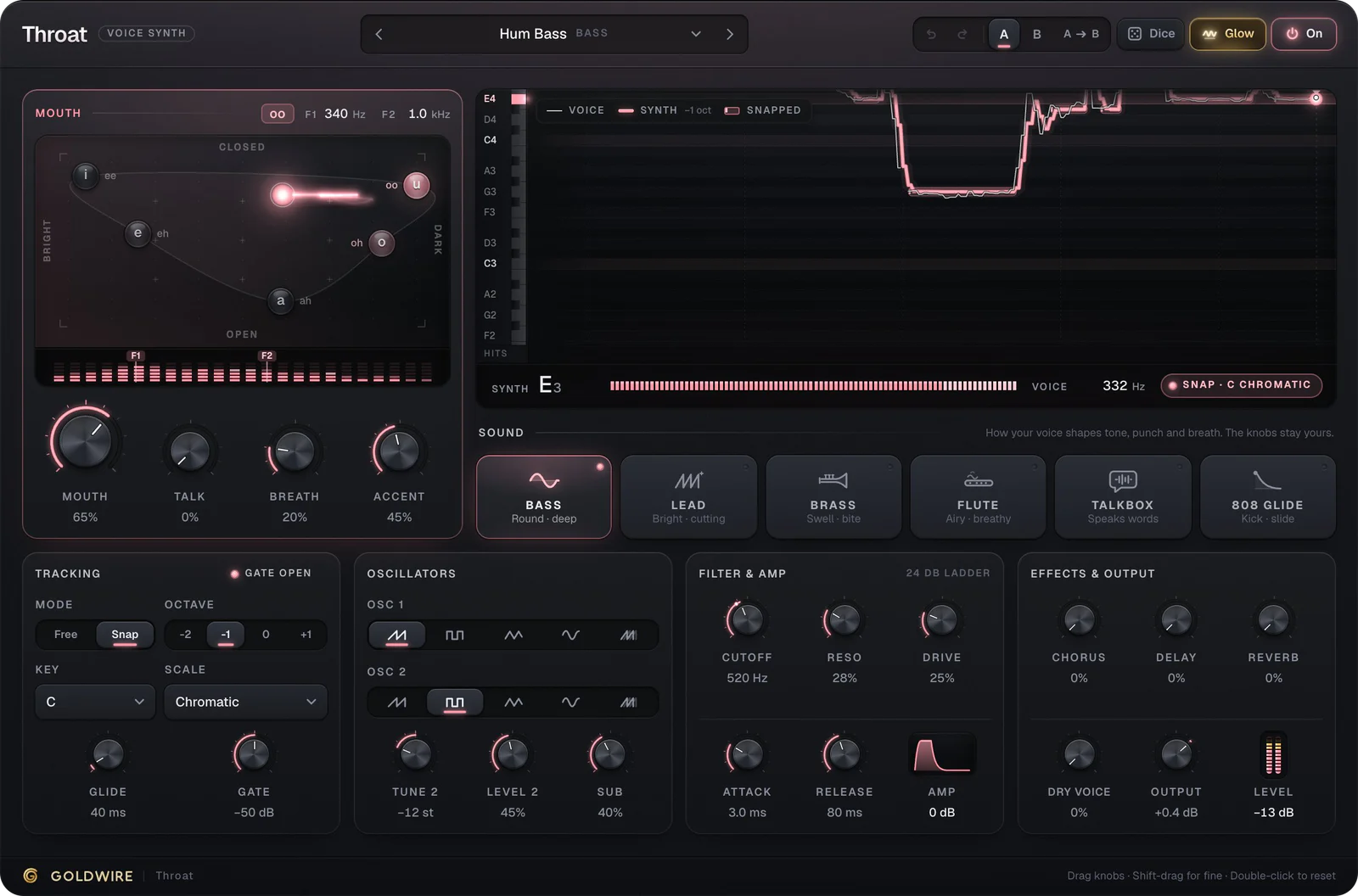
Throat. Your voice plays the synth.
Hum a bassline and Throat plays it. Vowels open the filter, consonants punch the attack. Zero latency, no MIDI step.
The collection
19 plugins. One sound each.
Every one is built around a single sound you hear on the first note, and every one plays in your browser before you buy.
Vocals
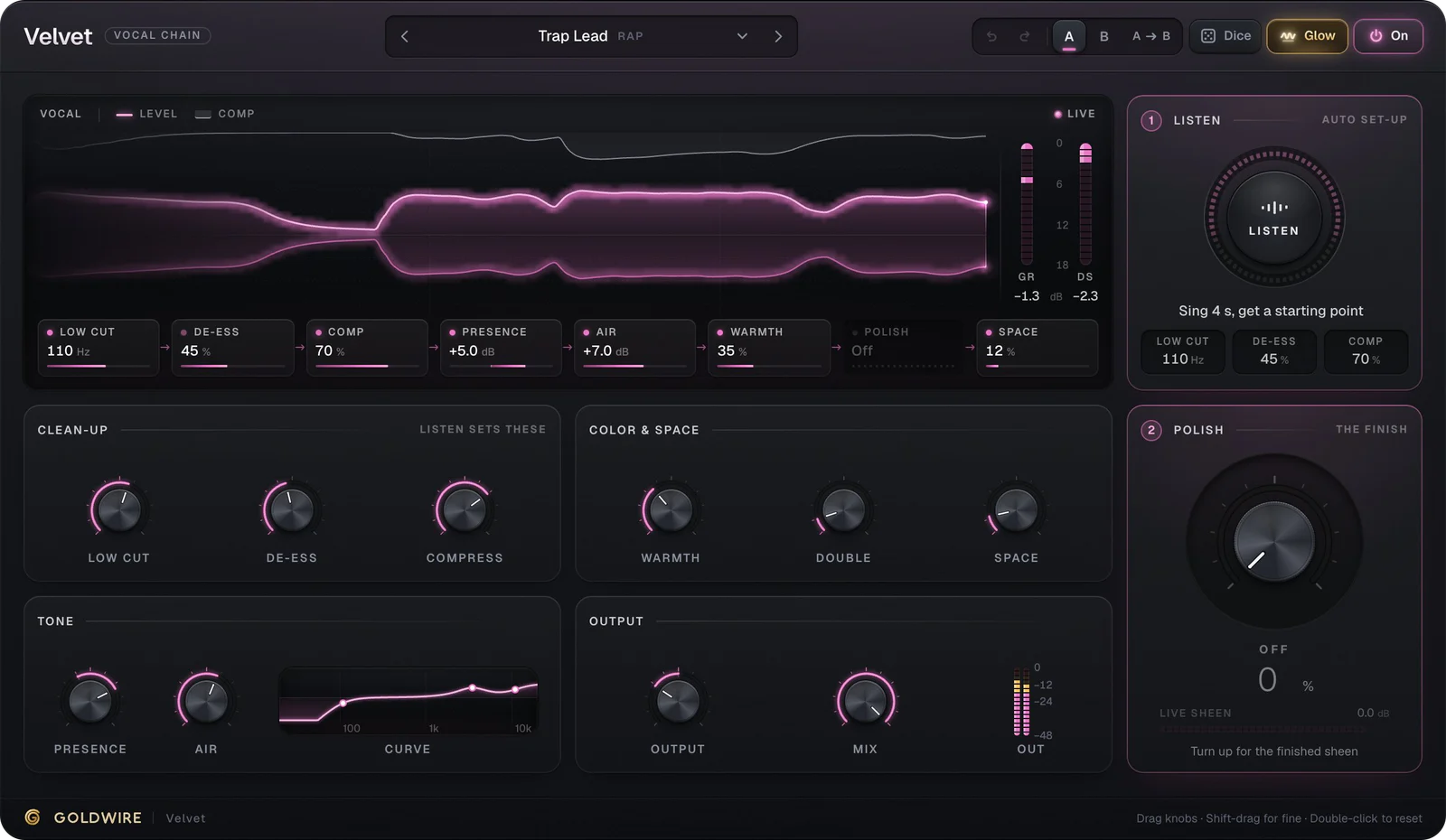
4 pluginsA one-window vocal chain, autotune with harmonies, a vocoder choir and a vocal rider.


Instruments
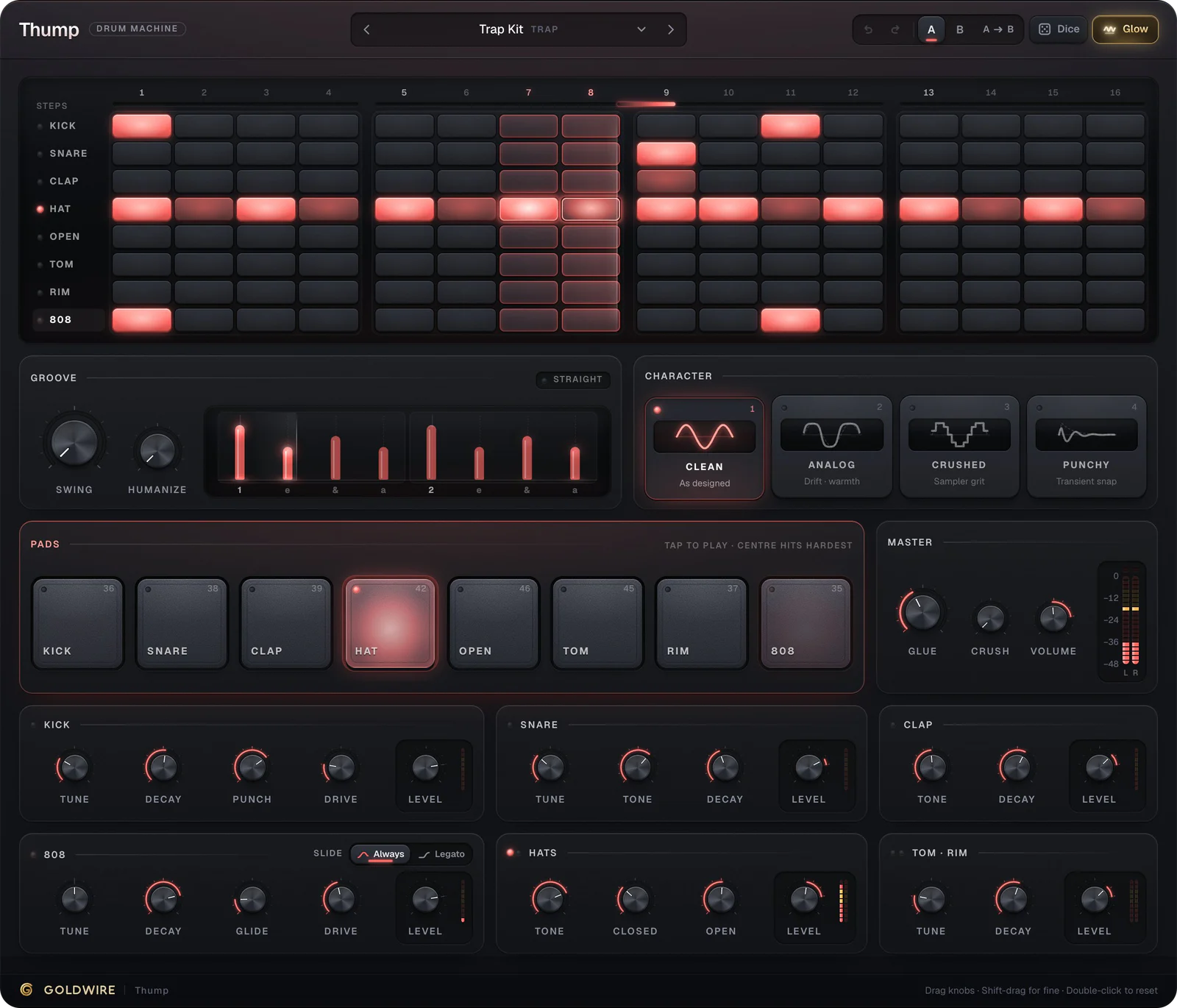
4 pluginsA polysynth, a synth you play with your voice, a drum machine with a gliding 808 and a guitar amp.


Mixing
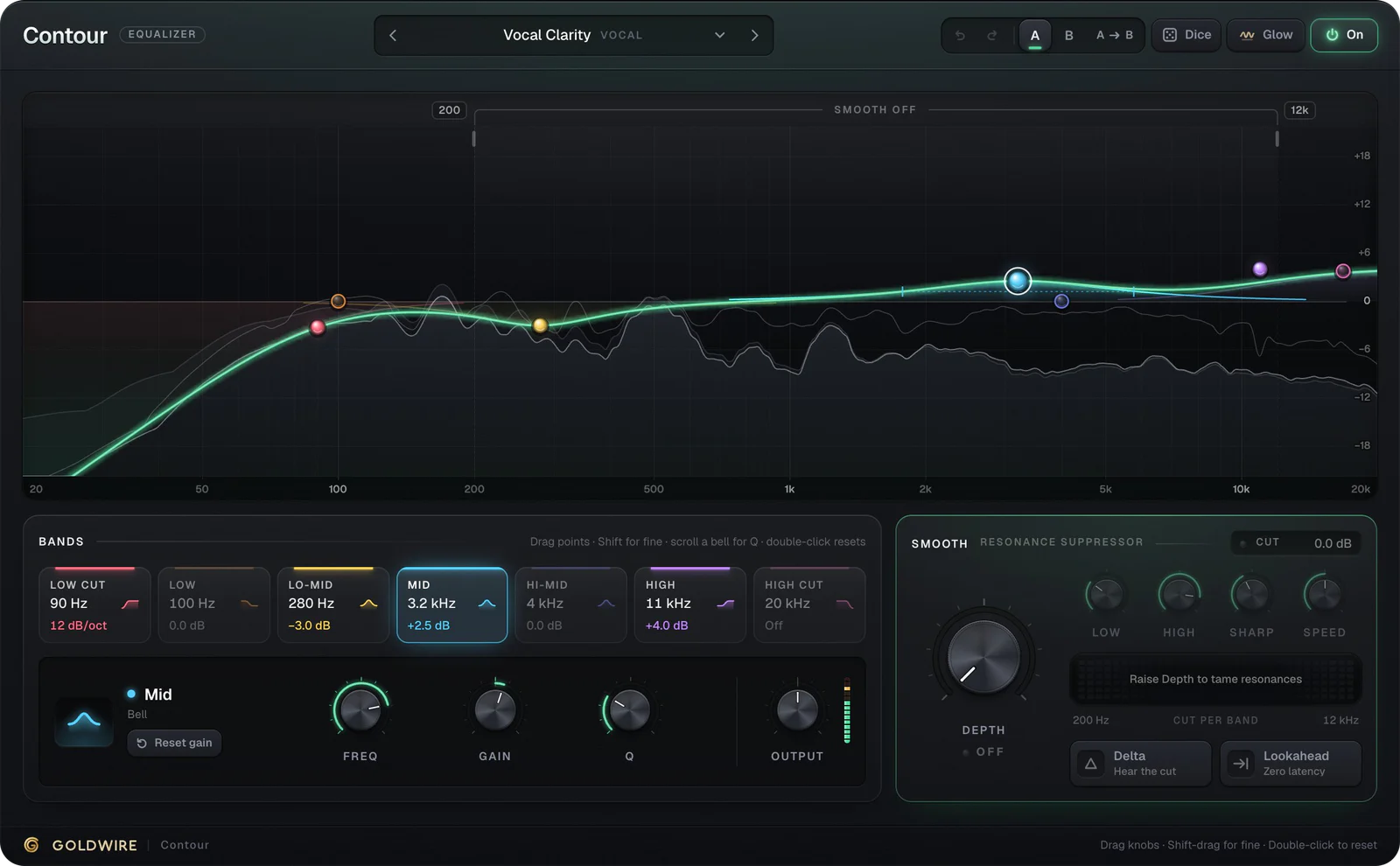
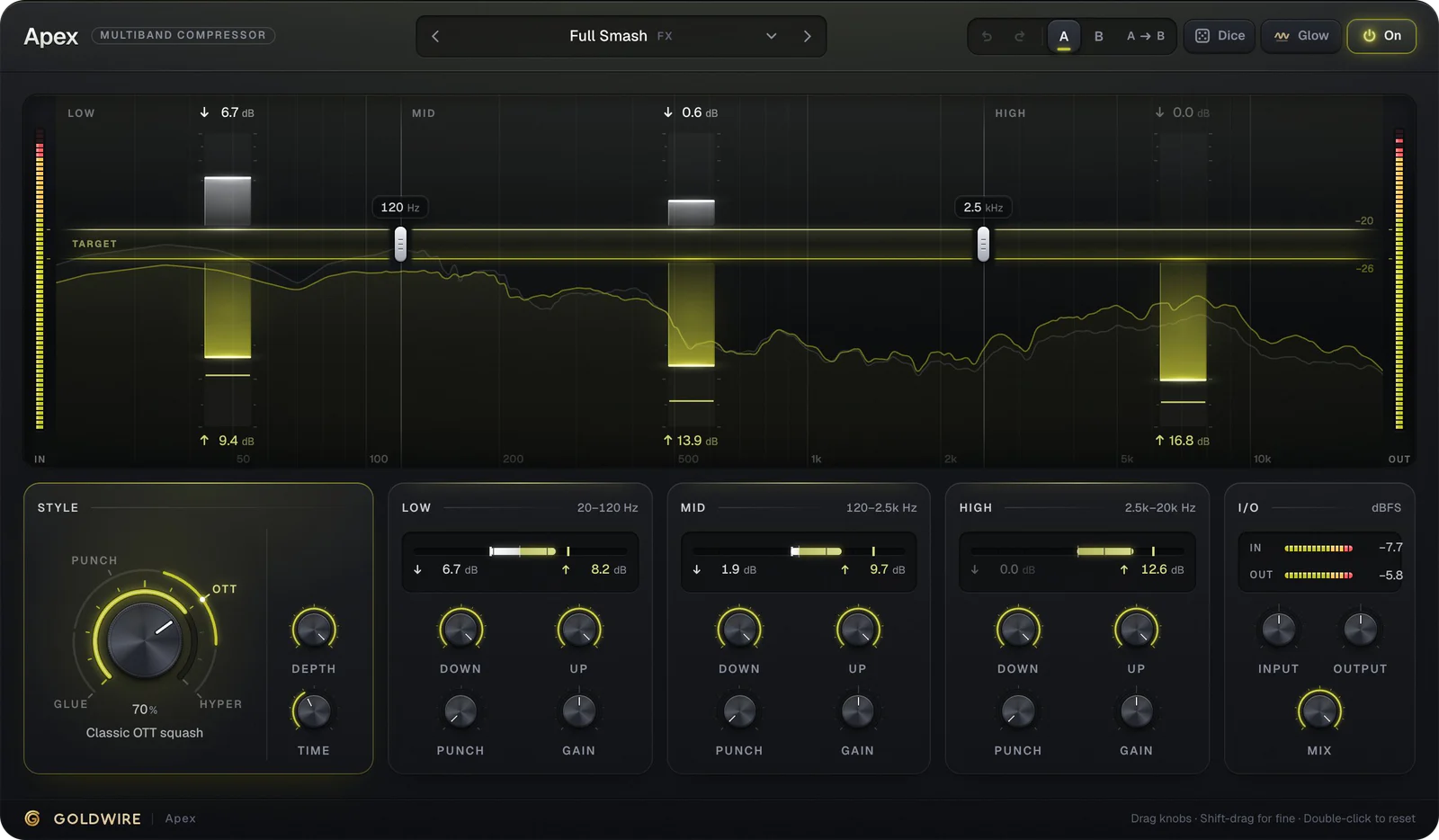
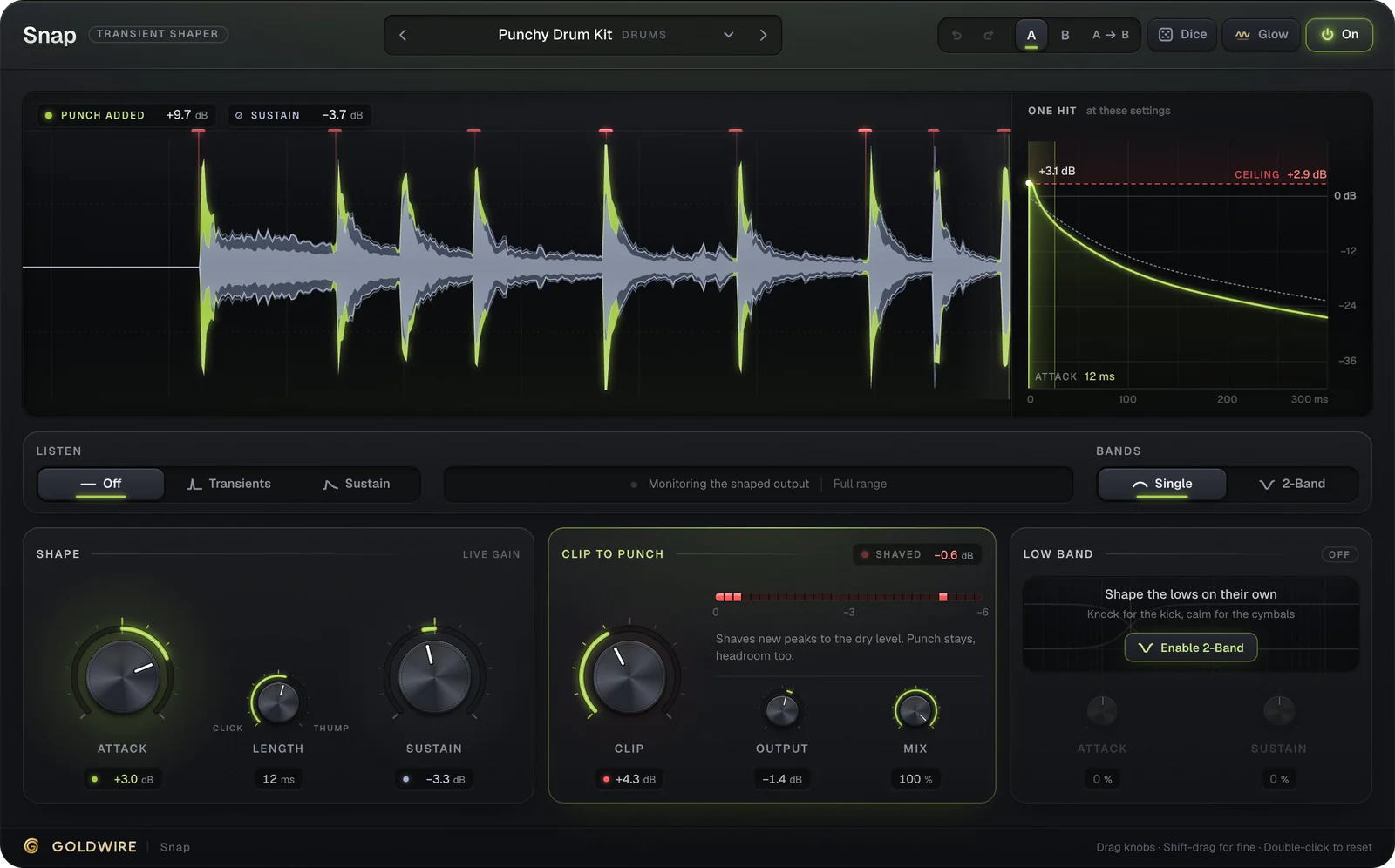
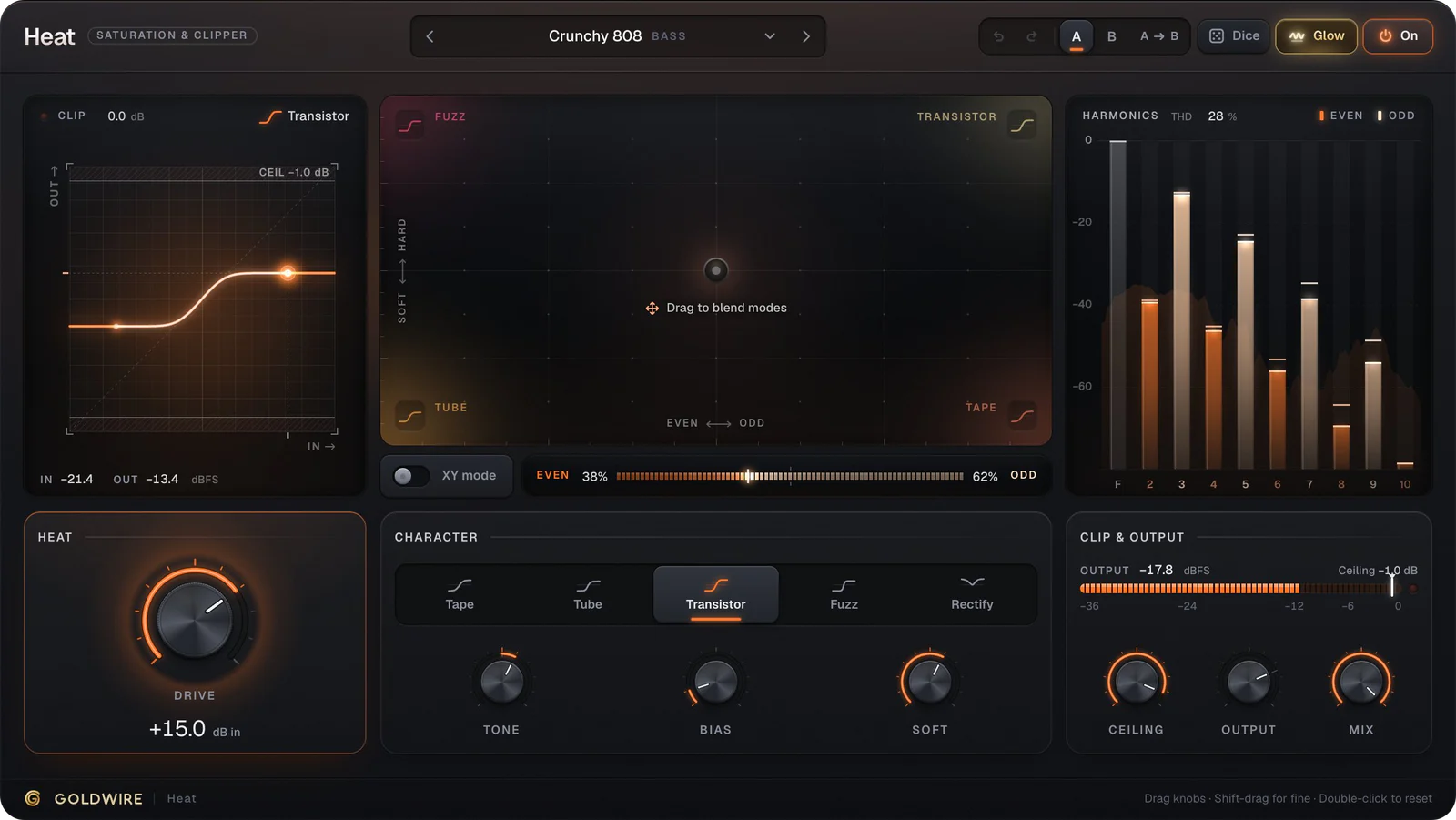
4 pluginsEQ with a live analyzer, multiband compression, transient shaping and saturation.
Space & character
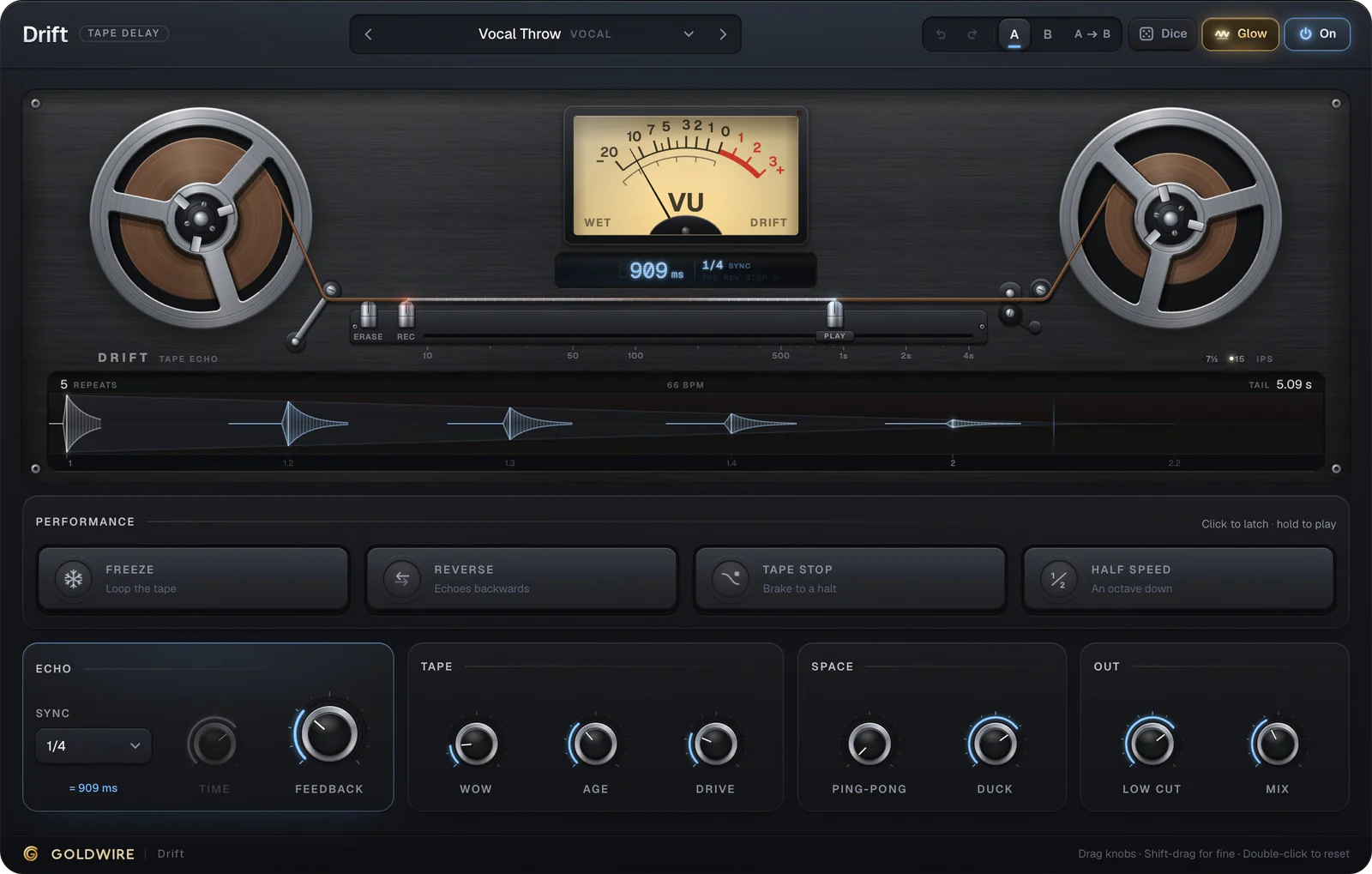
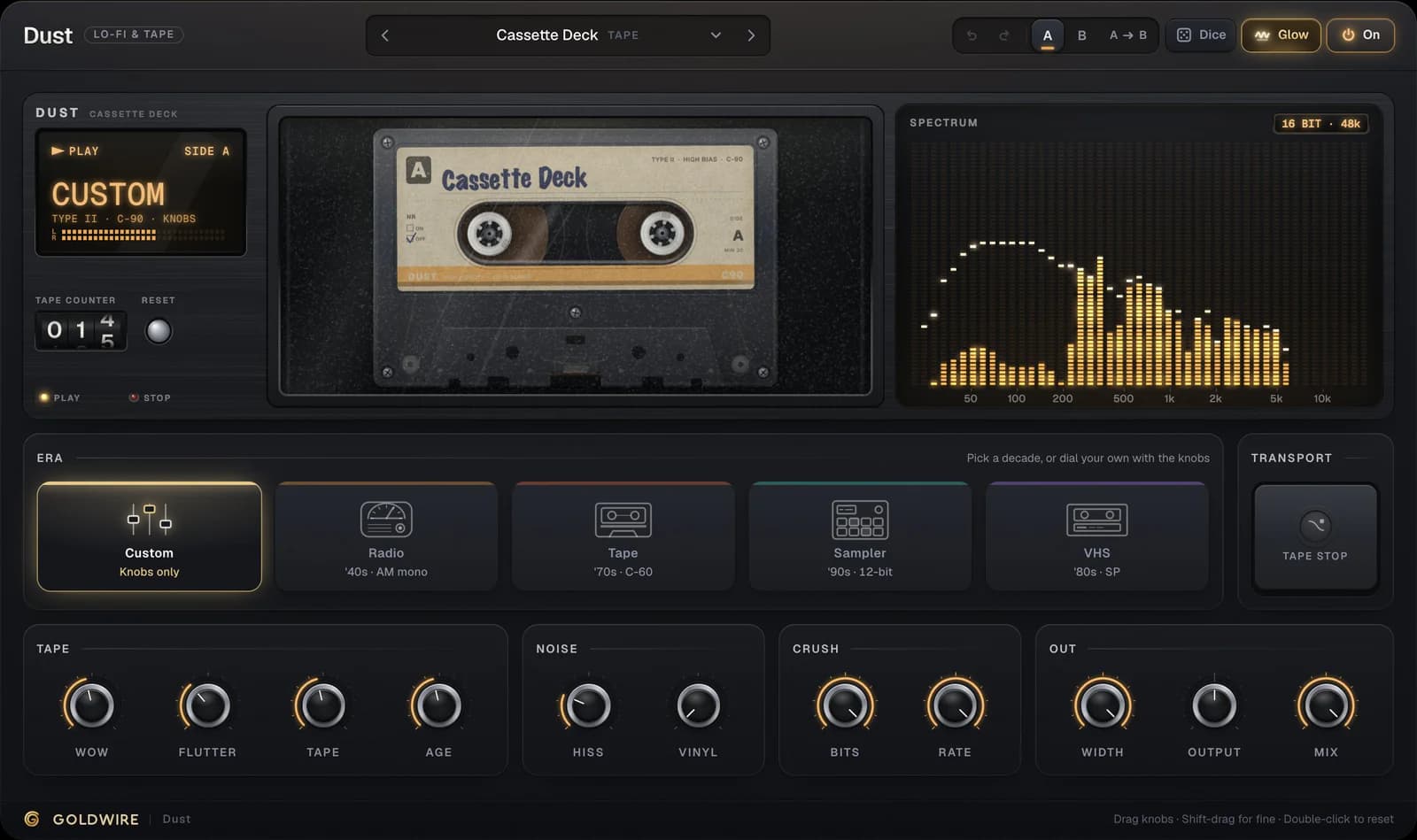
4 pluginsA spectral harmonizer, tape delay, lo-fi texture and a shimmer reverb.


Free
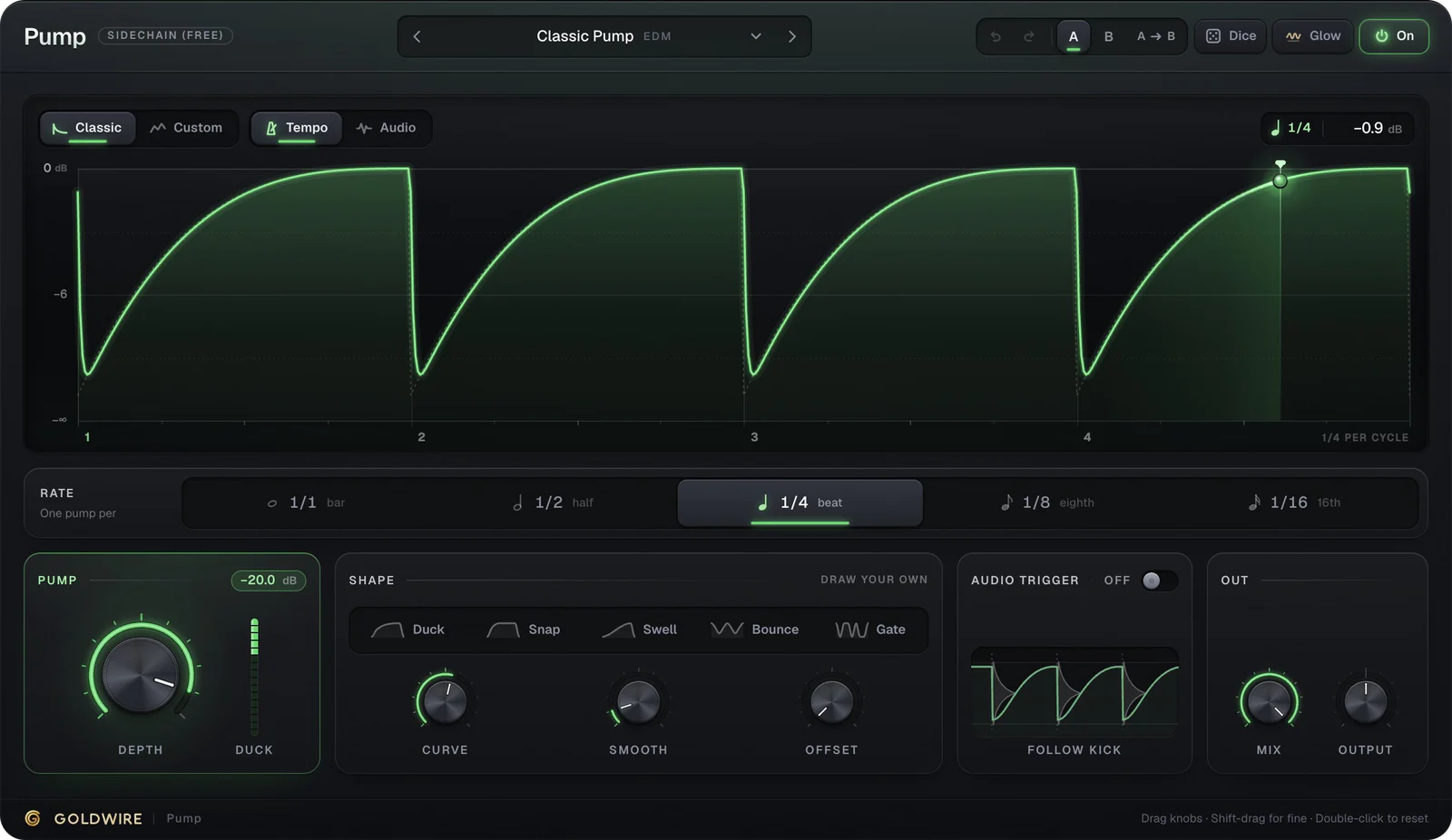
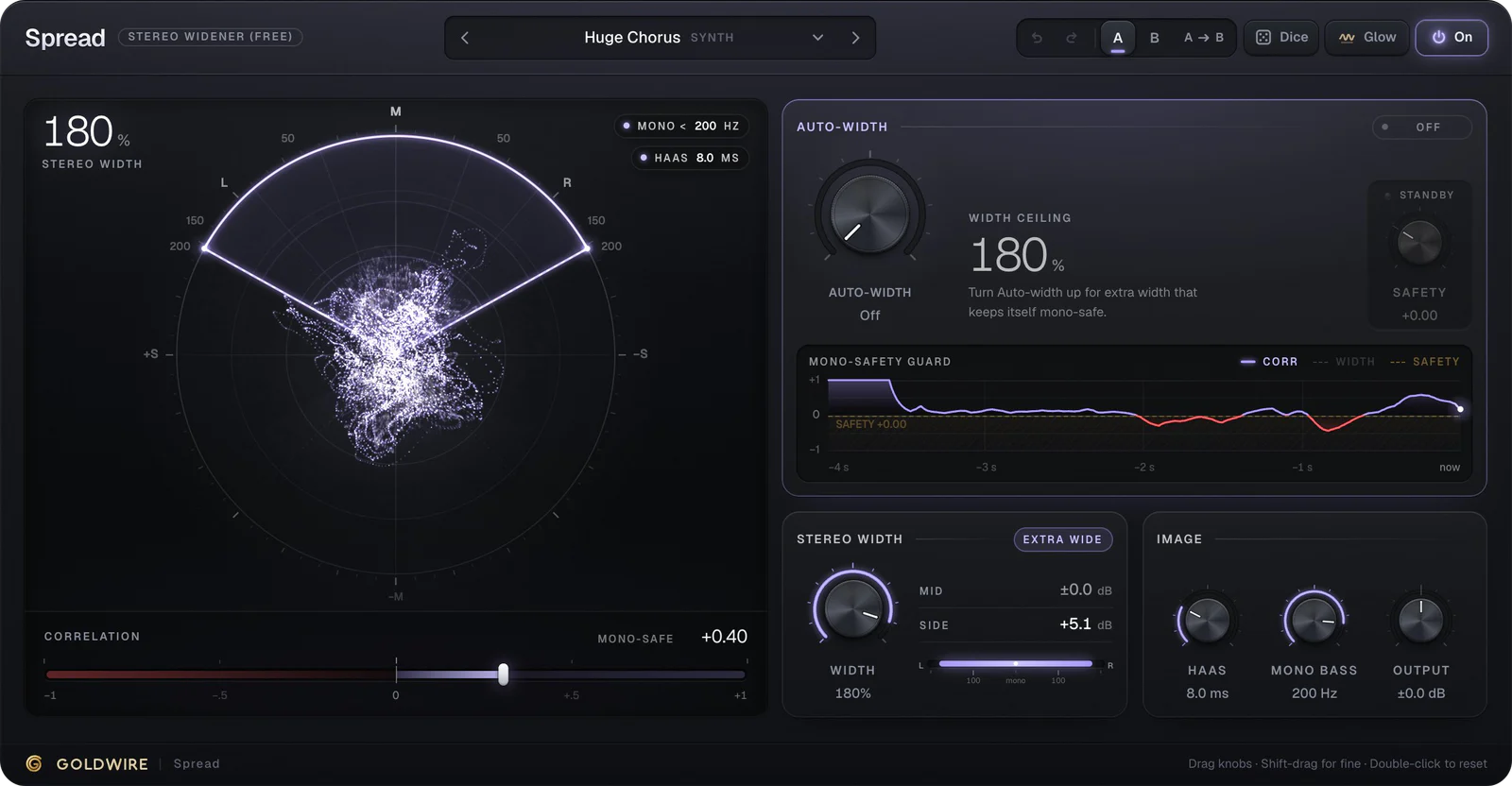
3 pluginsAn electric piano, a sidechain shaper and a stereo widener. Free forever.

Try before you buy, for real
The demo is the plugin.
Most plugin sites give you a video. We compile the exact C++ engine that runs in your DAW to WebAssembly, with the same interface. Load your own vocal, sing into your mic, flip through every preset.
- Low cut110Hz
- De-ess45%
- Comp70%
- Presence+5.0dB
- Air+7.0dB
- Warmth35%
- PolishOff
- Space12%
Listen
Auto set-up- Low cut
- 110Hz
- De-ess
- 45%
- Comp
- 70%
Clean-up
Listen sets theseColor & space
Tone
Output
Polish
The finishThe real plugin engine, running in your browser: same DSP code and presets as the VST3/AU/AAX.
- 01One C++ engineEach plugin's DSP is written once and tested for stability, aliasing and level on every preset.
- 02Two targetsCompiled to VST3, AU and AAX for your DAW, and to WebAssembly for this site. The output is verified to match.
- 03One interfaceThe interface you play here is the one that opens in Ableton, Pro Tools, FL Studio and Logic.
Launch offer
Every plugin. One price.
All 19 plugins for less than a third of what they cost one by one, plus every plugin we release in the next 12 months.
Everything Bundle
All 19 plugins, 16 paid + 3 free
€634 if bought one by one: you save €435.
- Every plugin on this site
- Every new plugin for 12 months
- One license key, 3 computers
- Instant download, 30-day refund
Pick any 3
Three paid plugins of your choice
Build your own kit. A vocal starter of Velvet, Tune and Lumen is €127 separately.
- Velvet€49
- Tune€49
- Lumen€29
Learn
Mixing guides you can hear
- How-toHow to EQ Vocals: A Frequency Chart and Step-by-Step MethodHow to EQ vocals: high-pass the rumble, cut mud and boxiness, add presence and air, and tame sibilance. Includes a vocal EQ frequency chart with ranges.Read
- ExplainerWhat Is a Vocal Chain? The Plugin Order, What Each Stage Does and SettingsWhat is a vocal chain? The plugins a vocal runs through, in order: cleanup, pitch, EQ, compression, de-essing, saturation and space. What each does and why.Read
- How-toHow to Sidechain: Sidechain Compression in Ableton, FL Studio, Pro Tools and LogicHow to sidechain in Ableton Live, FL Studio, Pro Tools and Logic with stock compressors, plus a no-routing option. Sidechain compression settings that work.Read
- RoundupThe Best Autotune Plugin, Plus What Autotune Actually CostsThe best autotune plugin for most people is Antares Auto-Tune, with Melodyne for detailed edits. Autotune plugins compared, free options and what it costs.Read
- ExplainerWhat Is Reverb? The Six Types and How to Use Them in a MixWhat is a reverb? It's the sound of a space after the source stops. Learn room, hall, plate, spring, convolution and shimmer reverb, and how to set each one.Read
- How-toHow to Use a Vocoder in Ableton Live: Routing, Settings and FixesHow to use a vocoder in Ableton: route your voice and a synth into Live's Vocoder, set bands, formant and unvoiced, and fix muddy or silent vocoder tracks.Read
Common questions
Formats, licenses, refunds and the launch offer. Anything else, email us.
What is a VST plugin?
A VST plugin is a piece of software that adds an instrument or effect to your music software (DAW). You install it once, then load it on any track in Ableton Live, FL Studio, Cubase and most other DAWs. Pro Tools uses the AAX format and Logic uses AU; our plugins ship in all three.
Can I try them before buying?
Yes. Every plugin and preset plays on this site with our loops, your own audio file or your microphone, on the same engine as the download. After checkout, the download and your license key arrive instantly.
What's in the launch offer?
The Everything Bundle is all 19 plugins for €249, or €199 while the launch price runs, and it includes every plugin we release in the next 12 months. Or pick any three paid plugins for €79.
Do I need an iLok?
No. You get a license key by email and paste it into the plugin once. It works offline from then on, on up to three of your computers.
How do I install plugins in Ableton or Pro Tools?
Run our installer: it puts the VST3 and AU versions where Ableton and Logic look, and the AAX version where Pro Tools looks. Open your DAW, rescan plugins if needed, and they appear in the plugin list. Our Ableton and Pro Tools guides walk through it step by step.
What if a plugin isn't for me?
Email us within 30 days of purchase and we'll refund you in full.
Hear it first. Then decide.
Every plugin is on this site, live. When you're ready, it's one download and one license key, with a 30-day refund.