Types of delay plugins and when to use each
Every delay has the same core: a time, a feedback amount that sets how many repeats you hear, and a mix. What changes between types is what happens to each repeat on its way back.
Digital
- What the repeats sound like
- Exact copies, full bandwidth
- Good for
- Rhythmic parts, clean pop vocals
- Examples
- Ableton Echo, Logic Stereo Delay, FabFilter Timeless
Tape
- What the repeats sound like
- Darker and wobblier on each pass, saturated
- Good for
- Vocal throws, dub, slapback
- Examples
- Drift, Soundtoys EchoBoy, Universal Audio Galaxy Tape Echo
Analog (BBD)
- What the repeats sound like
- Dark, a little gritty, soft top end
- Good for
- Guitar, synths, vintage character
- Examples
- Valhalla Delay's BBD mode, Soundtoys EchoBoy
Ping-pong
- What the repeats sound like
- Repeats bounce left and right
- Good for
- Width on mono sources
- Examples
- Drift Ping Pong Eighths preset, Waves H-Delay
Multi-tap
- What the repeats sound like
- Several taps at different times and pans
- Good for
- Rhythmic patterns, sound design
- Examples
- Logic Delay Designer
Free options are good here too. Valhalla Freq Echo is free, and Valhalla Supermassive mixes delay and reverb into huge, smeared spaces. More in our free plugins list.
What is tape delay?
Tape delay is the original echo effect: a machine records the sound onto a loop of tape and plays it back from a second head a moment later. Each repeat picks up a little saturation, loses some top end and wobbles slightly as the tape speed varies. That's why tape echoes sound warm and sit behind the dry signal instead of competing with it. The full story is in what is tape delay.
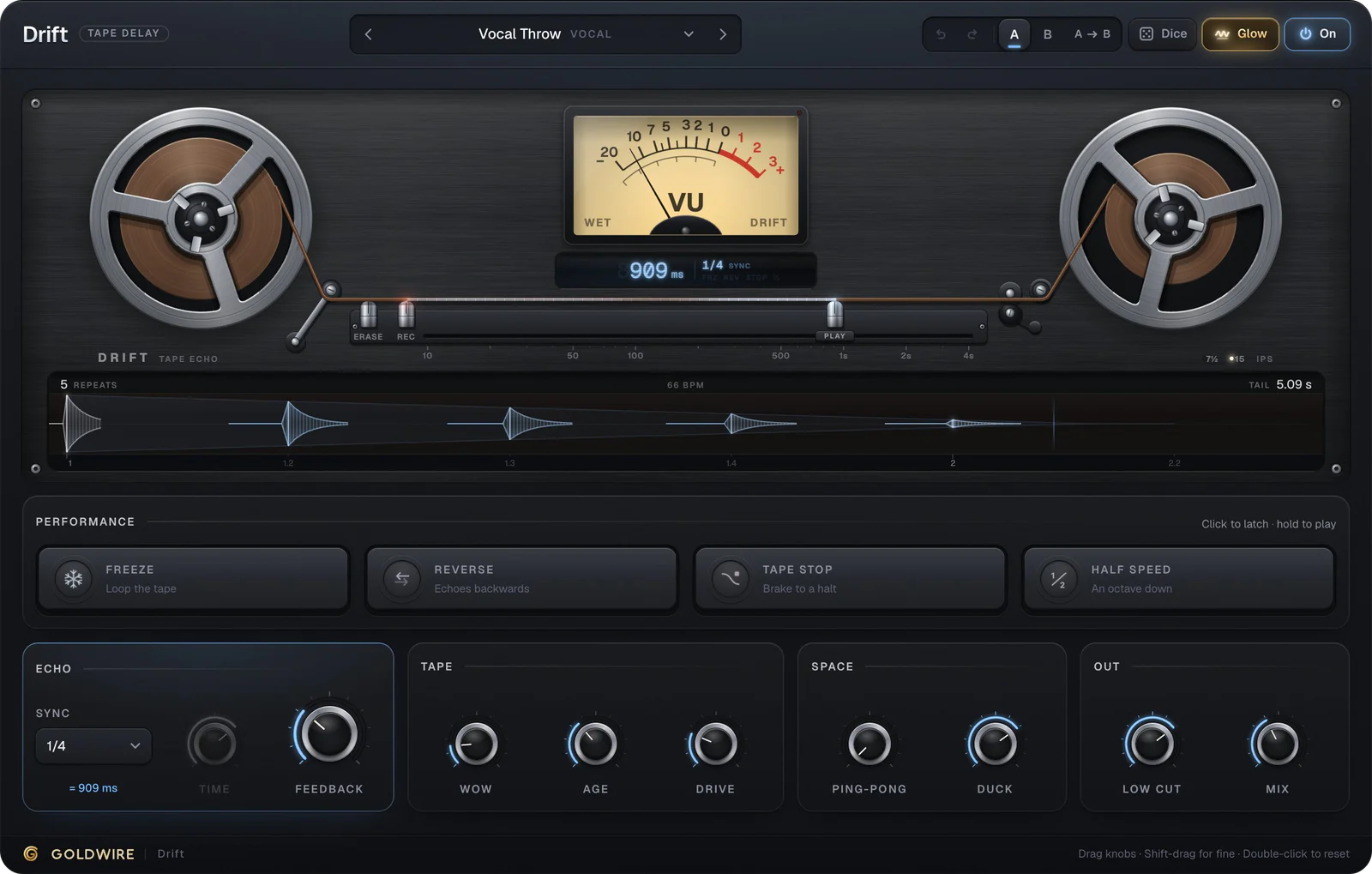
Drift recreates that behavior: changing the time bends the pitch like a real tape machine, Wow adds the wobble, Age darkens the repeats and Drive saturates them. Its Slapback preset is one 110 ms echo with 10% feedback, the classic rockabilly and vocal sound.
Performance
Echo
Tape
Space
Out
The real plugin engine, running in your browser: same DSP code and presets as the VST3/AU/AAX.
Delay time settings: starting points
To find a delay time by hand, divide 60,000 by the tempo to get a quarter note in milliseconds. At 120 BPM that's 500 ms, so an eighth note is 250 ms and a dotted eighth is 375 ms. Most delay plugins, Drift included, do this for you with tempo sync.
- Slapback: 80 to 140 ms, almost no feedback. Thickens vocals and guitars.
- Vocal throw: a quarter or dotted eighth, 25 to 40% feedback, automated on the last word of a phrase.
- Dub echo: a dotted quarter, high feedback, filtered and saturated, ridden by hand.
- Stereo width: 10 to 30 ms on one side only, no feedback, for a mono part that needs space.
- Always: cut the lows on the delay return, around 200 to 300 Hz, so the echoes don't muddy the bass.
Drift's Dub Echo preset puts those dub settings in one place: a dotted quarter, 75% feedback, plenty of wow and age and a 250 Hz low cut. Turn the feedback up past 100% and it self-oscillates, with a saturator keeping it from running away.
Performance
Echo
Tape
Space
Out
The real plugin engine, running in your browser: same DSP code and presets as the VST3/AU/AAX.
Delay or reverb first?
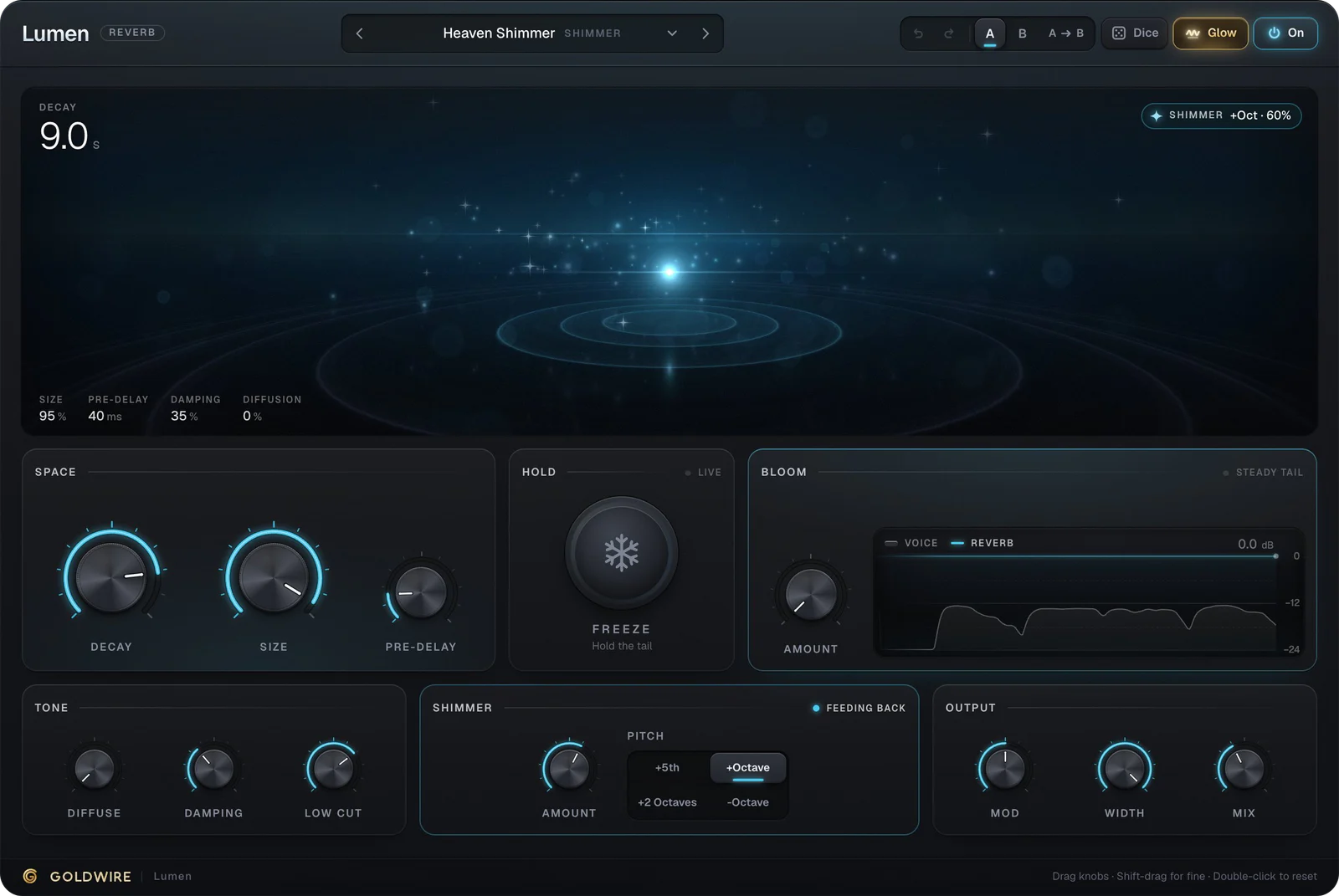
If you chain them on one send, delay into reverb is the usual order: the echoes get reverberated and fade into the same space as the rest of the mix. Reverb into delay repeats the whole wash, which can be a great effect on one throw but clouds a mix fast. Lumen on a separate send after the delay return is an easy way to try it. See delay or reverb first for more.
Ducking a delay so it stays out of the way
Long echoes under a busy vocal make words hard to follow. Ducking fixes this by turning the delay down while the source is playing and letting it swell back in the gaps. Drift has a Duck control built in; its Vocal Throw preset sets it to 70%.
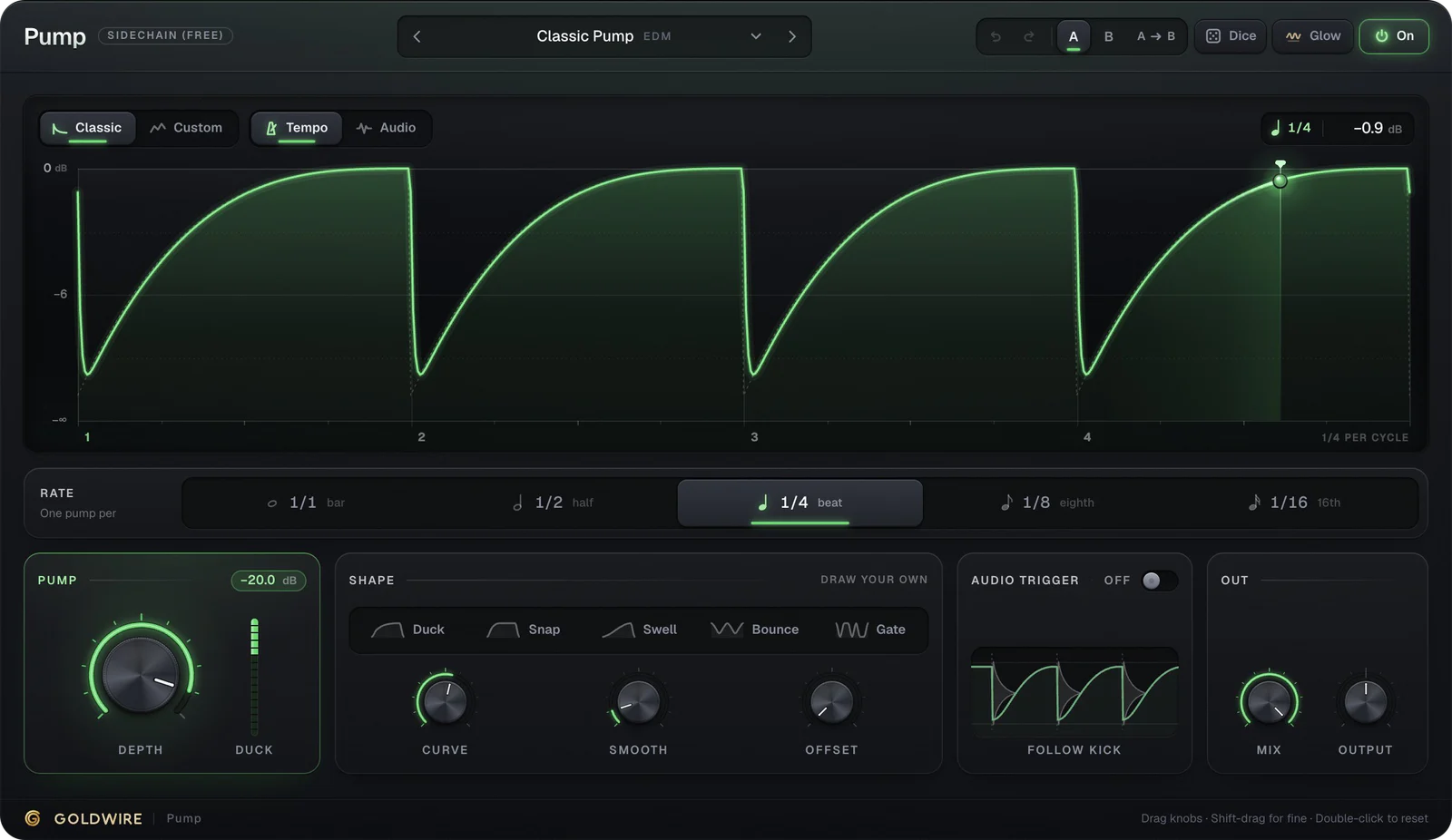
In dance music you can also pump the delay return in time with the kick. Put the free Pump on the return, pick a rate and set the depth, and the echoes breathe with the groove. Our sidechain guide covers the compressor version of the same trick.
Delay in Ableton, Pro Tools and FL Studio
Ableton Live: Echo covers tape and analog-style delay, and Delay is the clean option. Put either on a return track. See plugins for Ableton.
Pro Tools: Mod Delay III is the included delay. Put it on an aux and bus to it from each track. See plugins for Pro Tools.
FL Studio: Fruity Delay 3 goes on a mixer insert used as a send. Turn on tempo sync and set the time in steps. See plugins for FL Studio.
Logic Pro: Tape Delay, Stereo Delay and the multi-tap Delay Designer are all built in.