What a guitar amp plugin does
A guitar amp plugin turns the clean signal from your pickups into the sound of an amp, a speaker and a mic in a room. Plug into an audio interface, insert the plugin on the track, and your computer becomes the amp. It also works on clean guitar you've already recorded, which a real amp can't do.
Stack runs the path of a real rig in the same order: noise gate, compressor pedal, drive and chorus pedals, preamp, tone stack, power amp, cabinet and mic, then a small room. Each stage feeds the next, so the drive pedal pushes the preamp harder, and the power amp sags when you turn Master up and dig in.
The tone stack is what makes it play like an amp rather than a distortion plugin. Bass, Mid and Treble aren't generic EQ bands: Stack solves each amp's passive tone circuit whenever you turn a knob, so the controls interact the way they do on the real thing. The gain stages run at 4× oversampling, which keeps high-gain tones free of harsh aliasing.
Four amp models and the presets to start from
Pick the amp, then the preset closest to your part. All 48 presets are level-matched, so you compare tone, not volume.
Clean
- Character
- Glassy US-style chime that breaks up when pushed
- Presets to try
- Glassy Clean, Edge of Breakup, Funk Rhythm Chank, Texas Blues Drive
Crunch
- Character
- British-style bite for rhythm and classic rock
- Presets to try
- British Crunch Rhythm, Classic Rock Stack, Low-Gain Garage, Cranked British Lead
Lead
- Character
- Tight modern high gain for solos and metal
- Presets to try
- Soaring Lead, Shred Lead, Modern Metal Rhythm, Djent Tight
Bass
- Character
- Warm tube bass amp, made for the 8x10 cab
- Presets to try
- Vintage Tube Bass, Rock Bass Growl, Slap Funk Bass, Bass DI Clean
In the demo, Classic Rock Stack runs the Crunch amp at gain 7.5 into the 4x12 closed cab, with Master at 7 so the power amp compresses on hard strums. Switch to Glassy Clean and the same DI turns bright and open on the 1x12.
Cabinet
4x12 ClosedMic position
Drag the micRoom & output
Pedalboard
The real plugin engine, running in your browser: same DSP code and presets as the VST3/AU/AAX.
Guitar pedal VST effects in front of the amp
Three pedals and a gate sit before the amp. Each pedal is off at 0%.
- Gate: mutes hiss and hum between notes. The metal presets set it between -60 and -52 dB; all the way down turns it off.
- Comp Pedal: first in the chain, it evens out picking for funk and country clean, as in Country Twang Clean and Disco Scratch.
- Drive Pedal: a mid-hump overdrive. Low settings tighten a high-gain amp, which is how Djent Tight stays focused. High settings make leads sing.
- Chorus Pedal: a stereo chorus with depth and blend on one knob, used in Sparkle Chorus Clean and Eighties Arena Lead.
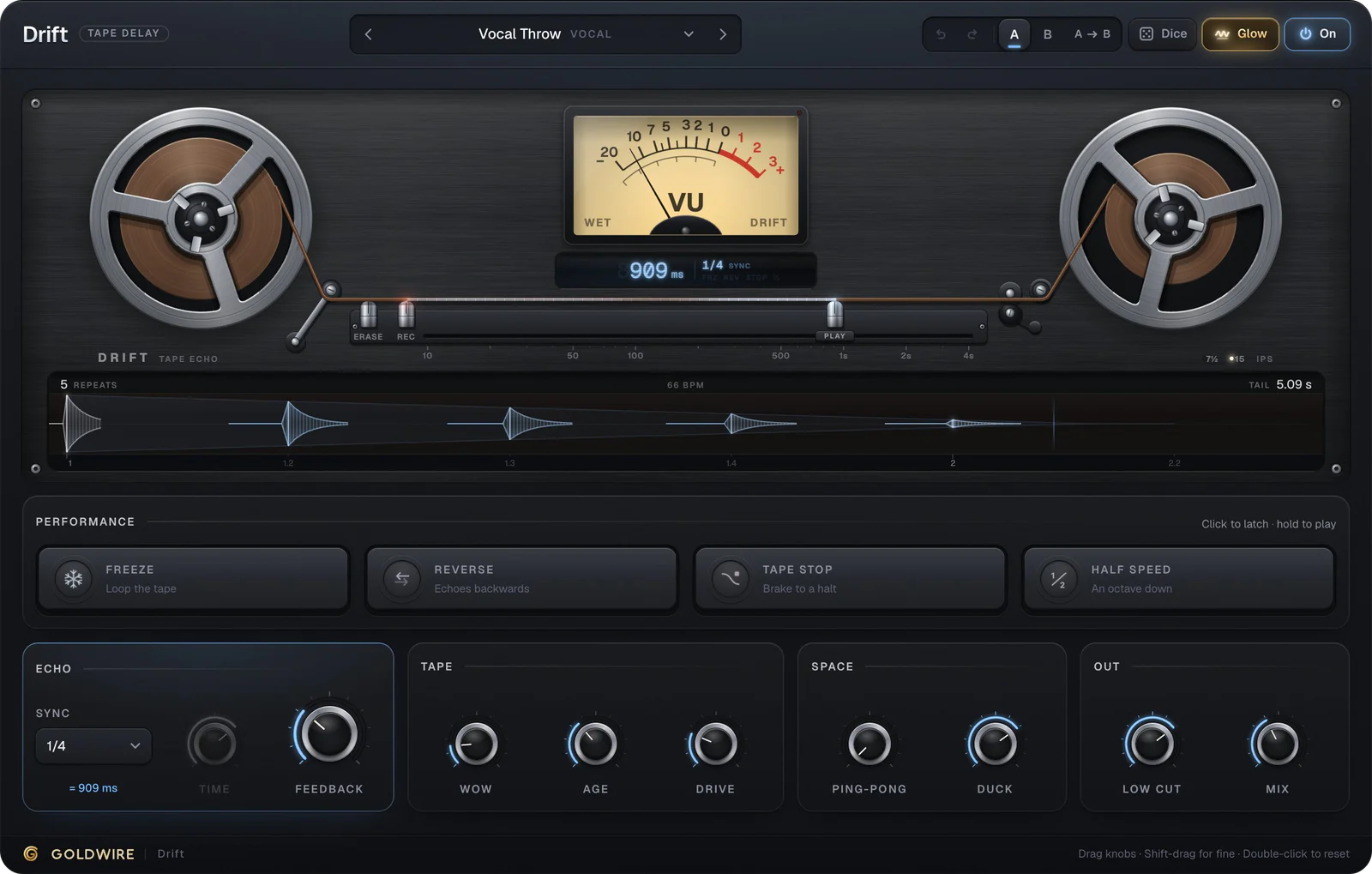
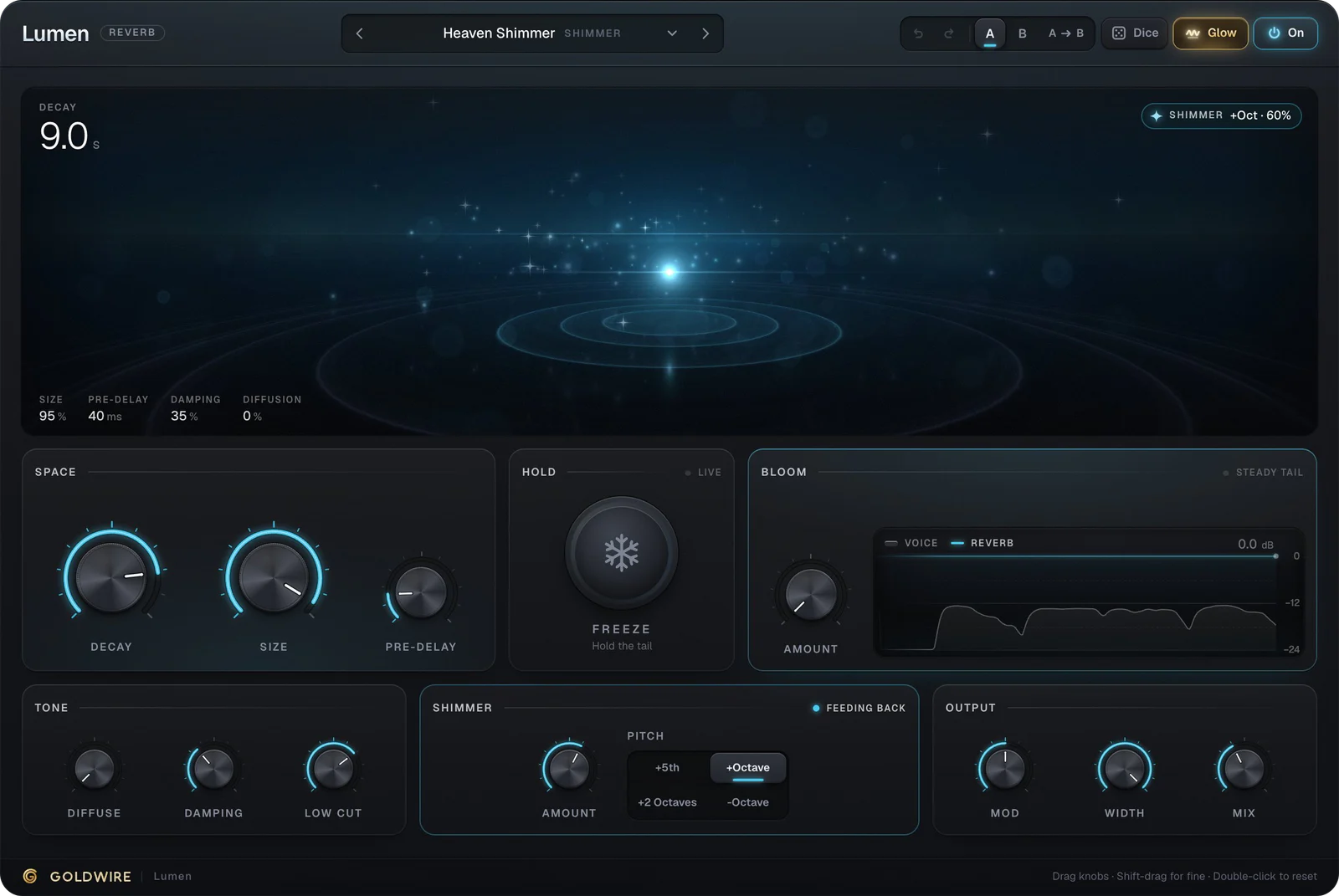
Delay and reverb go after the amp. Put Drift and Lumen on the next insert slots for echo and space.
Bass amp plugin: the Bass model and the 8x10 cab
Stack is also a bass amp plugin. The Bass model is a warm tube bass amp, and the Bass 8x10 cabinet adds the deep low end of a big bass rig. Vintage Tube Bass is the round, classic start, Rock Bass Growl pushes gain to 7 for grit that cuts through guitars, and Metal Bass Grind adds the drive pedal for a hard, mid-heavy edge.
Bass DI Clean sets the cabinet to Off (DI) with light compression, for a direct sound to blend with an amped track. The Mix knob blends any preset with your dry DI, latency matched, so clean lows can sit under a distorted bass without phase trouble.
Cabinet
Bass 8x10Mic position
Drag the micRoom & output
Pedalboard
The real plugin engine, running in your browser: same DSP code and presets as the VST3/AU/AAX.
Cabinets, mic position and impulse responses
The cabinet shapes a tone as much as the amp. The open 1x12 is airy and bright, good for clean and blues; the 2x12 sits in between; the closed 4x12 is tighter and heavier in the low mids, the usual pick for rock and metal. Mic Position moves the mic from the cone center at 0% (bright, forward) to the edge at 100% (darker, rounder). If a high-gain tone sounds fizzy, move the mic toward the edge before you reach for an EQ.
Room adds small-room ambience around the cab. To use your own impulse responses, set the cabinet to Off (DI) and put an IR loader after Stack.
How to use your computer as a guitar amp
- Plug the guitar into the instrument (Hi-Z) input of an audio interface.
- Create a mono audio track with that input, and arm it or turn on input monitoring.
- Insert Stack and pick a preset. Raise Input for weak pickups, lower it for hot ones.
- Set the audio buffer to 64 or 128 samples so you don't hear a delay while playing.
- Turn off the interface's direct monitoring, or you'll hear the dry guitar under the amp.
On headphones, that's silent practice at any hour. Our guide to recording guitar into a computer covers interfaces, Hi-Z inputs and latency in detail.
Using Stack in Ableton Live, Pro Tools and FL Studio
- Ableton Live: set the audio track's Audio From to Ext. In and your guitar's channel, set Monitor to In, and drag Stack onto the track. See plugins for Ableton.
- Pro Tools: Stack loads as AAX. Create a mono audio track on the instrument input, insert Stack and record-enable the track. The buffer lives under Setup > Playback Engine. See plugins for Pro Tools.
- FL Studio: on Windows, choose your interface's ASIO driver in the audio settings, set a Mixer insert's input to the guitar channel and load Stack in a slot. See plugins for FL Studio.
- Logic Pro: load the AU version in an Audio FX slot and turn on input monitoring.
Record the guitar clean with Stack on the insert, not printed. The DAW keeps the dry DI, so you can change the amp, cab or preset at mix time, or re-amp old takes.