A free electric piano VST with two classic models
Keys is a free electric piano VST that models the two instruments behind most electric piano parts on record: the bell-like tine piano and the nasal, gritty reed piano. It's modelled rather than sampled, so every note responds to how hard you play instead of switching between a few recorded layers. It loads as VST3, AU or AAX, with tremolo, phaser, chorus, drive and reverb built in, and it's free forever.
Rhodes piano VST sound: the Tine model
A Rhodes-style piano makes its sound with hammers striking metal tines, read by magnetic pickups. Played softly it is round and warm; played hard, the tone breaks up into the growl players call bark. Keys' Tine model is built around that behavior.
- Bell sets the metallic ping at the start of each note. Raise it for pop ballads and dreamy parts, lower it for dark, warm chords.
- Bark sets how much the pickup growls when you dig in. Soft notes stay sweet at any setting.
- Dynamics decides how strongly velocity changes level, brightness and bark. Across the keyboard's range that adds up to 18 dB of tonal change.
- Hammer and Damper add the soft knock of the hammer and the felt thump when a note is released.
Neo Soul Stage in the demo below is the Tine model with Bark at 55%, Drive at 25%, a slow autopan at 3.5 Hz and a little chorus. Play a soft chord, then hit the same chord hard and listen to the bark come in.
Bark
Tone
Action
Vibrato
Phaser
Amp & room
Click or drag across the keys, or play A–K on your computer keyboard.
The real plugin engine, running in your browser: same DSP code and presets as the VST3/AU/AAX.
Wurlitzer VST sound: the Reed model
A Wurli-style piano uses struck steel reeds instead of tines, read by a different kind of pickup. The result is brighter, more nasal and quicker to distort, with a shorter, punchier decay. It suits indie, soul, rock and lo-fi parts where a tine piano would sound too polished. Switch Model to Reed for this sound.
The two instruments also differ in their built-in effect. Suitcase tine pianos are known for stereo autopan, while reed pianos have a volume tremolo. Keys has both in Trem Mode: Autopan swings the sound between the speakers, Tremolo pulses the volume in both. The reed presets use Tremolo for that reason. Soul Reed Bark combines the Reed model with Bark at 70%, Drive at 35% and a volume tremolo at 30% depth.
Bark
Tone
Action
Vibrato
Phaser
Amp & room
Click or drag across the keys, or play A–K on your computer keyboard.
The real plugin engine, running in your browser: same DSP code and presets as the VST3/AU/AAX.
Electric piano presets for neo-soul, lo-fi, funk and ballads
Keys ships with 45 presets. Try a few from each group before you tweak.
Neo-soul and R&B
- Presets
- Neo Soul Stage, Late Night Neo Soul, Smooth R&B Keys, Neo Soul Velvet
- What sets them apart
- Moderate bark, slow tremolo or phaser, some chorus and reverb
Lo-fi
- Presets
- Lofi Study Keys, Lofi Dusty Tines, Lofi Tape Reed, Chillhop Keys
- What sets them apart
- Tone pulled down 4 to 7 dB, chorus for tape-style wobble
Funk
- Presets
- Funky Bark, Seventies Funk Phaser, Phase Funk Tines, Percussive Bark Hits
- What sets them apart
- Bark from 60 to 100%, heavy phaser, short release for staccato chords
Ballads
- Presets
- Ballad Tines, Sweet Ballad Bells, Reed Ballad, Velvet Soft Touch
- What sets them apart
- Low bark, more reverb and a softer touch
Reed (Wurli-style)
- Presets
- Classic Reed Piano, Reed Tremolo Classic, Garage Reed Grit, Indie Reed Chorus
- What sets them apart
- The Reed model, from clean to driven
Ambient
- Presets
- Ambient Tine Haze, Dream Bells, Floating Phaser Pad, Glacier Reed
- What sets them apart
- Sustain on, long decay, reverb from 75 to 85%
Tremolo, phaser, chorus and drive settings
- Trem Rate and Trem Depth: 3 to 5 Hz at 20 to 35% depth is the classic gentle movement. Stereo Autopan Tines goes to 70% depth at 5 Hz for an obvious left-right swing. Set Depth to 0 to switch it off.
- Phaser and Phase Rate: slow rates around 0.2 to 0.4 Hz add a late-night swirl; faster rates near 1 Hz are pure funk. Seventies Funk Phaser runs Phaser at 85% and 1.2 Hz.
- Chorus: 20 to 40% widens chords and gives lo-fi parts a tape-like wobble.
- Drive: 15 to 30% thickens chords; at 70% and above hard notes snarl, as in Hard Rock Tines and Garage Reed Grit.
- Tone and Reverb: tilt the whole piano darker or brighter, then add room. Keep Reverb low if you add your own reverb on a send.
Using Keys in FL Studio, Ableton Live and Pro Tools
- FL Studio: add Keys from the Channel Rack (the plus button, or drag it from the Plugin database), route it to a Mixer insert and draw chords in the Piano roll. See our FL Studio page for installing VST3 instruments.
- Ableton Live: drag Keys from the Plugins section of the browser onto a MIDI track, then play or draw a clip.
- Pro Tools: create an Instrument track and insert the AAX version of Keys in its first insert slot.
- Logic Pro: choose the AU version in the Instrument slot of a Software Instrument track.
Turn Sustain on if you play without a sustain pedal, and use Release to set how quickly notes stop when you let go.
Is Keys the best free piano VST for you?
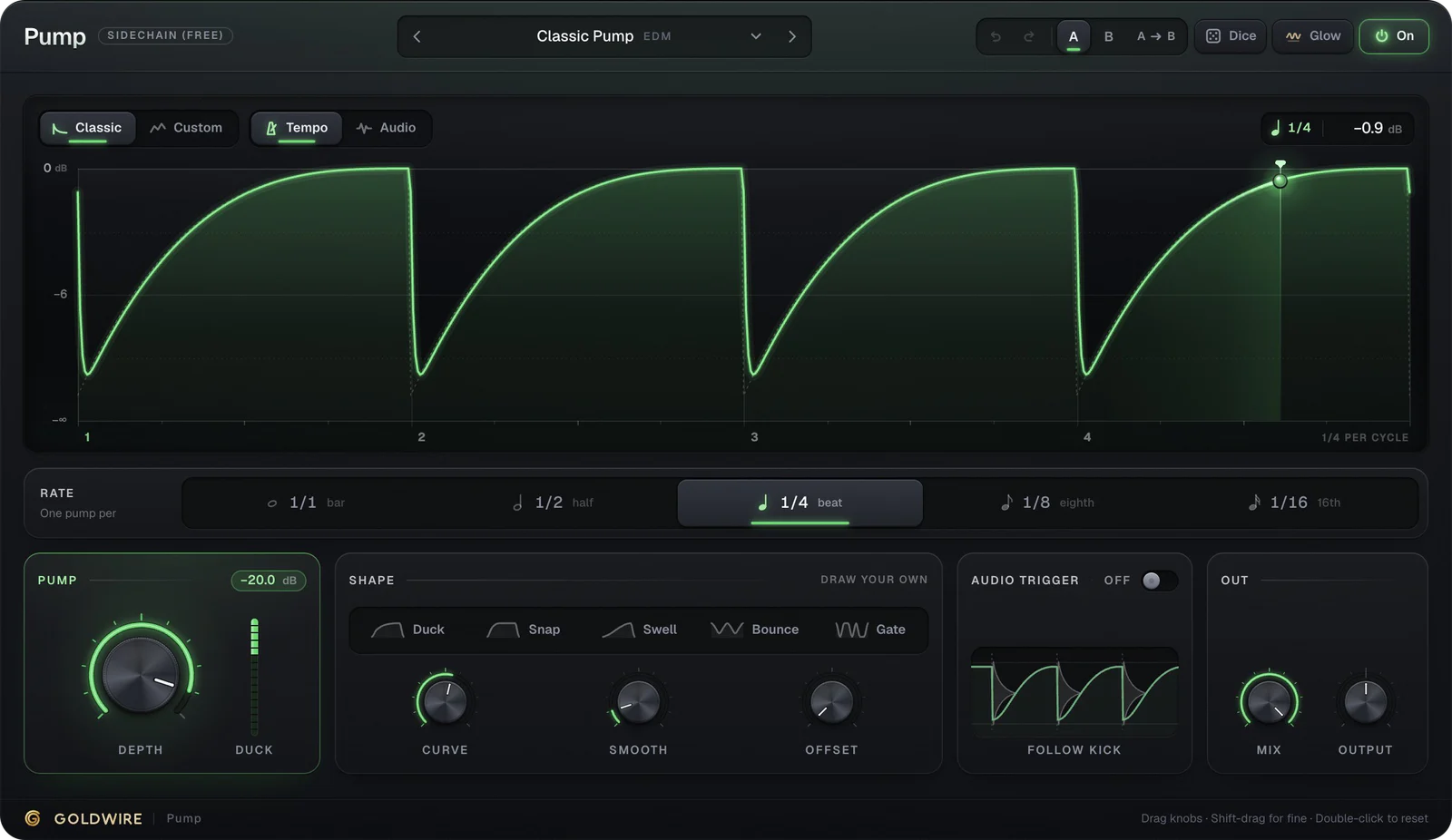
If you want an electric piano, yes, it's a strong place to start. If you need an acoustic grand, you want a sampled piano instead; our guide to the best free piano VST covers both, and the Rhodes piano VST guide compares electric piano plugins in more depth. For more free VST instruments and effects, including our free Pump and Spread plugins, see free VST instruments.