What a free sidechain plugin like Pump does
Pump turns the volume of a track down and back up in time with your song, the pumping effect you hear on pads and basslines in house and EDM. It does this without a sidechain input: it reads the host tempo and repeats the same volume curve on every beat (or every bar, or every sixteenth). There is no kick to route and no compressor threshold to set.
That makes it faster than classic sidechain compression for the most common job, which is ducking pads, chords, bass and reverb returns so the kick has room. It also never misses a beat: even when the kick drops out in a breakdown, the pads keep breathing in rhythm, which is often exactly what you want.
Sidechain compression vs tempo-synced volume shaping
Both produce the same pumping sound. The difference is what triggers the duck.
Triggered by
- Sidechain compressor
- The kick's audio, through a sidechain input
- Pump (tempo-synced)
- The host tempo grid
Setup
- Sidechain compressor
- Route the kick, insert a compressor, set threshold, ratio, attack and release
- Pump (tempo-synced)
- Insert Pump and pick a rate
Consistency
- Sidechain compressor
- Varies with kick level and timing
- Pump (tempo-synced)
- Identical on every beat
Follows kick changes
- Sidechain compressor
- Yes, including fills and ghost notes
- Pump (tempo-synced)
- No, follows the grid only
Best for
- Sidechain compressor
- Mixing where the duck must track the actual kick
- Pump (tempo-synced)
- EDM pumping, pads, bass, reverb returns, stutters
Use a real sidechain compressor when the kick pattern is irregular or the duck needs to follow every hit. For four-on-the-floor and most modern pop, Pump is quicker and sounds tighter. Our guide on how to sidechain covers both methods in detail.
Sidechain presets and rates
Classic Pump
- Rate
- 1/4
- Sound
- Deep, obvious pump on every beat
- Use it on
- EDM and house pads, chords and bass
Gentle Breath
- Rate
- 1/4
- Sound
- Subtle dip, felt more than heard
- Use it on
- Making room for the kick in pop and hip hop
Half-time Swell
- Rate
- 1/2
- Sound
- Slow swell every two beats
- Use it on
- Pads and strings in half-time or trap
Eighth Chop
- Rate
- 1/8
- Sound
- Hard chop on every eighth note
- Use it on
- Rhythmic gating on chords and vocals
Stutter 16ths
- Rate
- 1/16
- Sound
- Fast, hard stutter
- Use it on
- Fills, risers and transitions
On the pad demo, Half-time Swell ducks the chord on every second beat and lets it rise slowly, which gives a slow trap or future bass track a breathing feel without fighting the drums.
Pump
Shape
Audio trigger
Out
The real plugin engine, running in your browser: same DSP code and presets as the VST3/AU/AAX.
What to sidechain in a mix
Sidechaining in music production is about priority: the kick gets the low end and the downbeat, and everything that competes with it moves out of the way. Not every track needs it. These are the usual candidates and where to start.
- Bass and sub: Gentle Breath or Depth around 40 to 60%, with Smooth raised so the duck doesn't click or distort the low end.
- Pads and chords: Classic Pump for the obvious EDM pump, Gentle Breath when it should only make room.
- Reverb and delay returns: put Pump after the reverb on the return. The tail ducks on each beat and swells between them, which keeps a big reverb from washing over the drums.
- Full instrument bus: one Pump on a bus of pads, synths and effects ducks them together and keeps the groove consistent.
- Lead vocals: almost never. A pumping vocal sounds like a mistake unless it is a deliberate effect.
Setting Depth, Curve, Smooth and Offset
- Depth is how far the volume drops. 30 to 50% makes space for the kick without an obvious effect; 80 to 100% is the full EDM pump.
- Curve shapes the duck. Lower values give a softer, rounder dip, as in Gentle Breath; higher values give a harder, more abrupt one, as in Eighth Chop.
- Smooth rounds off the edges of the curve so there are no clicks. Raise it on bass and sub, where fast volume changes can sound like distortion; lower it for deliberate chops.
- Offset moves the duck relative to the beat. Use it when the kick has a slow attack or sits slightly behind the grid, so the dip lines up with what you hear.
- Mix blends the pumped and dry signal, an easy way to make any preset subtler.
Stutter 16ths shows the far end: full Depth, Curve at 90% and no smoothing, so the sound is chopped sixteen times per bar. Automate it on for the last bar before a drop.
Pump
Shape
Audio trigger
Out
The real plugin engine, running in your browser: same DSP code and presets as the VST3/AU/AAX.
How to sidechain in FL Studio without routing
The classic FL Studio method uses Fruity Limiter with the kick sent to the bass insert. With Pump, you skip the routing: open the Mixer, select the insert of the pad or bass, and load Pump in an empty effect slot. Pick Classic Pump, press play and adjust Depth. Pump locks to the project tempo. If you need the duck to follow an irregular kick, the full routing method is in how to sidechain in FL Studio.
Put Pump on a bus to duck several sounds at once: route the pads, chords and reverb return to one insert and add a single Pump there.
Sidechain in Ableton Live and Pro Tools
- Ableton Live: drag Pump from the Plugins section of the browser onto the pad or bass track, or onto a Group track to duck several at once. It does the job of Live's Compressor in sidechain mode without setting Audio From to the kick track.
- Pro Tools: insert Pump (AAX) on the track or on an Aux Input bus. The traditional method uses a bus send from the kick and the compressor's key input; Pump needs neither. For that full method, see how to sidechain in Pro Tools.
- Logic Pro: load the AU version in an Audio FX slot on the channel strip.
Put Pump late in the chain, after EQ, compression and saturation. A compressor after Pump would partly undo the duck by lifting the quiet parts back up.
A free Kickstart alternative
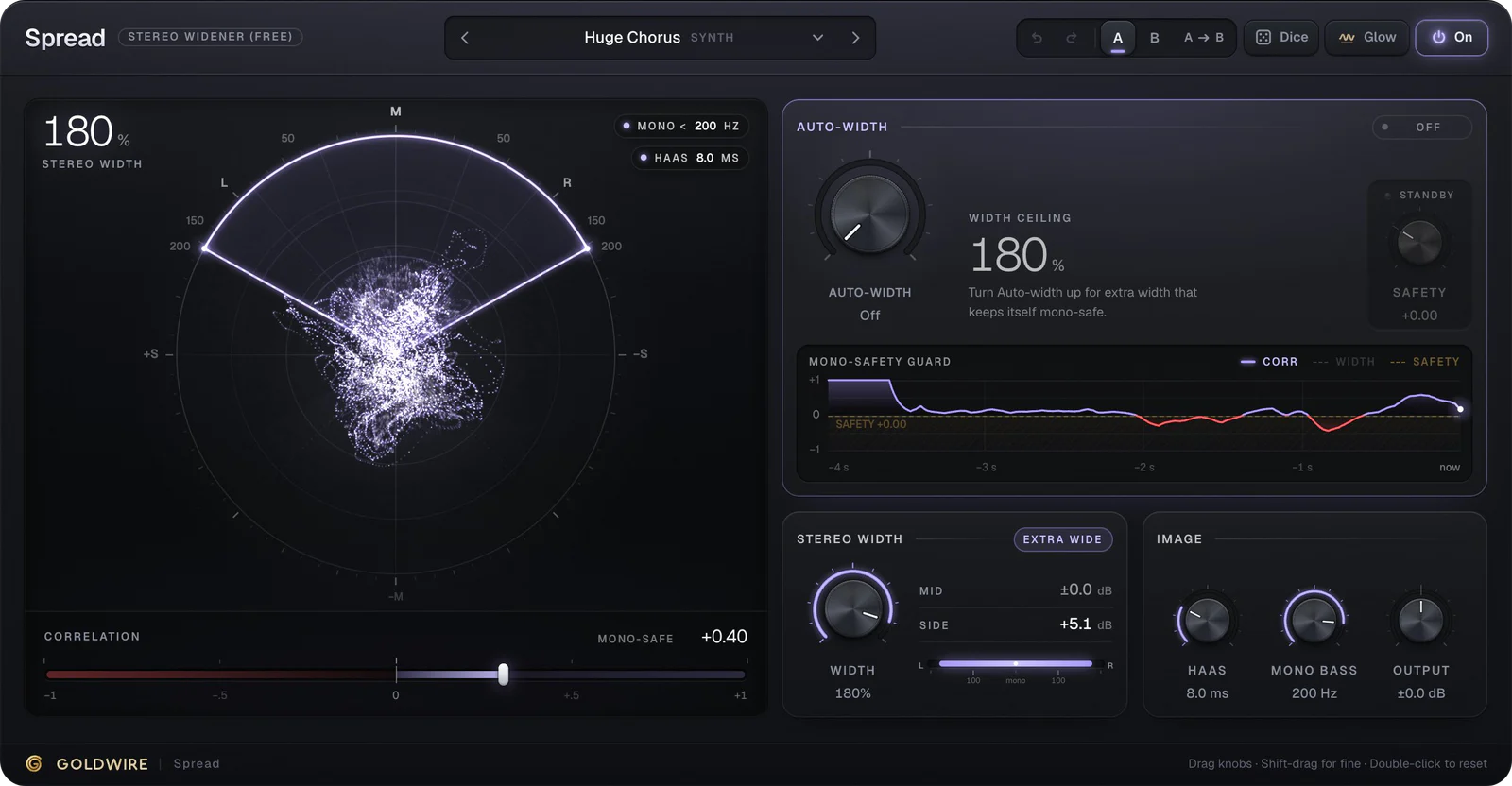
Kickstart, the Nicky Romero plugin, made one-knob, tempo-synced ducking popular. Pump does the same kind of job with a few more controls: five rates from 1/1 to 1/16, plus Curve, Smooth and Offset to shape the duck. It's free to download, with no trial period, and comes in VST3, AU and AAX. Pump is one of our two free plugins; the other is Spread, a mid/side stereo widener.