A harmonizer plugin that changes the sound itself
A classic harmonizer plugin keeps your sound and adds pitch-shifted copies of it a third, a fifth or an octave away. Gravity works differently. Every sound, from a kick drum to a voice to rain on a window, is a stack of pure tones called partials. Gravity finds those partials in each slice of audio and pulls every one of them toward the nearest note of a chord you choose. The sound you put in comes out playing that chord.
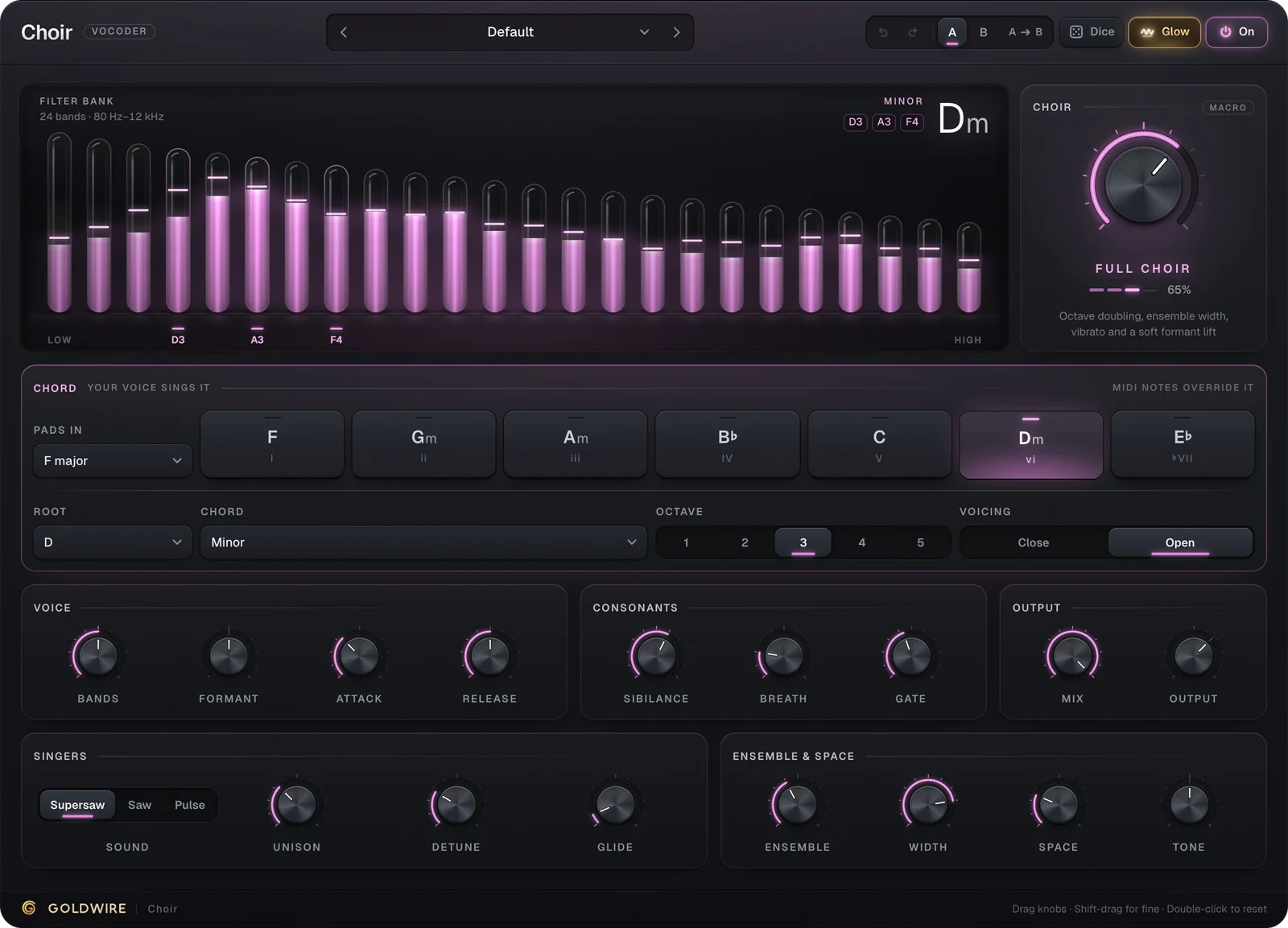
That is why it works on material no ordinary harmonizer can do much with. Drums have no single pitch to shift, and a noisy texture has no melody to double, but both are full of partials that can each be moved a little. If you want classic stacked backing vocals instead, Tune's Harmony mode adds in-key 3rds and 5ths to a lead, and Choir is a vocoder that turns your voice into a synth choir.
- Gravity sets how far each partial moves: 100% lands it exactly on the chord note, 50% goes halfway, 0% leaves the sound alone.
- Reach (0.1 to 6 semitones) sets how far away a partial can be and still get pulled. Anything further out is left exactly as it was.
- Glide sets how long partials take to slide to new notes when you change chords: near zero snaps, two seconds sweeps.
Tune drums and 808s to the key of your song
A drum loop that clashes with the chords is a common problem, and the usual fixes are crude: pitch the whole loop up or down, or EQ out the ringing frequencies. Gravity tunes the ringing parts of each drum to your key and leaves the hit alone. Keep Transients finds the attacks across the spectrum and lets them pass unshifted, so the kick still punches and the snare still cracks, while the body and tail of every hit land on chord notes.
Drums Sing the Chord is the reference setting: C minor, Gravity at 100%, Keep Transients at 85%, and Ring at 70% with a 2.5-second decay, so each hit leaves a short C minor chord ringing behind it. Change the pad to follow your progression and the loop changes chord with it.
Pull
ActivityShare of the sound being moved right nowPull toward
Keep
Ring
C3G3E♭4The chord Ring sings after each hitOutput
The real plugin engine, running in your browser: same DSP code and presets as the VST3/AU/AAX.
808 Tuned to Key
- Settings
- F, Single note, Reach 6 st, Keep Transients 90%, light Ring
- Use it for
- Pulling an 808 or kick tail onto the root of the song
Tuned Tom Kit
- Settings
- E major, Reach 4 st, Ring 40%
- Use it for
- Toms and percussion that play the chord
Trap Hats in Minor
- Settings
- C♯ minor 9, Ring Octave 5, Ring 55%
- Use it for
- Hi-hats with a faint, high chord shimmer
Boom Bap Chord Kit
- Settings
- D minor 7, Gravity 90%, Ring 50%
- Use it for
- Lo-fi and boom-bap loops that sit with the sample
Beat Dissolves to Pad
- Settings
- C♯ major 9, Keep Transients 20%, Ring 100% with a 10 s decay
- Use it for
- Turning a beat into an ambient pad for intros and breakdowns
Make samples melodic: rain, noise and field recordings that play chords
Field recordings, room tone, vinyl crackle and white noise contain partials at every frequency. Gravity pulls the strongest of them onto your chord, and Noise sets how much of the untuned remainder stays underneath: at 100% you keep all the grit, at 0% only the pitched part is left. Ring is what turns a texture into an instrument. It is a bank of resonators tuned to the chord that pick up whatever lands on them and sing on, fading with Ring Decay (0.1 to 12 seconds).
Choir from Rain pulls rain into D minor with Reach at the full 6 semitones, Ring at 95% with a 6-second decay and Noise down to 15%. Switch the demo's source to Rain to hear it. Static Into Strings (G minor 7, no transients kept, no noise) turns plain static into a string-like drone, and Wind Organ lets an F major 7 chord ring for up to 12 seconds after every gust.
Pull
ActivityShare of the sound being moved right nowPull toward
Keep
Ring
D3A3F4The chord Ring sings after each hitOutput
The real plugin engine, running in your browser: same DSP code and presets as the VST3/AU/AAX.
A vocal manipulation plugin: pads, ghost harmonies and robot choirs
On vocals, Gravity bends the voice toward the chord rather than adding new singers. Keep Tone holds the voice's tone colour in place while its notes move, so it doesn't turn chipmunk on the way up or muffled on the way down. With Reach high and Ring up, the vocal smears into a sustained chord; with Reach low, it stays a voice that just happens to sit on the chord.
- Vocal Into Pad: C major 9, Reach 6 semitones, Glide 0.3 s, Ring 75% with a 5 s decay and Width 150%. A sung line becomes a wide, slowly moving pad.
- Robot Choir Lock: C octaves with Glide at zero. Every partial snaps to a C, for a hard, robotic unison.
- Whisper to Chord: E sus2 with Ring at 90%. Breathy or whispered takes turn into a soft chord.
- Hard Tune Snap: Scale mode, A minor, Reach 1 semitone, Glide 0. A stepped, hard-tuned effect on the whole sound.
- Soft Scale Correct: Scale mode, G major, Gravity 60%. Nudges notes toward the scale without flattening the performance.
Gravity is not a replacement for a pitch corrector on a lead vocal. It moves partials, not one tracked melody, and it adds about 43 ms of latency (reported to your DAW and compensated on playback). For transparent tuning or the classic hard-tune sound on a lead, use Tune; use Gravity when you want the vocal to become something else. For a step-by-step comparison, read our guide to vocal harmonizer plugins.
Chord pads, scales and MIDI: choosing what everything falls into
In Chord mode, the pads lay out the seven chords of a major key (I, ii, iii, IV, V, vi and vii°) as triads, 7ths or 9ths, so you can play a progression on them and hear the sound follow. The Chord menu adds sus2, sus4, power, octaves, single note, diminished and augmented, 14 chord types in all. In Scale mode, Gravity pulls toward a whole scale instead, more gently, because the notes are closer together. There are 13 scales, from major and minor through the modes, pentatonics, blues, Hirajoshi and whole tone to chromatic, which snaps everything to the nearest semitone.
Play MIDI into Gravity and the notes you hold become the chord, overriding Key, Chord and Scale. Ring Octave (1 to 5) sets the register the Ring bank sings in, and Voicing stacks its chord Close or Open. Mix blends the original back in. The dry and processed paths stay sample-aligned, so any blend stays tight and in time.
Gravity vs pitch shifters, spectral resonators and other creative pitch plugins
Several tools sit near Gravity. They differ in what they do to the sound you feed them:
Pitch shifter
- What it does to the input
- Moves the whole sound by one interval
- Typical result
- The same sound, higher or lower
Harmonizer
- What it does to the input
- Adds shifted copies at set intervals
- Typical result
- Backing harmonies from one take
Vocoder (Choir)
- What it does to the input
- Imposes the input's tone on a synth
- Typical result
- A synth that speaks or sings
Resonator
- What it does to the input
- Adds tuned resonances the input excites
- Typical result
- A ringing chord on top of the original
Gravity
- What it does to the input
- Moves each partial to the nearest chord note, then optionally rings it
- Typical result
- The input itself playing the chord
Zynaptiq's Pitchmap is the best-known plugin that remaps the pitches of polyphonic audio to a scale or MIDI notes in real time, and it is the closest relative to Gravity's Scale mode. Ableton's Spectral Resonator, included with Live Suite, resonates the spectrum of its input at pitches you set or play from MIDI. Gravity's angle is the combination: it moves the partials (rather than only resonating them), keeps the transients and the tone colour where they were, and adds a Ring bank that lets a dry drum loop sustain the chord.
Newer creative pitch tools such as Lucid explore similar ideas. Every one of these is worth trying; the demo above lets you hear exactly what Gravity does to your own audio before you decide.
How to use Gravity in Ableton, FL Studio, Logic Pro and Pro Tools
Gravity goes on the track as an insert effect. Without MIDI it uses the pads, Key, Chord and Scale on its panel, which is all you need for a fixed chord or a key. To play the chord, send it MIDI:
- Ableton Live: put Gravity on the audio track. On a MIDI track, set MIDI To to that audio track and choose Gravity in the second menu, then play or draw the chords.
- FL Studio: load Gravity on the track's Mixer insert, give it a MIDI input port in the wrapper settings, and send notes from a MIDI Out channel on the same port.
- Pro Tools: insert the AAX version on the track, then create a MIDI track and set its output to the Gravity instance.
- Logic Pro: load the AU version on the channel strip and set the chord with the pads, or automate Key and Chord to follow the song.
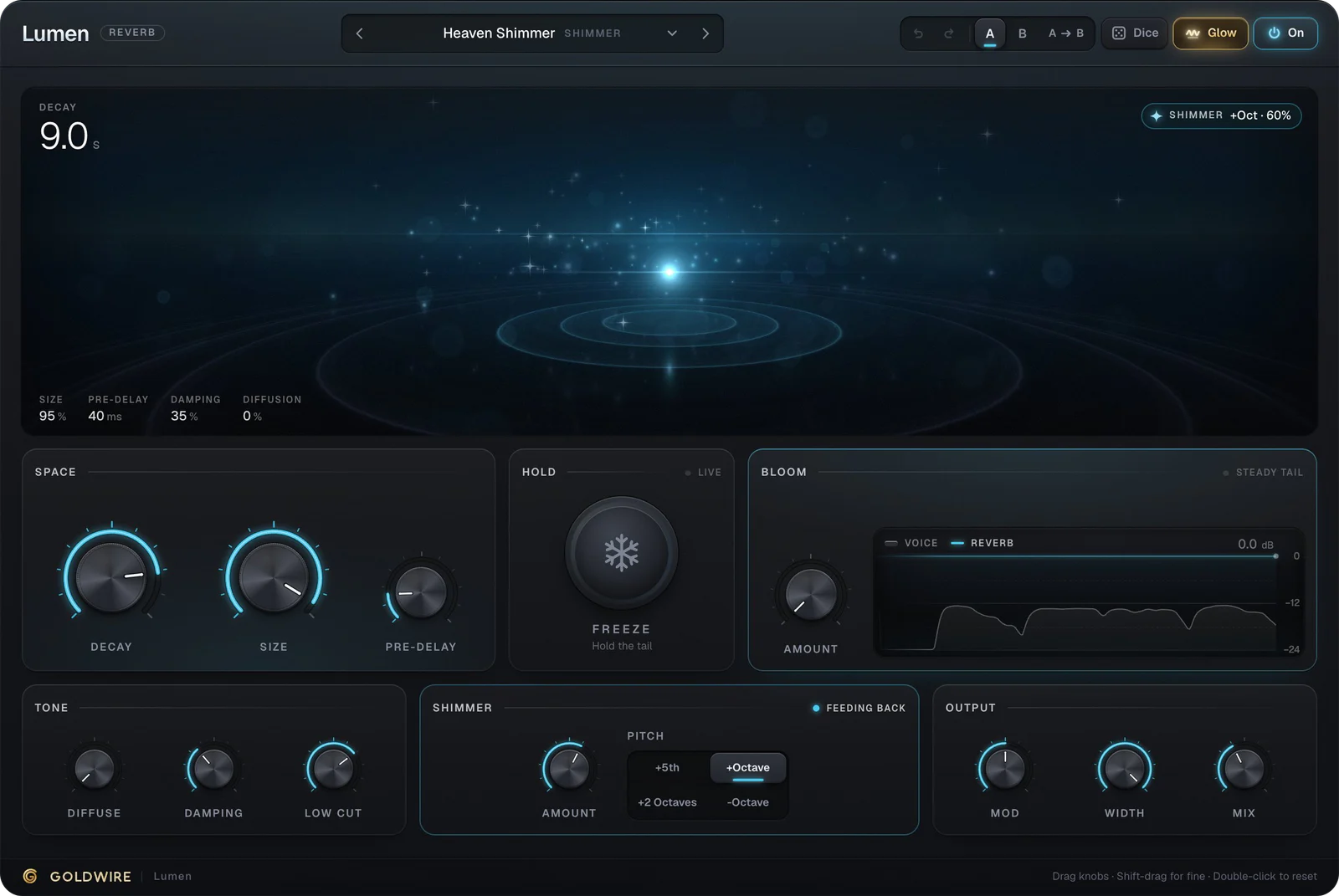
Gravity reports its latency (2048 samples, about 43 ms at 48 kHz) so your DAW lines it up automatically. Put reverb after it, for example Lumen, to turn a pulled drum loop into a full ambient bed.