What a saturation plugin does
A saturation plugin adds harmonics: new frequencies above the notes that are already there. Those harmonics make a sound feel warmer, thicker or more aggressive, and they help it cut through at lower volume, because the ear picks up the added upper content even when the fundamental is quiet. Saturation also rounds off peaks, which gently compresses the sound.
How much and which harmonics you get depends on the curve the signal is pushed through. That is what Heat's five modes change. Drive sets how hard you push, Tone tilts the result darker or brighter (-100 to +100%), and Bias pushes the curve off center for a thicker, more uneven character. Because the output follows Drive automatically, turning it up changes the tone, not just the volume.
Tape, tube, transistor, fuzz and rectify: choosing a mode
Tape
- Character
- Soft and rounded; warms without obvious distortion at moderate Drive
- Best on
- Mix bus, drums, keys, anything that needs warmth
- Preset to start from
- Warm Tape, Drum Clipper, Master Clipper
Tube
- Character
- Thick, warm and full, more harmonic richness as you push
- Best on
- Vocals, bass, acoustic sources
- Preset to start from
- Tube Glow
Transistor
- Character
- Brighter and more forward, with bite
- Best on
- 808s, rap vocals, snares
- Preset to start from
- Crunchy 808, Vocal Grit
Fuzz
- Character
- Heavy, square-edged distortion
- Best on
- Bass, synths, guitars, sound design
- Preset to start from
- Fuzz Bass
Rectify
- Character
- Flips the negative half of the wave for an octave-up, ring-like edge
- Best on
- Leads, sound design, transitions
- Preset to start from
- Octave Fuzz
If you don't know where to start, use Tape for anything that should sound better without sounding processed, Tube or Transistor when you want the saturation to be heard, and Fuzz or Rectify when it's the effect.
Once the mode is chosen, set Drive for the amount, then use Tone to fix the side effect. If saturation makes a vocal harsh, pull Tone negative; if it makes a bass woolly, push it positive. Raise Bias for a thicker, more uneven character, as Fuzz Bass (40%) and Tube Glow (35%) do, and keep it at zero, as Octave Fuzz does, when you want a more even, symmetrical sound.
Tube saturator settings
As a tube saturator plugin, Heat's Tube mode is the one you can leave on a channel all session. Tube Sweetener runs 30% Drive at 60% Mix with a small Tone lift and 30% Bias, which thickens a vocal or acoustic guitar without audible grit. Tube Glow pushes a little harder at 40% Drive. For bass, Tube Bass Glue uses the Harmonic XY pad at 40% Drive with a darker Tone and 85% Mix.
Best saturation settings for vocals
Vocals need saturation that adds density without fizz. Tube Glow runs Tube mode at 40% Drive with a small Tone lift and 70% Mix, so the dry vocal keeps its detail while the saturated copy thickens it. On the demo, the voice sounds closer and fuller, as if it was sung into a warmer mic.
Heat
Character
Clip & output
The real plugin engine, running in your browser: same DSP code and presets as the VST3/AU/AAX.
Vocal Grit switches to Transistor and blends it at 45% Mix for an edgier, more aggressive rap or rock vocal. Two rules for vocal saturation: put it after the de-esser, or the harmonics will exaggerate every S, and keep Mix below about 70% on lead vocals so consonants stay clean.
Saturation for 808s and bass on small speakers
Phone and laptop speakers can't reproduce the 40 to 60 Hz fundamental of most 808s, so a clean 808 simply disappears on them. Saturation adds harmonics at two, three and four times that frequency, which small speakers can play, and the ear fills in the missing note. Crunchy 808 pushes Transistor mode to 70% Drive with a brighter Tone and a -1 dB Ceiling; on the beat demo you'll hear the 808 jump out of the mix with more growl and the same apparent loudness.
Heat
Character
Clip & output
The real plugin engine, running in your browser: same DSP code and presets as the VST3/AU/AAX.
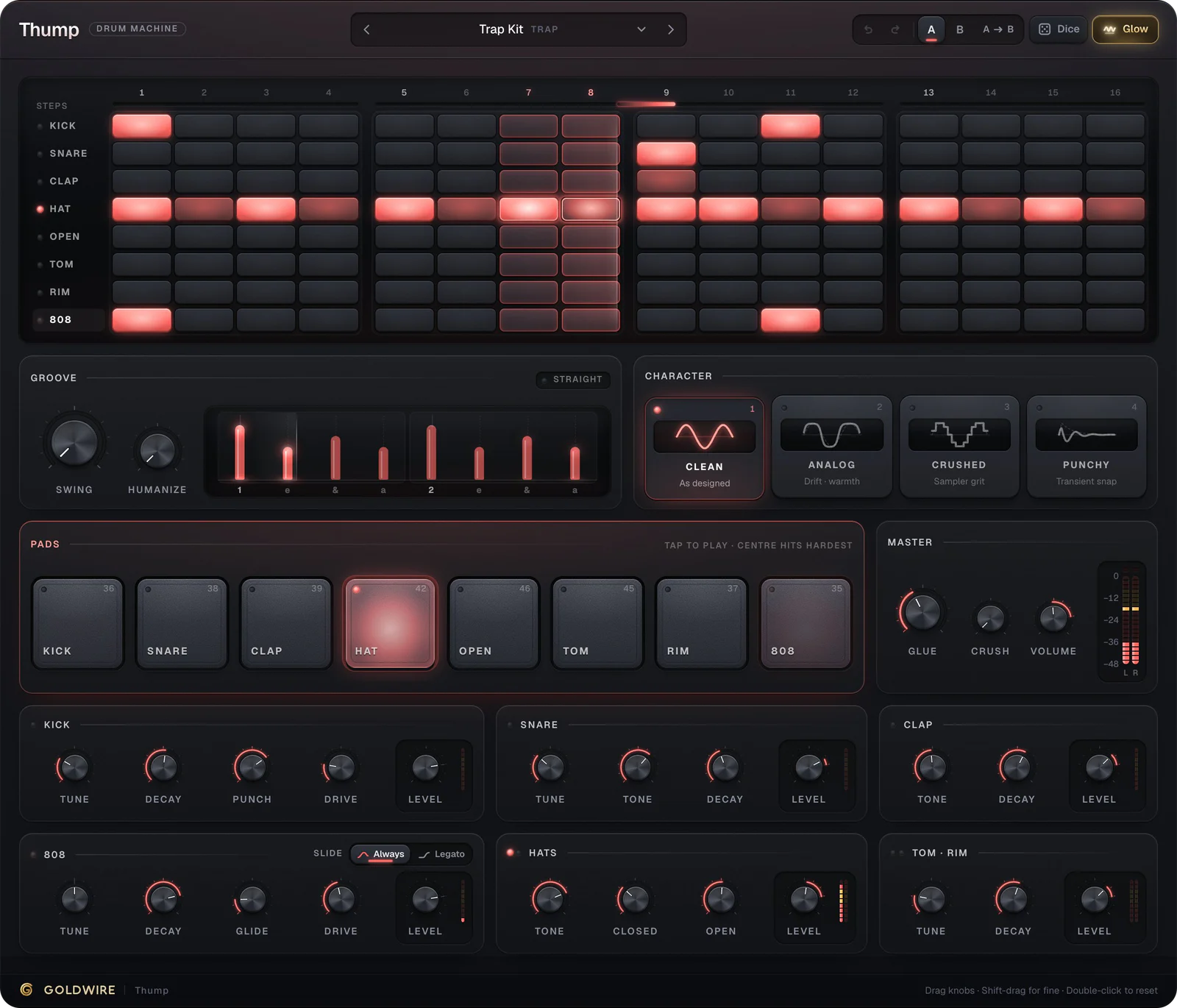
For bass that should be heard as distortion, Fuzz Bass runs Fuzz at 85% Drive with a darker Tone and 80% Mix. If you're programming your 808s in Thump, it already has an 808 Drive control; Heat goes after it when you need more grit or a clipper on the whole kit.
Soft clipper plugin: louder drums without a limiter
A soft clipper shaves off peaks above a ceiling, rounding them instead of chopping them flat. On drums and 808s, the loudest part of each hit is a very short transient; clipping it lets you raise the overall level by a few decibels while the drums still sound punchy. A limiter does a similar job with gain riding, which can soften the attack; a clipper keeps it sharp but adds a little distortion. For more on limiters, see what a limiter is.
- Ceiling (-12 to 0 dB) sets where clipping starts. Lower it until the peaks start to flatten.
- Softness sets the knee. Lower values clip harder and louder; higher values are rounder and more forgiving.
- Drum Clipper uses a -3 dB Ceiling, low Softness (25%) and +2 dB of Output: the classic hard-hitting drum bus.
- Master Clipper barely drives (8%), with a -1 dB Ceiling and medium Softness, to catch the odd peak before your limiter.
Clip in small amounts. If you can hear crackle on the snare's attack, raise the Ceiling or Softness until it disappears.
Using Heat in FL Studio, Ableton Live and Pro Tools
Heat goes on the track or bus as an insert. Put it after EQ and compression when you want to color the shaped sound, or before the compressor when you want the compressor to tame the extra harmonics. As a clipper, it goes last on a drum bus or just before the limiter on the master.
- FL Studio: load Heat in an effect slot on the Mixer insert. If you were looking for an FL Studio distortion plugin for 808s, start from Crunchy 808 on the 808's insert.
- Ableton Live: drag Heat from the Plugins section of the browser onto the track. Devices run left to right.
- Pro Tools: insert Heat (AAX) on the track or on an Aux Input used as a drum bus.
- Logic Pro: load the AU version in an Audio FX slot.
For parallel saturation, put Heat on an aux or return track at 100% Mix and blend the return level, or simply lower Heat's Mix knob on the insert. Both give you thickness while keeping the dry transients.
Heat vs a dedicated tape plugin
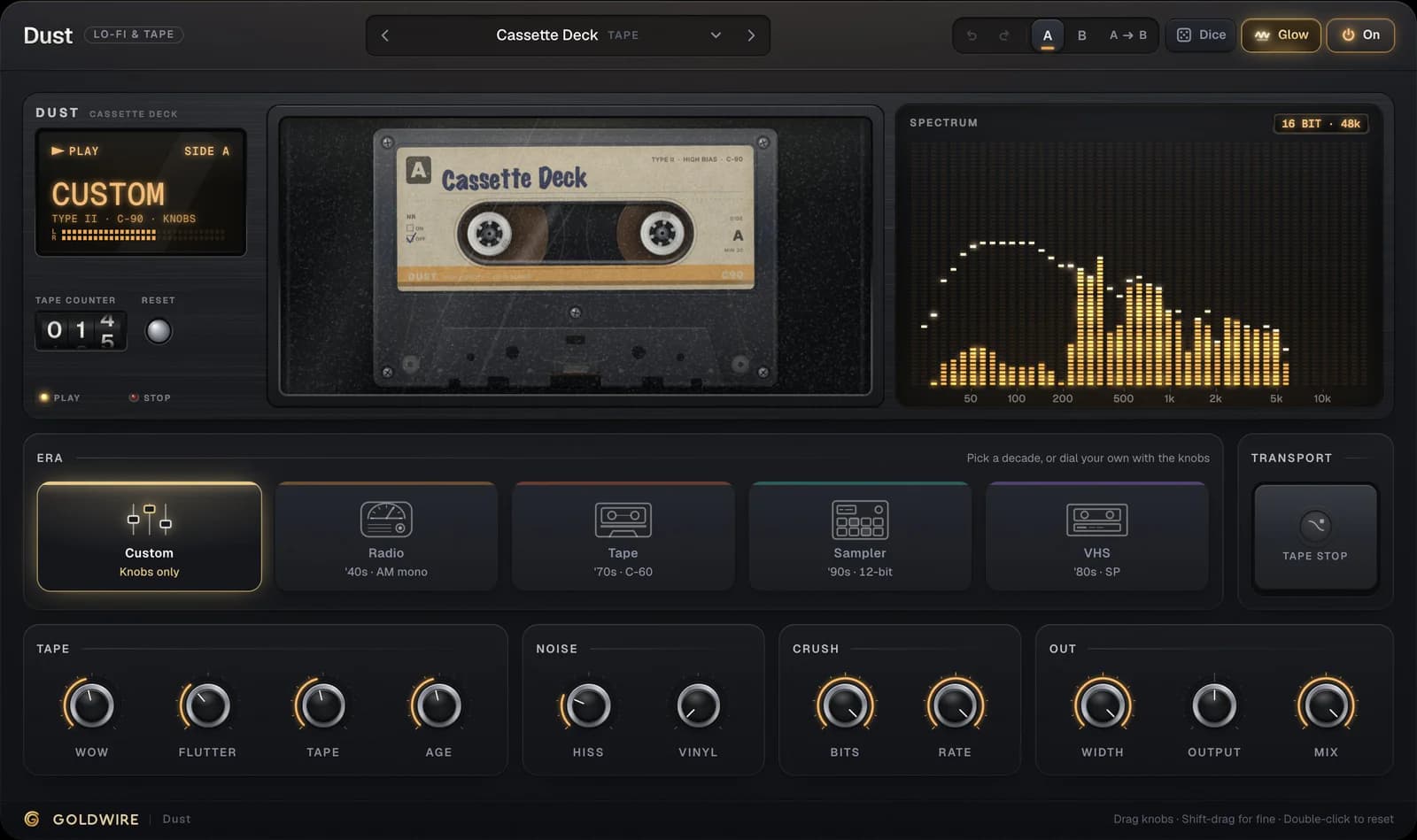
Heat's Tape mode gives you tape-style saturation and clipping. It doesn't model the rest of a tape machine: wow, flutter, hiss and the narrowing frequency response of worn media. For that, use Dust. Many mixes use both: Heat for tone and loudness on individual tracks, Dust for character on a bus. Our roundup of the best saturation plugins covers other approaches.