Types of vocal mixing plugins and when to use each
Every vocal chain is built from the same handful of jobs. You won't need all of them on every track: a clean podcast voice might only need EQ and compression, while a trap hook could use every row.
Pitch correction
- What it fixes
- Notes that drift, or you want the hard-tune effect
- When to reach for it
- First in the chain
- Ours
- Tune
EQ
- What it fixes
- Rumble, mud, boxiness, a dull top end
- When to reach for it
- A corrective cut early, tonal boosts later
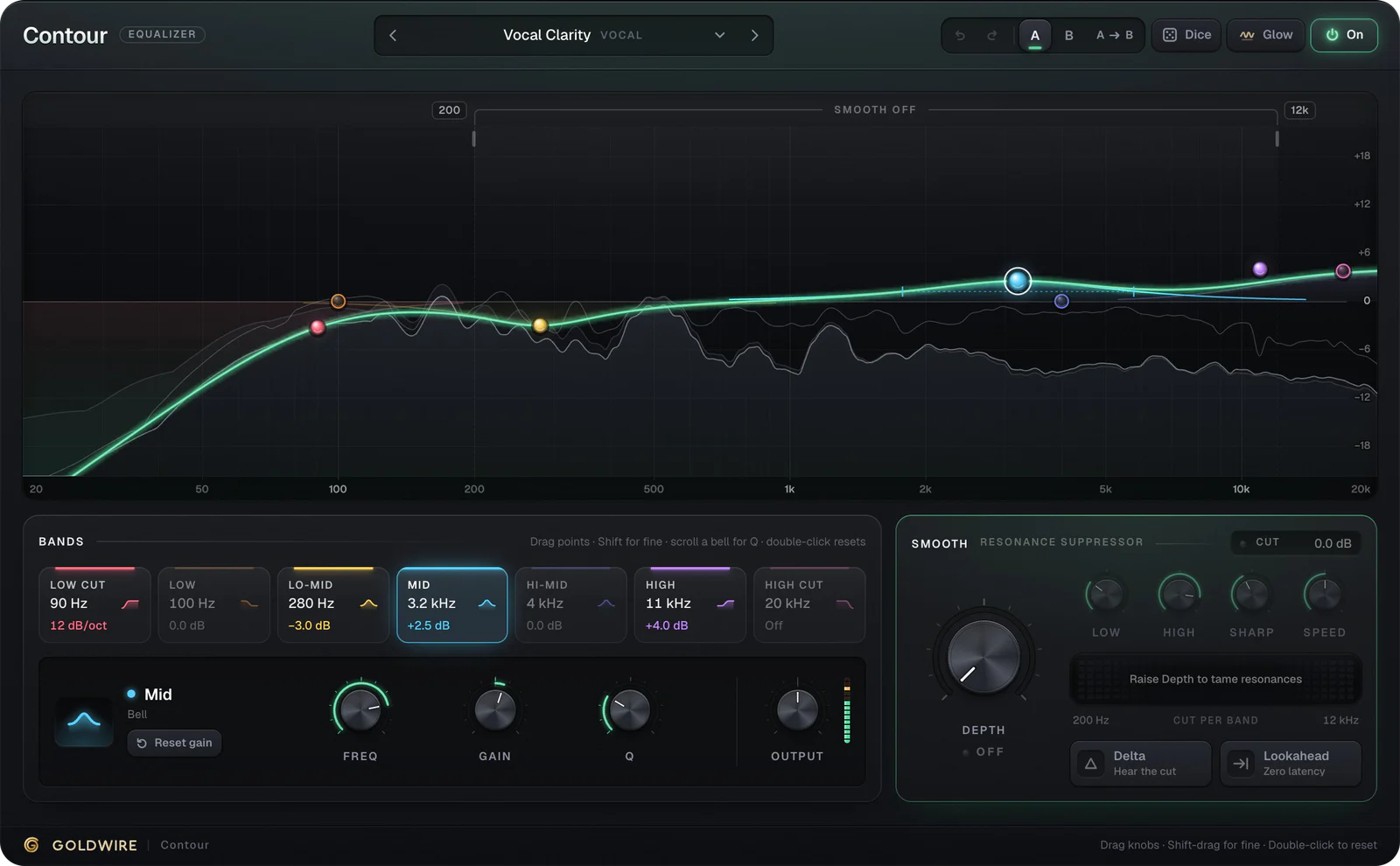
- Ours
- Contour
De-esser
- What it fixes
- Sharp S and T sounds
- When to reach for it
- Just before or after the compressor
- Ours
- Inside Velvet
Compressor
- What it fixes
- Words that jump out or disappear
- When to reach for it
- On almost every lead vocal
- Ours
- Inside Velvet
Saturation
- What it fixes
- A thin or sterile tone
- When to reach for it
- After compression, in small amounts
- Ours
- Heat
Delay
- What it fixes
- A static, dry vocal
- When to reach for it
- On a send, for slapback and throws
- Ours
- Drift
Reverb
- What it fixes
- A vocal that sounds pasted on top
- When to reach for it
- On a send, with some pre-delay
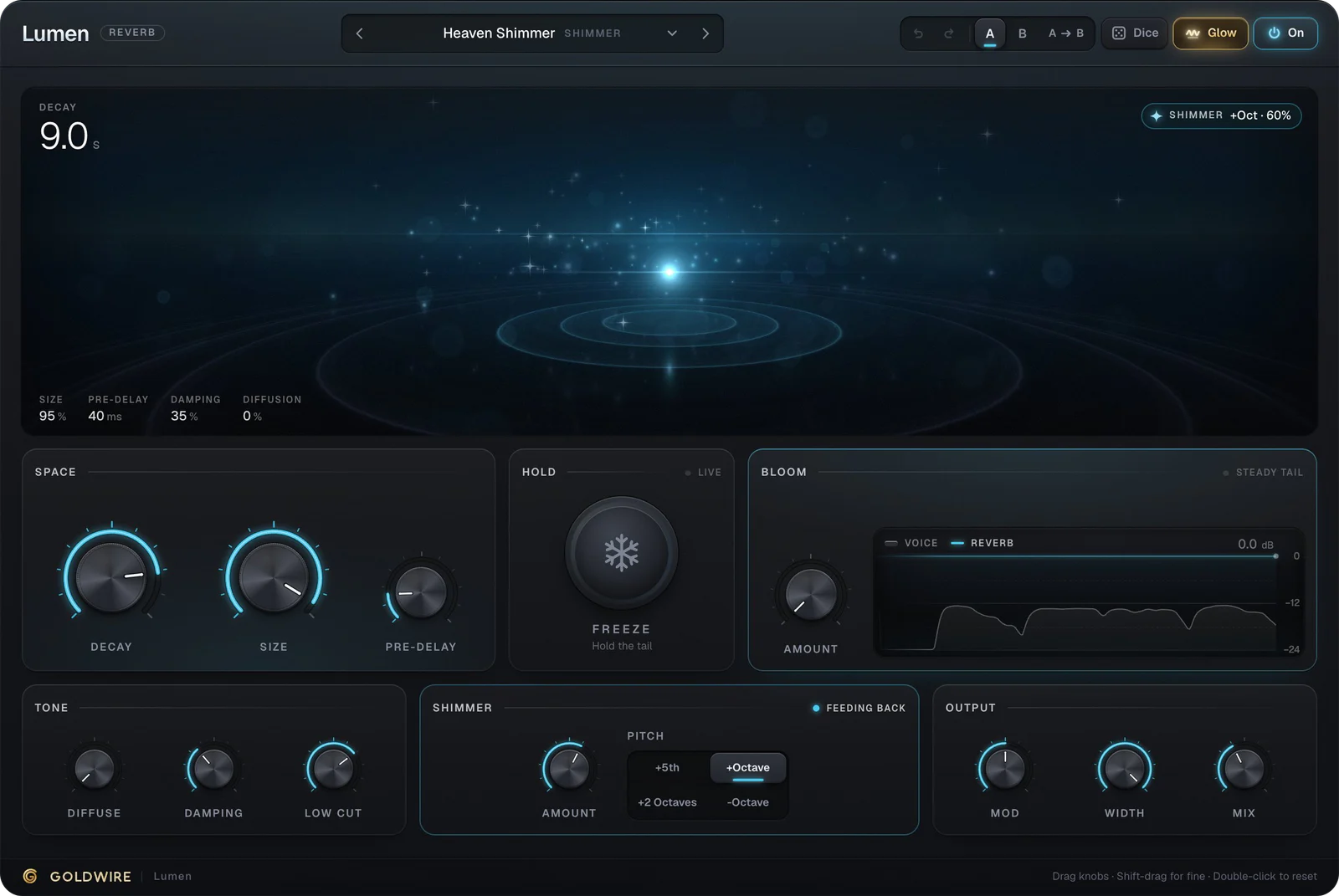
- Ours
- Lumen
All-in-one chain
- What it fixes
- Six plugins to set up on every track
- When to reach for it
- When you want a finished sound fast
- Ours
- Velvet
Vocal chain plugins: the order that works
Order matters because each plugin reacts to what the one before it hands over. A compressor fed low rumble pumps on the rumble; a reverb fed harsh sibilance smears it across the tail. Our guide to what a vocal chain is explains the reasoning.
- Pitch correction, so everything after it processes in-tune notes.
- Corrective EQ: a low cut and any narrow cuts for mud or ringing.
- De-esser, so the compressor isn't triggered by every S.
- Compressor, to even out the level.
- Tonal EQ: presence and air boosts.
- Saturation, for warmth and density.
- Delay and reverb on sends, so you can EQ and automate them separately.
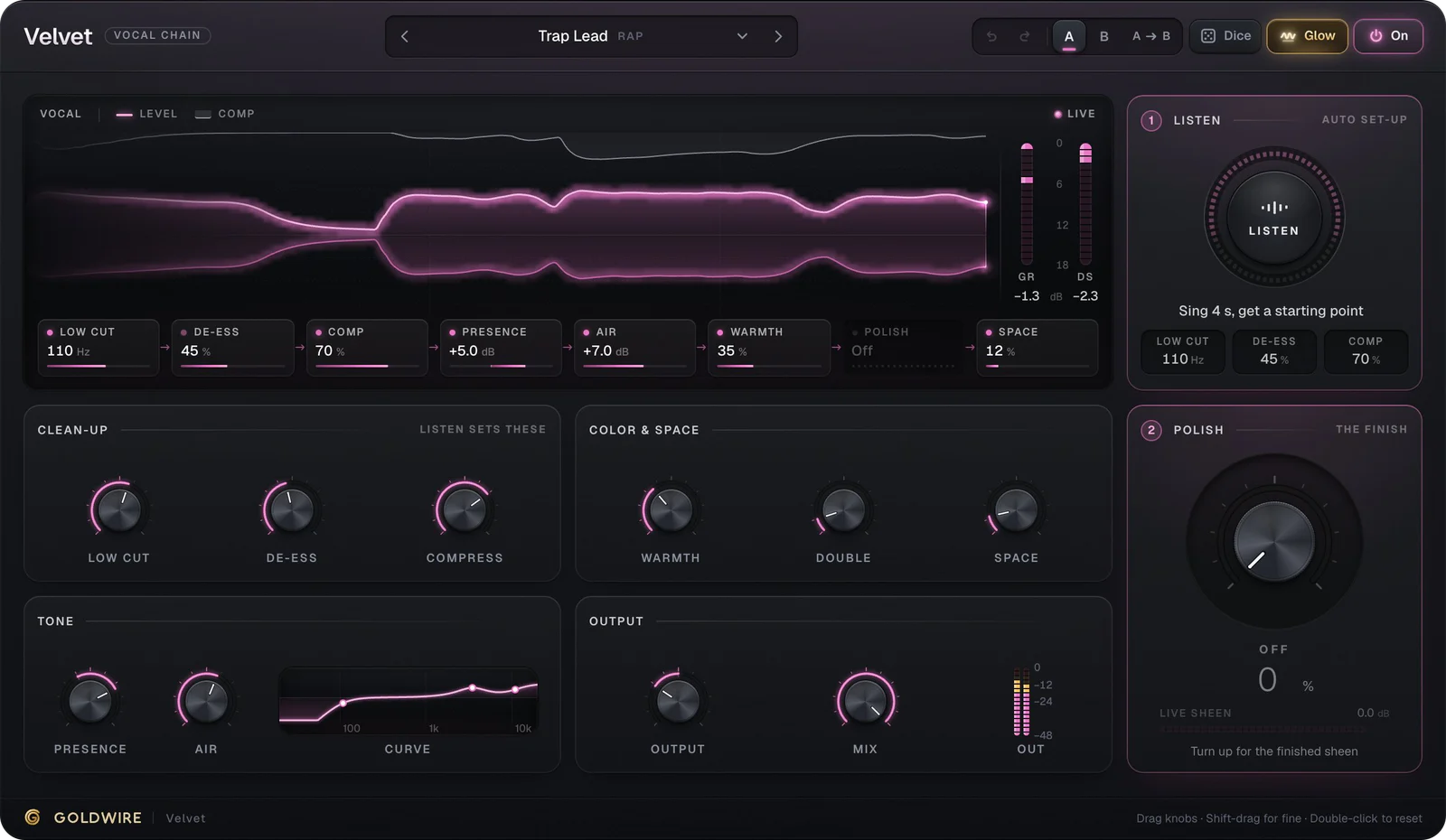
Velvet runs steps two to six, plus a doubler and a short reverb, on one knob each: Low Cut, De-ess, Compress, Presence, Air, Warmth, Double and Space. The Pop Sheen preset below uses a 100 Hz low cut, a 9 dB air boost and more doubling and space than Trap Lead.
- Low cut100Hz
- De-ess40%
- Comp55%
- Presence+3.5dB
- Air+9.0dB
- Warmth20%
- PolishOff
- Space28%
Listen
Auto set-up- Low cut
- 100Hz
- De-ess
- 40%
- Comp
- 55%
Clean-up
Listen sets theseColor & space
Tone
Output
Polish
The finishThe real plugin engine, running in your browser: same DSP code and presets as the VST3/AU/AAX.
Vocal effects plugins for character
Mixing plugins make a vocal sit. Vocal effects plugins make it memorable: hard-tune pitch correction, delay throws on the last word of a line, doublers for width, telephone-style filtering and shimmer reverb.
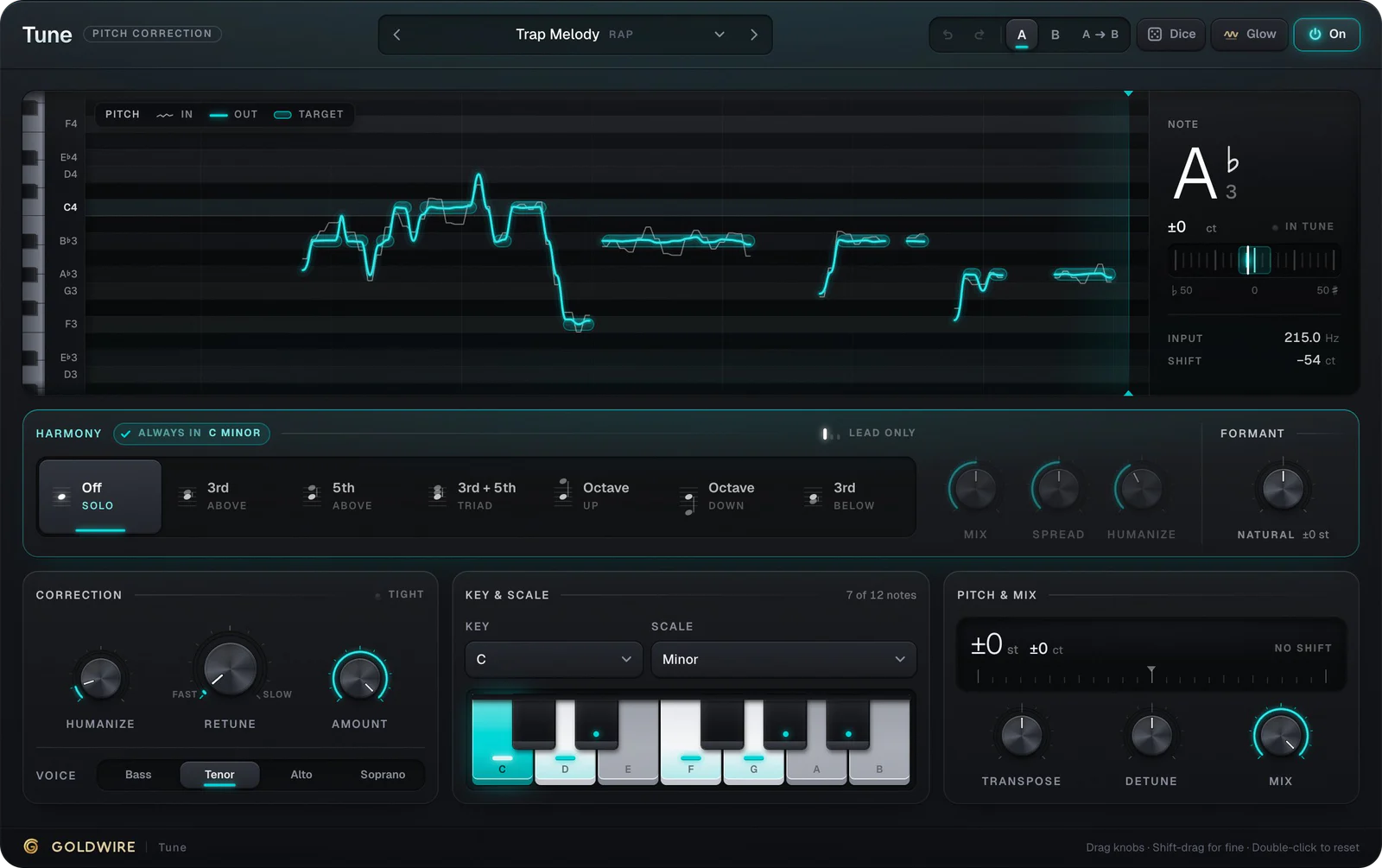
The hard-tune sound comes from setting a pitch corrector's retune speed to zero, so notes jump instead of glide. Here is Tune with its Hard Tune preset: Retune at 0 ms and Humanize at 0%.
- Input
- Hz
- No pitch yet
- ShiftVoice
- ct
- Tenor
Harmony
Always inC listeningCorrection
Key & scale
Pitch & mix
The real plugin engine, running in your browser: same DSP code and presets as the VST3/AU/AAX.
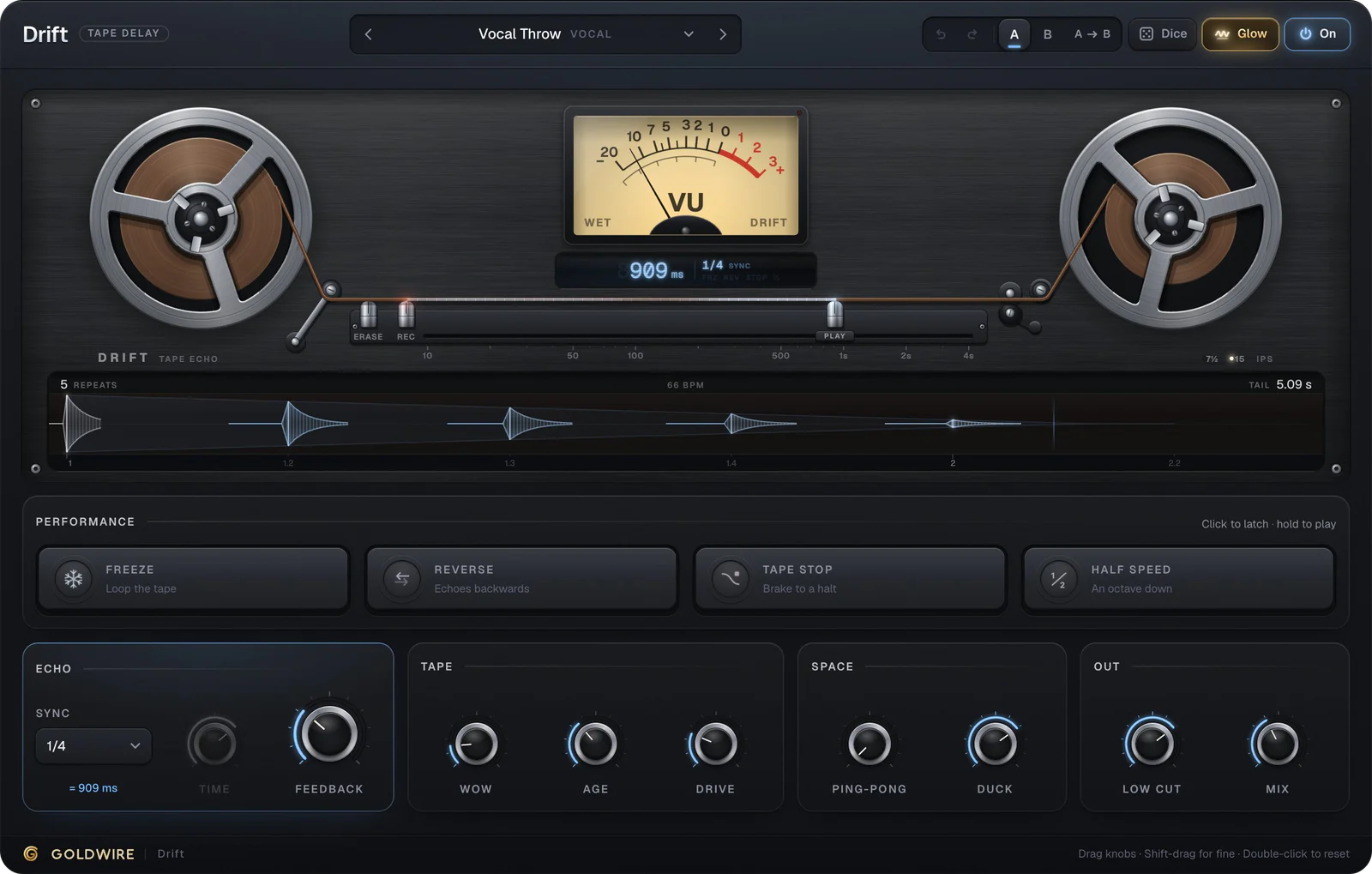
For throws, Drift's Vocal Throw preset ducks its echoes while the singer sings, so they bloom in the gaps. Velvet's Telephone Hook preset sets a 400 Hz low cut for a lo-fi phone sound.
Vocal manipulation plugins: pitch, formant and chops
Effects add color around a vocal. A vocal manipulation plugin changes the voice itself: it shifts the pitch, reshapes the formants so the singer sounds bigger or smaller, or slices the take into a new part.
Vocal pitch shifter and vocal changer plugins
A vocal pitch shifter moves the whole voice by a fixed interval. A vocal changer also moves the formants, the resonances that tell your ear how large the singer is, which is what makes a voice sound like a giant or a cartoon. Tune has both controls: Deep Voice drops the pitch 5 semitones and the formant with it, Giant goes a full octave down, and Little Helper shifts up a fifth with brighter formants. For a quick shift with nothing to install, the online pitch shifter transposes any file by semitones.
Vocal chop plugins
Vocal chops are short slices of a vocal, re-pitched and played back as a rhythmic or melodic hook. Most producers make them in a sampler rather than a dedicated vocal chop plugin: Ableton's Simpler has a Slice mode, FL Studio has Slicex and Logic's Quick Sampler can slice too. Effects then finish the sound. Apex's OTT Vocal Chops preset gives them the bright, squashed OTT sound, and Spread's Vocal Chops Auto widens them while keeping the mix mono-safe.
Settings starting points for voice VST plugins
These are places to start, not answers. Move each control until you hear it change, then back off a little.
- Low cut: 80 to 120 Hz for most voices. Higher for ad-libs and backing vocals that don't need body.
- De-esser: aim it between 5 and 8 kHz and turn it down only on the S sounds.
- Compressor: 3:1 or 4:1, attack around 10 to 30 ms, release 50 to 150 ms, 3 to 6 dB of gain reduction on the loud words.
- Presence and air: a broad boost around 3 to 5 kHz for clarity, a shelf from 10 kHz up for sheen.
- Reverb: a plate with 1 to 2 seconds of decay, 20 to 40 ms of pre-delay and a low cut around 250 Hz.
- Pitch correction: a slow retune speed for natural fixes, fast or zero for the effect.
Our vocal EQ guide has a frequency chart for each of these areas, and the best compressor for vocals covers compression styles in detail.
How to choose vocal plugins
- Learn your stock tools first. Most vocal problems are technique, and stock EQ and compression can solve them.
- Buy for a job. If every vocal you record is harsh, a better de-esser helps more than a fourth compressor.
- Decide between a chain and separate plugins. A chain plugin is fast and consistent; separate plugins give you every control.
- Check formats. Logic Pro only loads AU, Pro Tools only loads AAX, and most other DAWs use VST3.
- Test on your own voice. Every preset of our vocal plugins plays in the browser with your microphone.
For named picks by job, see the best plugins for vocals, the best autotune plugin roundup and our list of free vocal plugins.
Vocal plugins in Ableton, Pro Tools and FL Studio
Ableton Live: EQ Eight, Compressor, Reverb and Echo cover a full chain, with delay and reverb on return tracks. See plugins for Ableton.
Pro Tools: EQ3 7-Band, Dyn3 Compressor/Limiter, Dyn3 De-Esser and D-Verb are included. Third-party plugins must be AAX; see plugins for Pro Tools.
FL Studio: Fruity Parametric EQ 2, Fruity Limiter in compressor mode and Fruity Reeverb 2 handle the basics, with Pitcher or NewTone for tuning depending on your edition. See plugins for FL Studio.
Logic Pro: Channel EQ, Compressor, DeEsser 2, ChromaVerb and Flex Pitch are built in.