What an EQ plugin does
An EQ plugin turns specific frequency ranges up or down, so you can remove what's in the way and bring forward what matters. Cut 300 Hz and a boxy vocal opens up; boost 4 kHz and a kick gets its click back. Most mixing is EQ: every track is shaped so it occupies its own space instead of fighting the others.
Contour is a parametric EQ: you choose the exact frequency, the amount of boost or cut, and the width (Q) of each band. It has a low shelf, three bell bands (Lo-Mid, Mid and Hi-Mid), a high shelf, plus a Low Cut and a High Cut, the two VST filters you'll use most for clearing rumble and taming a fizzy top end. If you're weighing this against a fixed-band graphic EQ, see parametric vs graphic EQ.
EQ frequencies: what lives where
These ranges are where most EQ decisions happen. The right-hand column shows which Contour band reaches each range.
20 to 60 Hz
- What lives there
- Sub bass, kick weight, rumble
- Common move
- Low cut on anything that isn't kick or bass
- Contour band
- Low Cut (20 Hz to 1 kHz), Low shelf (30 to 600 Hz)
60 to 250 Hz
- What lives there
- Body of kick and bass, warmth of vocals and guitars
- Common move
- Small boosts for weight, cuts for boom
- Contour band
- Low shelf, Lo-Mid (80 Hz to 2 kHz)
250 to 500 Hz
- What lives there
- Mud and boxiness
- Common move
- Cuts of 2 to 5 dB, the most common fix in a mix
- Contour band
- Lo-Mid
500 Hz to 2 kHz
- What lives there
- Honk, nasal tone, snare body
- Common move
- Narrow cuts where it sounds cheap
- Contour band
- Lo-Mid, Mid (300 Hz to 6 kHz)
2 to 5 kHz
- What lives there
- Presence, attack, clarity, harshness
- Common move
- Boost for presence, cut harshness
- Contour band
- Mid, Hi-Mid (1.5 to 16 kHz)
5 to 10 kHz
- What lives there
- Sibilance, cymbals, click and definition
- Common move
- Careful boosts, small cuts on harsh sources
- Contour band
- Hi-Mid, High shelf (2 to 18 kHz)
10 to 20 kHz
- What lives there
- Air and sheen
- Common move
- Wide shelf boosts
- Contour band
- High shelf, High Cut (1 to 20 kHz)
How to adjust EQ with a live analyzer
Find the problem first, cut it, then boost only what's still missing. Contour's analyzer draws the spectrum of the track behind the curve, so a resonance shows up as a peak that sticks out from its neighbors.
- Play the track in context and look for a peak on the analyzer that matches what you hear (a boom, a ring, a harsh edge).
- Grab a bell band and drag it up 8 to 10 dB with a narrow width (scroll the mouse wheel to set Q). Sweep it across the peak until the problem gets loud and ugly.
- Pull that band down below zero. Start around -3 dB and widen it until the problem goes away without the sound going thin.
- Only now add boosts, wide and gentle: cut narrow, boost wide.
- Use Output to match the level of the bypassed track, so you judge the tone and not the loudness.
Trust your ears over the picture. The analyzer tells you where energy is, not whether it's a problem. A big peak at 60 Hz on a kick is the point of a kick.
Vocal EQ plugin settings
Most vocals need the same three moves: a low cut to clear rumble, a cut in the low mids to remove boxiness, and a lift in the upper range for presence and air. Vocal Clarity does exactly that: Low Cut at 90 Hz, -3 dB at 280 Hz, +2.5 dB at 3.2 kHz with a wide Q, and a +4 dB high shelf at 11 kHz.
In the demo, switch between Default and Vocal Clarity. The voice loses its muffled, roomy quality and moves forward, while the top end opens up without turning harsh. If your singer is already bright, back the high shelf down to +2 dB. Our step-by-step guide on how to EQ vocals goes further.
Bands
Smooth
Resonance suppressorCut 0.0 dBThe real plugin engine, running in your browser: same DSP code and presets as the VST3/AU/AAX.
How to EQ a kick drum and a snare
Kicks need weight, a clean low-mid and a defined click. Kick Punch boosts a low shelf by 3 dB at 60 Hz, cuts 6 dB at 350 Hz, where kicks turn to cardboard, and adds 4 dB at 4 kHz for the beater attack. On the drum loop you'll hear the kick get both deeper and sharper at the same time.
Bands
Smooth
Resonance suppressorCut 0.0 dBThe real plugin engine, running in your browser: same DSP code and presets as the VST3/AU/AAX.
Snares are the opposite problem: they need body and crack, and lose definition in the honky mids. Snare Crack adds 3 dB at 200 Hz for body, cuts 3 dB at 900 Hz with a narrower Q, and lifts 5 kHz by 4 dB for crack. Tune these by ear, because every kick and snare has its own fundamental. Treat the presets as the shape and sweep the frequencies to fit.
Mastering EQ plugin and mix bus moves
On the mix bus and in mastering, think in fractions of a decibel and wide curves. Mix Bus Polish is about as far as it should go: a 25 Hz low cut, +1 dB of low shelf at 90 Hz, -1 dB at 300 Hz with a wide Q and a +2 dB shelf at 12 kHz. Air Lift is the bolder option for a dull mix or a vocal bus: a +5 dB shelf at 12 kHz plus a wide 1.5 dB lift at 8 kHz.
This is where Contour's analog-shaped highs matter. Basic digital EQs squeeze bell and shelf curves as they approach the top of the audio range, so a wide boost at 15 kHz comes out narrower and lopsided. Contour keeps the curve you drew all the way to 20 kHz, so air boosts sound smooth rather than brittle.
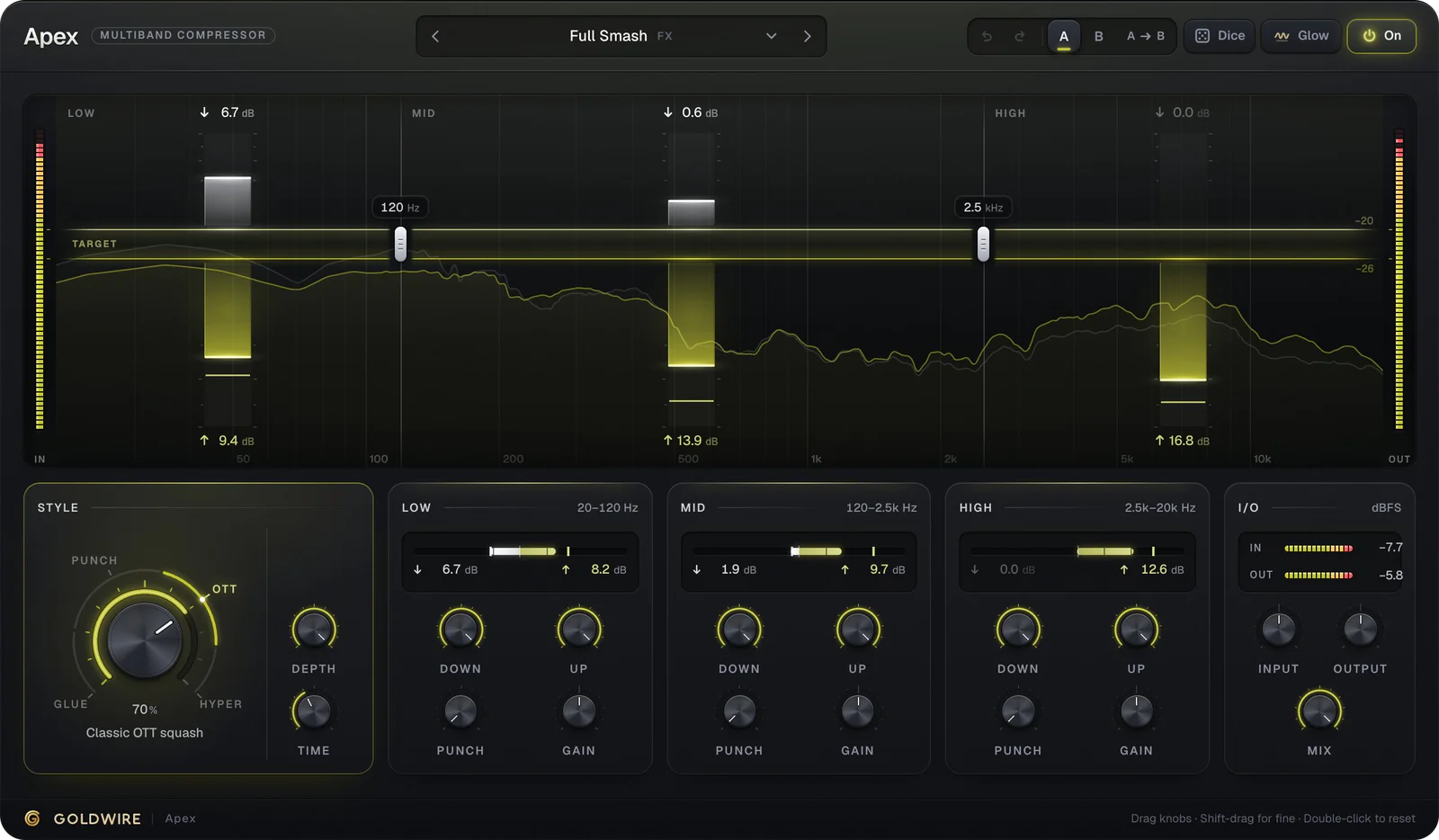
Contour's bands are static. If a frequency is only a problem some of the time, such as a bass note that booms on one pitch, use Smooth (below) for narrow resonances, or a multiband compressor like Apex to control a whole band dynamically.
Resonance suppression with Smooth
Some problems don't stay put. A vocal gets harsh only on certain vowels, a guitar fizzes on a few chords, a tom rings on every hit. A static EQ cut fixes those moments and dulls everything in between. Smooth is a dynamic resonance suppressor above the EQ: it finds narrow, ringing peaks as they appear and turns them down only while they poke out. At 0% it is off.
- Smooth Low and Smooth High set the range it listens to, so it leaves the rest of the spectrum alone. 2 to 8 kHz covers most vocal harshness; 80 to 600 Hz covers tom ring and boomy bass notes.
- Sharpness: low values make surgical, narrow cuts, high values make broad, gentle ones.
- Speed: high values follow fast vocal changes, low values react more calmly on sustained sources.
- Delta plays only what Smooth removes. If you hear words or notes rather than whistle and ring, back it off.
- Lookahead adds 4 ms of latency so Smooth catches resonances before they hit. Leave it off while tracking for zero latency.
Start from a preset for the source. De-Harsh Vocal works between 2 and 8 kHz at 70% with Lookahead on, Vocal Smooth is the gentler everyday version, Tom Ring Control and Bass Resonance Tamer work in the low end, and Master De-Harsh keeps it subtle at 35% for a full mix. Resonance Solo turns Delta on so you can hear what is being taken out.
Bands
Smooth
Resonance suppressorCut 0.0 dBThe real plugin engine, running in your browser: same DSP code and presets as the VST3/AU/AAX.
Smooth vs an intelligent EQ plugin
An intelligent EQ plugin, sometimes sold as an AI EQ plugin or an auto EQ plugin, listens to the audio and sets curves for you, often toward a target tonal balance. Smooth automates the part that changes from moment to moment: it decides when and how much to cut inside the range you give it, with no AI and no target curve. The broad tone stays your call, which is usually what you want on a mix.
Using Contour in Ableton Live, Pro Tools and FL Studio
Contour goes on the track as an insert. Put corrective EQ (low cut, mud cuts) early in the chain, before compression, and tonal boosts after the compressor so it doesn't react to them.
- Ableton Live: drag Contour from the Plugins section of the browser onto the track. Devices run left to right, so place it before or after your compressor as needed.
- Pro Tools: click an insert slot on the track and choose Contour (AAX). Inserts process from slot A down.
- FL Studio: route the channel to its own Mixer insert and load Contour in an effect slot. Slots process top to bottom.
- Logic Pro: load the AU version in an Audio FX slot on the channel strip.
Two presets are handy beyond tone shaping. Telephone (Low Cut at 450 Hz, High Cut at 3.2 kHz, a mid boost) is an instant lo-fi or phone effect for intros and breakdowns. Bass Tighten cleans the sub, cuts 220 Hz and rolls the top off at 8 kHz so bass sits under the kick and vocal.
Radio EQ: the AM radio and telephone voice
A radio EQ cuts everything outside the narrow midrange that small speakers and old broadcasts carried. Radio Voice sets the Low Cut at 500 Hz and the High Cut at 3.5 kHz, with a 5 dB boost at 1.8 kHz for a nasal, boxy edge on a vocal. For the full old-radio sound, follow it with Dust's Forties Radio preset, which uses the '40s Radio era, or Distant Radio, which adds hiss and crackle on top.