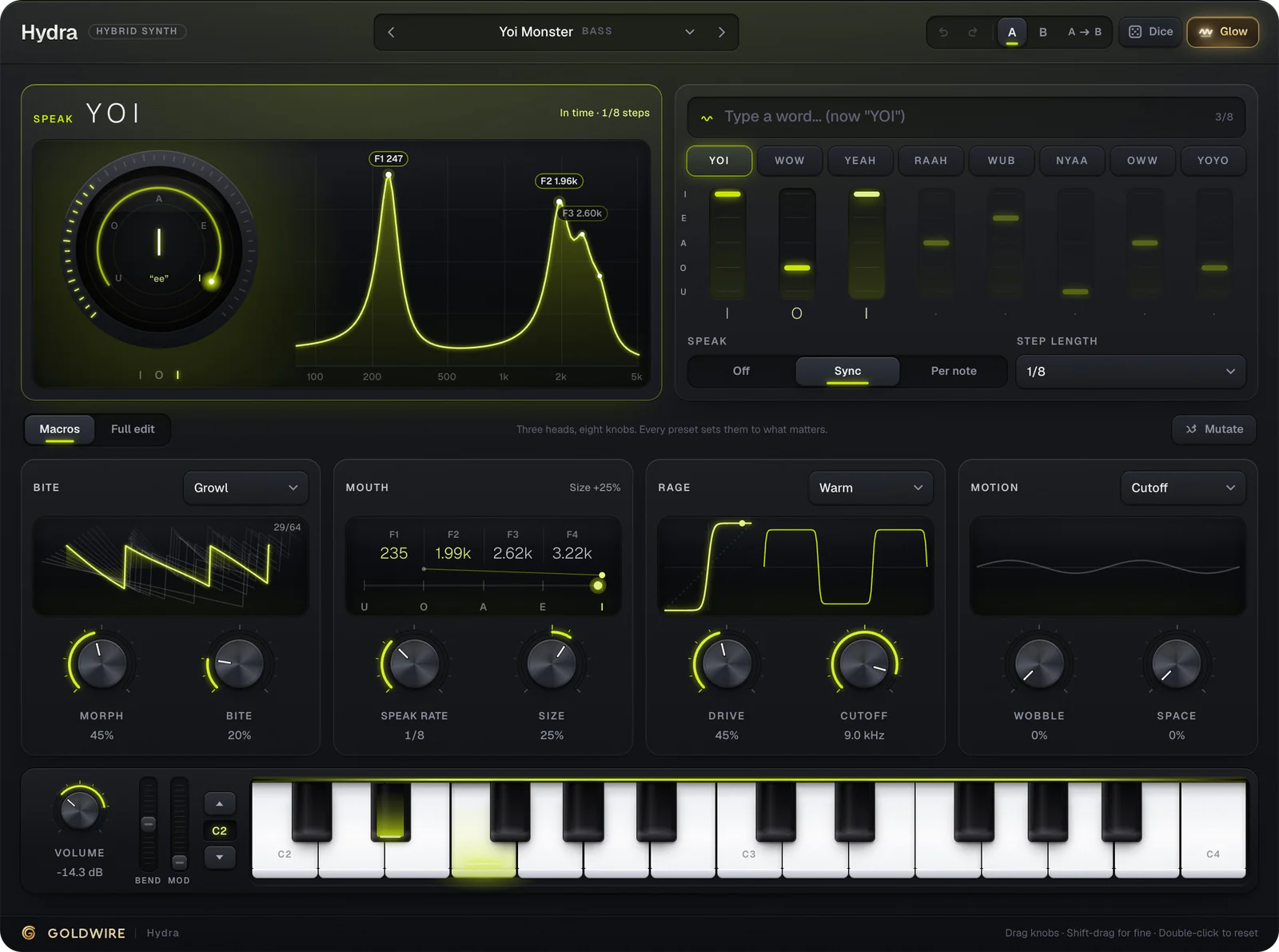
How to play the online synth
- Press Play to hear a demo phrase, or click the on-screen keys.
- Play with your computer keyboard: A S D F G H J K L are the white keys, W E T Y U O the black keys, Z and X move an octave down or up.
- Plug in a USB MIDI keyboard and pick it from the MIDI chips (Chrome, Edge and Opera support Web MIDI). Velocity, pitch bend, mod wheel, sustain pedal and aftertouch all work.
- Browse presets by genre, turn the eight big knobs, and type a word into Speak to make the synth talk.
A web synth with a real plugin engine
Most browser synths are simple toys built on the Web Audio API's basic oscillators. This one is different: it's the complete C++ engine of our Hydra plugin, compiled to WebAssembly and run in an audio worklet, so it sounds the same as the VST3, AU and AAX versions. Wavetables, FM, the formant mouth, per-voice distortion, the filter and reverb all run on your computer, and nothing is uploaded.
What can you make with it?
- Talking and growling basses: type YOI, WOW or YEAH into Speak and the bass pronounces it in time with the beat.
- 808s and sub basses: Legato mode with glide slides between notes like a trap 808.
- Leads, plucks and pads: the same engine covers bright leads, short plucks and wide evolving pads.
- Sound design practice: every knob shows what it does, which makes it a quick way to learn synthesis.