What a lofi plugin does to a sound
A lofi plugin makes a clean recording sound like it came off old media. It does four things: it narrows the frequency range, it adds saturation, it makes the pitch drift, and it layers in noise. Sampler-style lo-fi adds a fifth, lower bit depth and sample rate. Dust covers all of them, and each has its own knob, so you can use one ingredient or all of them.
The order of the controls follows that list: Tape (saturation), Age (bandwidth), Wow and Flutter (pitch), Hiss and Vinyl (noise), then Bits and Rate (sampler crunch). Width narrows the stereo image the way old recordings sound, and Mix blends the result with the dry signal.
Tape saturation and tape emulation: the Tape and Age knobs
Tape drives the signal into a soft, asymmetric clipper with pre- and de-emphasis around it, the way real tape saturates the highs earlier than the lows. A little (25 to 35%) adds warmth and gentle compression; push it past 50% and transients round off noticeably. Age narrows the frequency range, rolling off highs and lows like worn media. Together they are the core of any tape emulation plugin; the other knobs add the wear and tear.
For bus warmth with no obvious lo-fi effect, Warm Bus sets Tape at 30%, Age at 12% and almost no wow, flutter or noise. To understand what is happening in more detail, read what tape saturation is.
Wow and flutter: the cassette sound
Wow is slow pitch drift, the seasick bend of a warped record or a stretched cassette. Flutter is fast, fine wobble from an uneven tape transport. Together they are most of what makes something sound like a cassette. Cassette Deck sets Wow at 45%, Flutter at 35% and Age at 45%, with some hiss. VHS Memory pushes all three further and narrows Width to 60% for a blurry, nostalgic tone. Broken Tape Player maxes out Wow at 100% for transitions and sound design.
Wow affects pitch, so use it carefully on anything that has to stay in tune with other parts. Chords and pads tolerate a lot; a bassline or a lead vocal starts to sound out of tune quickly. Applying it to the whole beat keeps everything drifting together, which sounds intentional rather than wrong.
Vinyl crackle and tape hiss
Vinyl adds crackle and Hiss adds tape noise, both generated in real time so they never repeat. Noise is what convinces the ear that a sound is old, even more than the tone does. Dusty Vinyl sets Vinyl at 55% with gentle wow and a narrower 70% Width. On the demo, the keys get a warm, worn sound with crackle under every chord, like a sample lifted from a record.
Era
Transport
Tape
Noise
Crush
Out
The real plugin engine, running in your browser: same DSP code and presets as the VST3/AU/AAX.
Width below 100% narrows the image the way older recordings sound. 60 to 80% on keys or a sample makes it feel like it came from a record and leaves the sides open for drums and effects. Lo-fi processing also changes the level, so match Output to the bypassed sound before you judge it.
Keep noise low when the plugin is on several tracks. Five instances at 20% Hiss stack into a lot of noise. A common approach is to put Dust on the beat bus once, with noise, and use it noise-free on individual tracks.
Bitcrusher plugin settings: Bits and Rate
A bitcrusher reduces bit depth (Bits, 4 to 16) and sample rate (Rate, 2 kHz to 48 kHz). Lower bits add a gritty, noisy distortion; a lower sample rate removes the highs and adds aliasing, the metallic, inharmonic tones you hear on old samplers and video game consoles.
16 bit / 48 kHz
- Sound
- Clean: the crusher is effectively off
- Preset
- Every preset except the two below
12 bit / 26 kHz
- Sound
- Gentle sampler grit, the classic SP-style crunch on drums
- Preset
- Sampler Crunch (12 bit, 26,040 Hz)
8 bit / 10 to 16 kHz
- Sound
- Obvious crunch and darker top end, early-sampler character
- Preset
- Start from Sampler Crunch and lower both
6 bit / 6 kHz
- Sound
- Toy-like, buzzy, heavily aliased
- Preset
- Bitcrushed Toy
4 bit / 2 to 4 kHz
- Sound
- Destroyed: use as an effect or in automation
- Preset
- Push Bitcrushed Toy further
The 12 bit and 26,040 Hz values in Sampler Crunch are the figures associated with the E-mu SP-1200, the sampler behind a lot of classic hip hop drums. Play it on a drum loop and you'll hear the hats lose a little sheen while the kick and snare gain grain and weight.
Era
Transport
Tape
Noise
Crush
Out
The real plugin engine, running in your browser: same DSP code and presets as the VST3/AU/AAX.
Bitcrusher and lo-fi in FL Studio, Ableton Live and Pro Tools
Dust goes on an insert. On individual sounds, put it after EQ and before reverb, so the reverb tail stays clean while the source sounds aged. On a beat or mix bus, put it near the end of the chain, before the limiter.
- FL Studio: load Dust in an effect slot on the Mixer insert. For bitcrushing in FL Studio, start from Bitcrushed Toy or Sampler Crunch, then move the Bits or Rate knob and choose Tools > Last tweaked > Create automation clip to sweep it. Install steps are on our FL Studio page.
- Ableton Live: drag Dust from the Plugins section of the browser onto a track or Group track. Group it into an Audio Effect Rack and map Rate to a Macro for quick lo-fi sweeps.
- Pro Tools: insert Dust (AAX) on a track or an Aux Input bus. Use automation on Mix for drops and breakdowns.
- Logic Pro: load the AU version in an Audio FX slot.
A classic transition: automate Mix from 0 to 100% on Broken Tape Player over the last bar before a section change, then snap back to 0 on the downbeat.
Lofi presets for beats, keys and buses
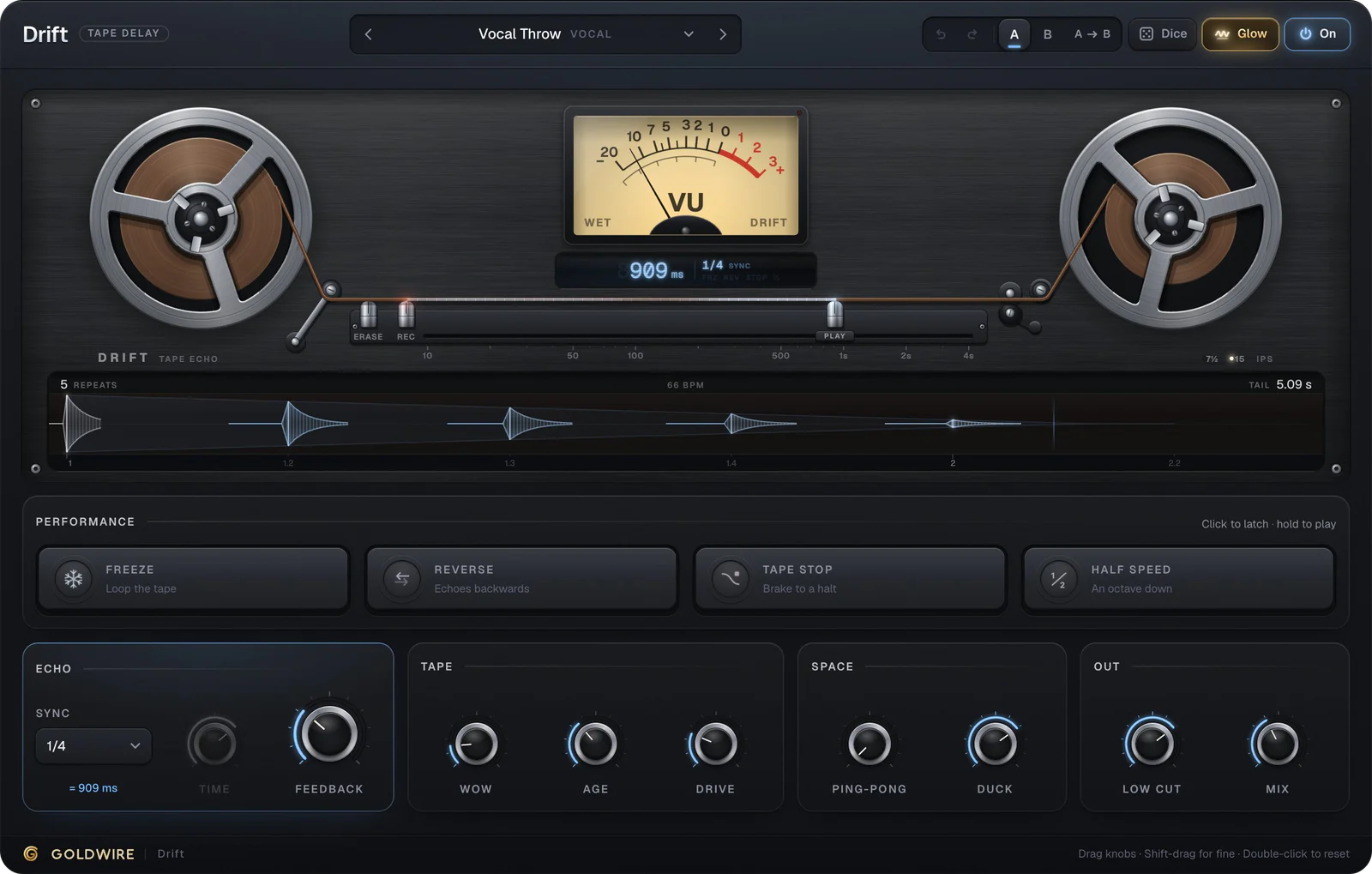
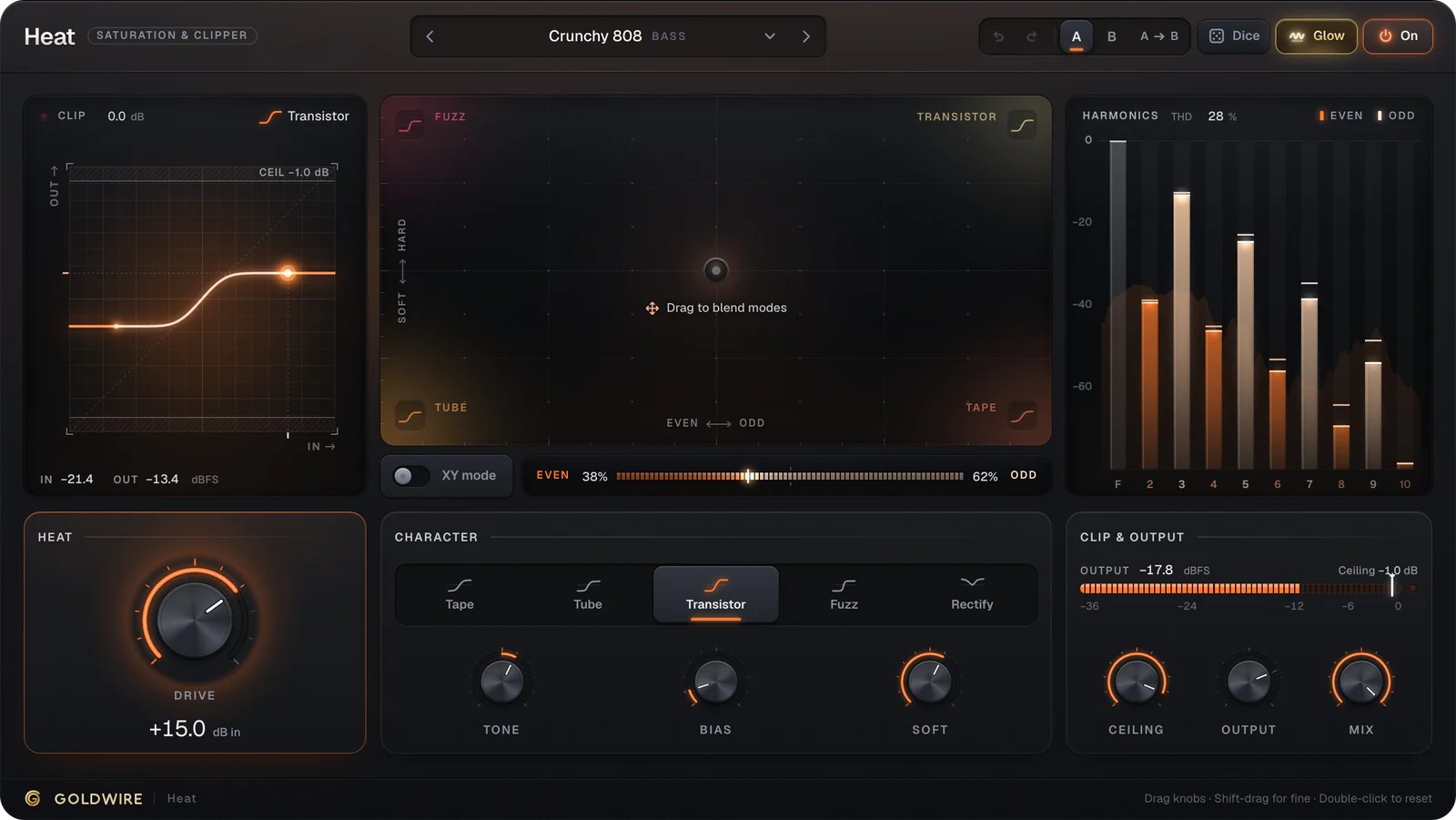
For lo-fi hip hop, a typical setup uses Lo-fi Keys on the chords (wow, flutter, some crackle and Age at 50%), Sampler Crunch on the drums, and Warm Bus on the full beat. If you're writing the chords in a synth, Nova has its own Lo-fi Keys preset to start from. For echoes with the same worn character, the Cassette Echo preset in Drift adds tape wobble to the repeats, and for cleaner saturation without the wear, Heat is the better tool.
Lofi instruments and lofi synths
Any instrument can go lo-fi, but some start closer. The free Keys electric piano has Lofi Study Keys, Chillhop Keys and Lofi Dusty Tines presets, and Nova's Lo-fi Keys preset is a soft synth chord sound with gentle pitch wobble, chorus and reverb built in. Lofi synths work best with a darker filter and rounded waveforms. Put Dust after either one to add the tape wear and crackle.