What a vocal rider plugin does
A vocal rider plugin moves the volume of a vocal up and down for you, the way an engineer rides the fader through a take. Quiet words come up, loud phrases go down, and the whole vocal ends up sitting at one steady level against the beat. It changes only gain, not tone, so the voice still sounds like the voice.
Rider measures the vocal's short-term loudness, roughly in LUFS, and steers it toward your Target. Its detector listens to the voice band, so sibilance and plosives don't throw it off. It also listens ahead, so it starts lowering a loud word before the word arrives instead of catching it late. The plugin's latency is a fixed 20 ms, which your DAW's delay compensation keeps in time.
Vocal leveler settings: Target, Range and Speed
Three controls do most of the work. Set them in this order with the beat playing.
- Target (-40 to 0 dB): the level Rider steers toward. Most of the presets sit between -20 and -13 dB. Pick a value near the average of your vocal so Rider has to move in both directions.
- Range (0 to 12 dB): how far Rider may boost or cut. 3 to 4 dB is gentle help for a steady singer. 10 to 12 dB handles wild performances, interviews and phone calls.
- Speed: slow settings follow whole phrases and sound like nothing is happening; fast settings follow single words. Ballads sit around 25%, rap verses around 75%, and Fast Flow Rider goes to 95%.
Lookahead (5 to 20 ms) sets how far ahead Rider listens. Direction limits it to one job: Up only lifts quiet words and never cuts, Down only tames loud ones and never boosts.
Vocal rider presets for singing, rap and podcasts
Pop Lead Smooth
- Use it for
- Sung pop leads
- Key settings
- Target -16 dB, 6 dB range, medium speed
Ballad Gentle Ride
- Use it for
- Slow, dynamic ballads
- Key settings
- Only 4 dB of range at a slow 25% speed
Rap Verse Tight
- Use it for
- Rap verses with uneven delivery
- Key settings
- Target -14 dB, 8 dB range, fast 75% speed
Rap Ad-Libs Tame
- Use it for
- Ad-libs that jump out
- Key settings
- Down only, so it never lifts them
Harmony Stack Even
- Use it for
- Stacked backing vocals
- Key settings
- Target -24 dB, Breath Control at 80%
Podcast Host
- Use it for
- A single podcast voice
- Key settings
- 10 dB range, Breath Control at 60%
Podcast Interview Two Mics
- Use it for
- Two people on two mics
- Key settings
- The full 12 dB range, slow 35% speed
Live Lead Vocal
- Use it for
- Lead vocals on stage
- Key settings
- Shortest lookahead (5 ms), higher noise floor
Play the demo with Rap Verse Tight. Listen to the ends of lines: the last words of each line, which tend to drop off, come up to the level of the start of the bar. Then compare Fast Flow Rider, which follows syllables even more closely.
Target
loudness
Ride
Protect
Output
The real plugin engine, running in your browser: same DSP code and presets as the VST3/AU/AAX.
Floor and Breath Control: leveling without lifting noise
A plain auto gain plugin has a problem: when the singer stops, it hears silence and turns up the room, the headphone bleed and every breath. Rider has two guards against that.
Floor (-80 to -20 dB) is the level below which nothing gets boosted. Set it just above the noise between phrases. Stage Bleed Safe raises it to -35 dB so the band coming through a live mic never gets lifted. Breath Control finds breaths between phrases, which are quiet, hissy and have no voice in them, and ducks them by up to 20 dB, separately from the ride. Harmony Stack Even and Doubles Tucked push it to 80%, because breaths add up fast in a stack.
Vocal rider vs compressor: use both, rider first
A compressor reacts in milliseconds, shapes transients and changes the sound of a voice. A rider moves slowly, over words and phrases, and leaves the tone alone. They do different jobs, and they work best together: Rider evens out the big level changes, then a compressor does a few dB of tone and control instead of fighting 10 dB swings.
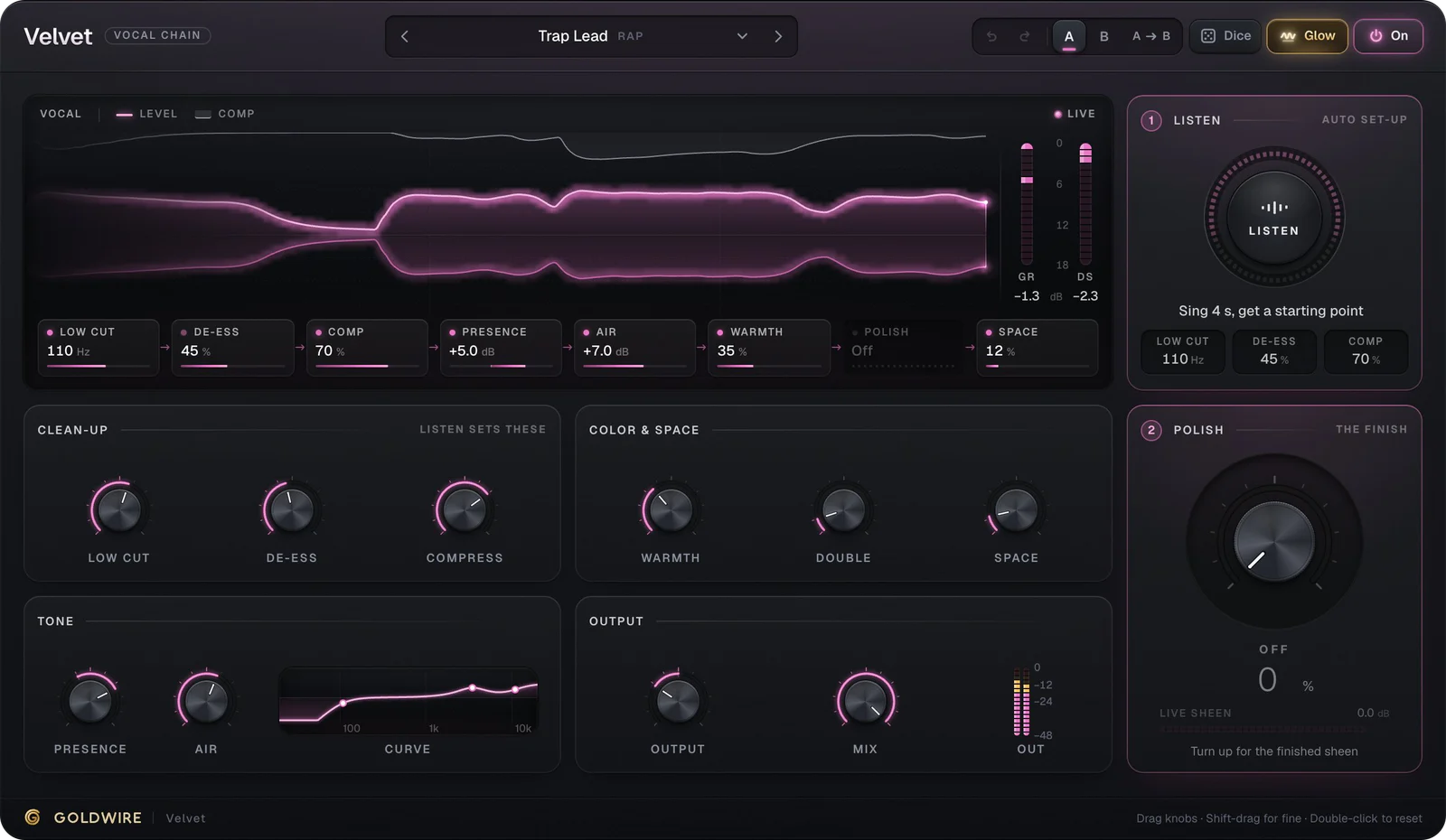
Put Rider before your compressor or before an all-in-one chain like Velvet. The full comparison is in vocal rider vs compressor.
Auto gain plugin for podcasts and voice-over
Speech needs leveling even more than singing does. People lean away from the mic, laugh, and drop their voice at the end of a sentence. Podcast Host levels a single voice, Audiobook Narration rides slowly with the full 20 ms of lookahead, and Phone Interview Rescue uses the full 12 dB of range for a caller who keeps fading out. Video Call Leveler and Lecture Recording cover the same jobs outside a studio.
Target
loudness
Ride
Protect
Output
The real plugin engine, running in your browser: same DSP code and presets as the VST3/AU/AAX.
Rider in Ableton Live, Pro Tools and FL Studio
- Ableton Live: drag Rider onto the vocal track, to the left of your compressor; devices run left to right. See plugins for Ableton.
- Pro Tools: Rider loads as AAX. Insert it above the compressor; inserts run top to bottom. See plugins for Pro Tools.
- FL Studio: route the vocal to its own Mixer insert and load Rider in the slot above your compressor. See plugins for FL Studio.
- Logic Pro: load the AU version in the Audio FX slot above the compressor.
Put pitch correction such as Tune before or after Rider; it only changes level, so either order works. Do any big edits, such as clip gain on a single shouted word, before Rider sees the track.