A vocal synth plugin that your voice plays
Throat is a vocal synth plugin in the literal sense: you sing, hum, whistle or beatbox, and a monophonic synth follows you in real time. Your pitch sets the note, your loudness sets the level, your vowels move the filter, your breath becomes noise and your t, k and p sounds punch the attack. There is no MIDI step and no note triggering.
Search for "vocal synth" and you'll also find singing-voice synthesizers such as Vocaloid and Synthesizer V. Those work in the other direction: you type lyrics and draw MIDI notes, and they generate a sung voice. Throat takes a real voice in and gives you a synth out. It loads as an audio effect (VST3, AU or AAX) on a vocal or mic track, and its output is the synth, with an optional Voice knob that blends your dry voice back in.
How the voice to synth tracking works
- Pitch: a low-latency pitch tracker follows your voice between about 62 Hz and 1100 Hz. With Pitch on Free, the synth follows every slide and vibrato. On Snap it locks each note to Key and Scale (eight scales, from Chromatic to Dorian) and glides between notes over the Glide time.
- Mouth: Throat reads the first two formants of your voice and places you on a vowel chart. "Oo" keeps the filter dark, "ah" opens it and "ee" is brightest. Open vowels also add resonance and drive, so a wah or an acid squelch is a mouth shape.
- Talk: imposes your voice's spectrum on the synth through 24 bands, like a talk box, so the synth pronounces your words.
- Breath turns h, s and f sounds into a filtered noise layer. Accent turns consonants and beatbox hits into a punch on the filter and level.
- Gate keeps the synth silent below a set input level, so room noise and headphone bleed don't play notes.
Everything is causal, so Throat reports zero latency to your DAW. Other methods are compared in our guide on how to turn your voice into a synth.
Hum a bassline: a bass synth plugin you sing
You don't need a low voice. Octave (-2 to +1) moves the synth down from the pitch you hum, so a comfortable mid-range hum becomes a bassline. Hum Bass, the default preset, uses the Bass character in Snap mode one octave down, with a saw and a square an octave below it, Sub at 40% and Cutoff at 520 Hz. Hum "mm" for a round, dark note and open to "ah" when you want it to bark.
Acid Mouth pushes the idea further: one saw, Resonance at 80%, Mouth at 95% and Snap set to A minor. Say "wow" or "yeah" on each note and the filter sweeps like a 303 line being tweaked by hand. For darker basses, try Deep Sub Hum or Growl Bass.
Mouth
Your vowels play the filterSound
Tracking
Oscillators
Filter & amp
24 dB ladderEffects & output
The real plugin engine, running in your browser: same DSP code and presets as the VST3/AU/AAX.
Beatbox to 808, talkbox leads, brass and flute
Sound picks one of six characters: Bass, Lead, Brass, Flute, Talkbox and 808 Glide. Each one changes how the synth responds to your voice, while every knob stays where you set it. Brass swells as you sing louder, Flute adds air, and 808 Glide gives each fresh note a pitch kick.
Beatbox 808 sets Accent to 100%. When you beatbox without singing, each hit plays the held note on its own, so a kick sound becomes an 808 that rings for the 650 ms Release. Hum between hits to change the note. Pick the Beatbox source in the demo, then try your own mic.
Mouth
Your vowels play the filterSound
Tracking
Oscillators
Filter & amp
24 dB ladderEffects & output
The real plugin engine, running in your browser: same DSP code and presets as the VST3/AU/AAX.
Talkbox Funk sets Talk to 100%, so the synth carries your words on the notes you sing, snapped to G major. No keyboard and no tube: it is the closest thing to a talkbox plugin we make.
Mouth
Off: vowels don't move the filterSound
Tracking
Oscillators
Filter & amp
24 dB ladderEffects & output
The real plugin engine, running in your browser: same DSP code and presets as the VST3/AU/AAX.
Vocal synth VST presets
Throat comes with 65 presets. Pick a family, then set Key and Scale to your song.
Bass
- Presets to start from
- Hum Bass, Acid Mouth, Slap Funk Bass, Reese Throat, Dub Hum
- What they're for
- Hummed basslines for house, funk, dub and trap
808
- Presets to start from
- Beatbox 808, Trap 808 Glide, Hard 808, Drill Slide
- What they're for
- Gliding 808s from beatbox hits and hums
Lead
- Presets to start from
- Wah Lead, Mono Synth Lead, G-Funk Whistle, Theremin Voice, Supersaw Anthem
- What they're for
- Toplines and hooks you sing instead of program
Brass
- Presets to start from
- Brass Section, Funk Stabs, Trumpet Hum, Horn Swell
- What they're for
- Swells, stabs and horn lines
Flute
- Presets to start from
- Breathy Flute, Pan Pipes, Ocarina, Whistle
- What they're for
- Airy leads where your breath is part of the tone
Talkbox
- Presets to start from
- Talkbox Funk, Robot Disco, G-Funk Talkbox, Talk Bass
- What they're for
- Talking synth leads and basses
Pad and FX
- Presets to start from
- Vowel Pad, Hum Pad, Choir of One, Laser Mouth, Siren Slide
- What they're for
- Slow pads from long notes, risers and sound effects
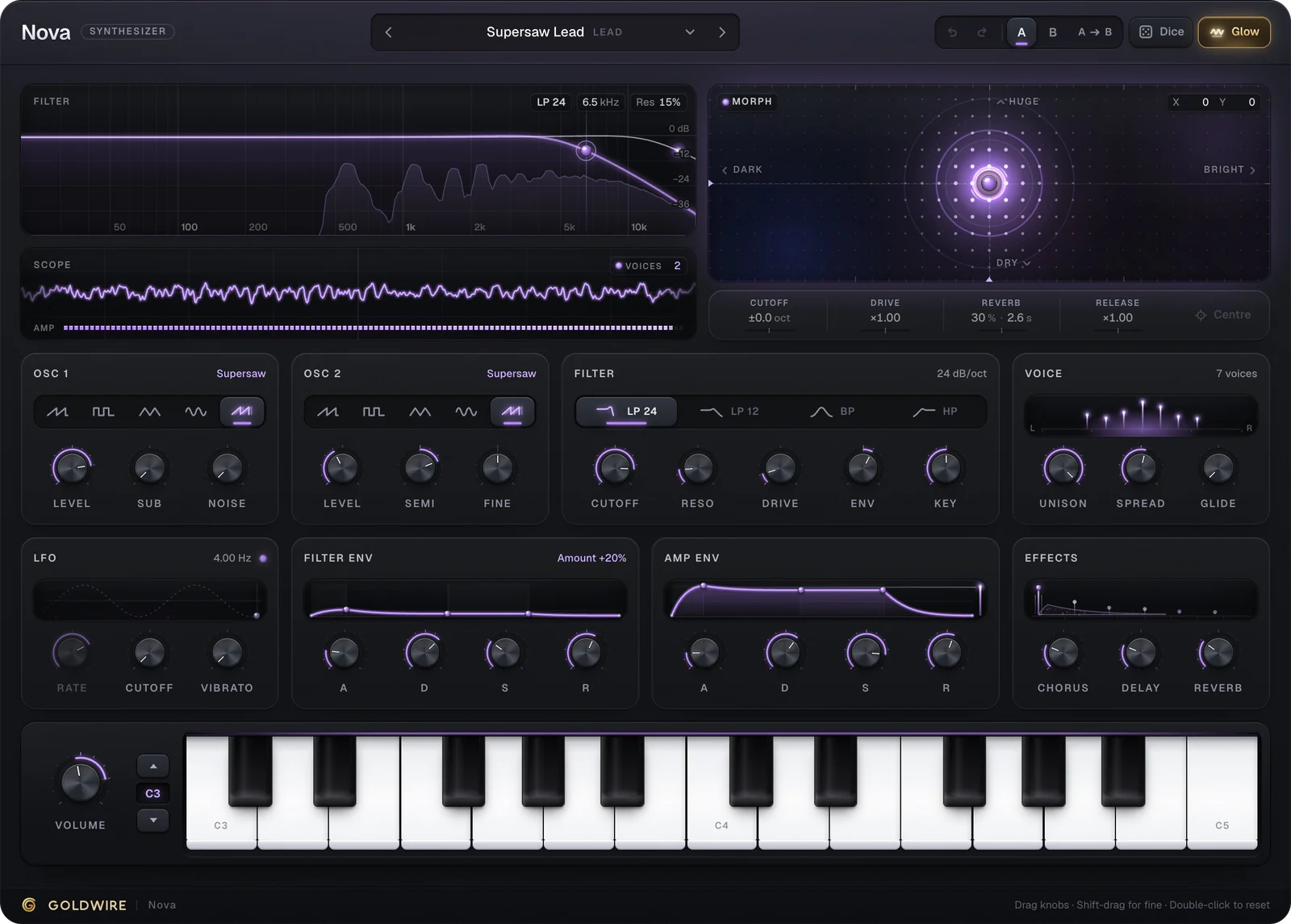
The synth is two oscillators (Saw, Square, Triangle, Sine or Supersaw) plus Sub, a 24 dB ladder filter with Cutoff, Resonance and Drive, and Chorus, Delay and Reverb at the end. Voice + Sub and Fifth Harmony keep your own voice in the mix with Voice at 85% and 70%.
Throat vs Choir, and vocoder vs talkbox
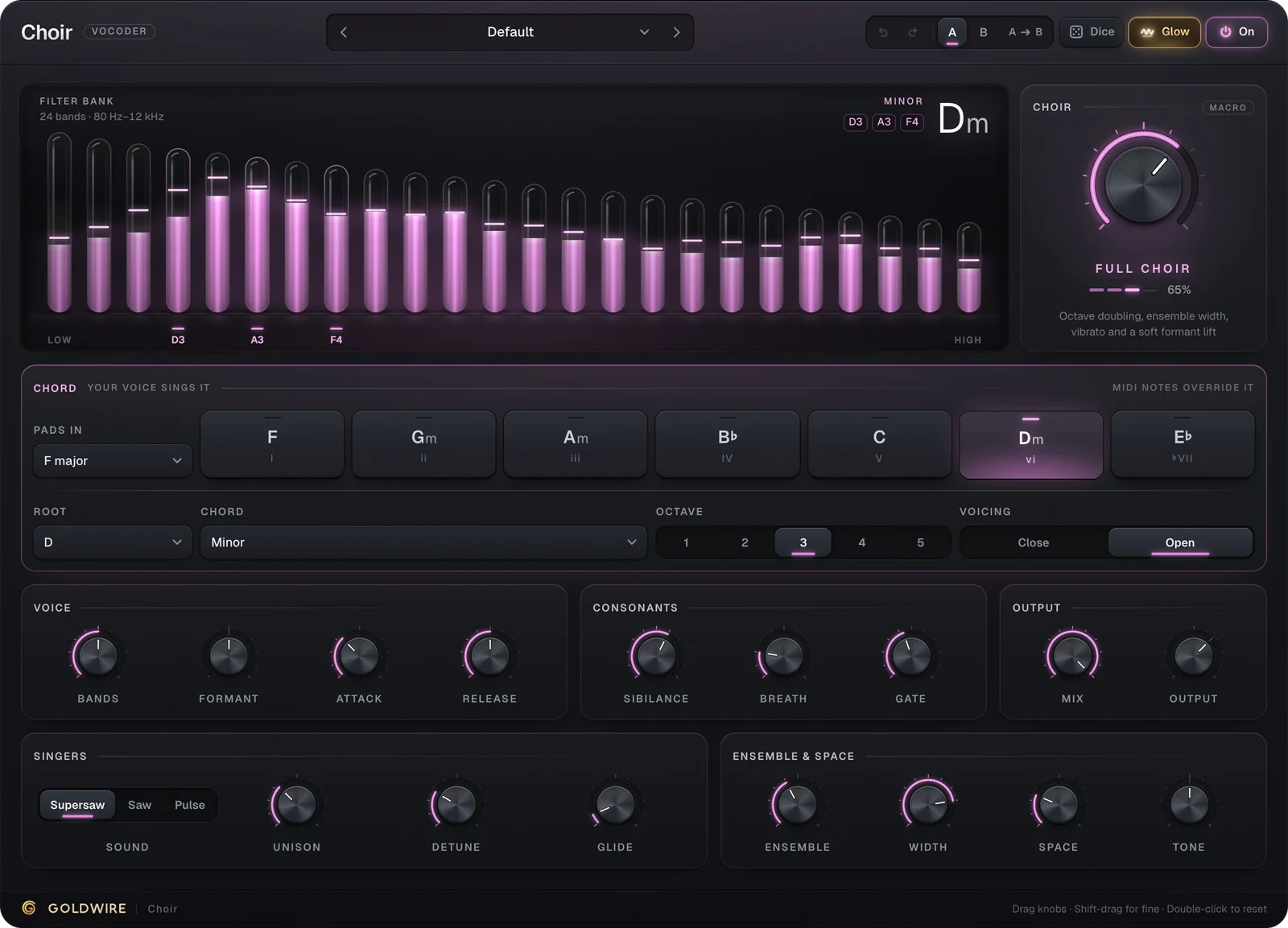
Choir, our vocoder, and Throat both put your words on a synth, but the notes come from different places. Choir plays chords: the pitch comes from its Key and Chord menus or from MIDI, and your voice only supplies the tone. Throat plays one note at a time, and that note is the one you sing. Use Choir for robot chords and vocoder choirs, Throat for lines you perform with your voice.
The same split explains the classic vocoder vs talkbox question. A vocoder shapes a synth with filter bands and handles chords well. A talkbox sends one instrument through your mouth, so it sounds wetter and more vocal on a single line. Throat's Talk control works like a vocoder, but because your voice also sets the pitch, it behaves like a talkbox line.
Throat vs Dubler, Vocoflex and Neutone
Other tools turn a voice into something else, and each is good at its own job:
Dubler 2 (Vochlea)
- What it does with your voice
- Turns your voice into MIDI in real time: notes, chords, pitch bend, vowel-controlled CCs and trained beatbox triggers
- Where it shines
- Playing any instrument, drum rack or hardware synth you already own, and editing the notes afterwards
Vocoflex (Dreamtonics)
- What it does with your voice
- Morphs your vocal into a different voice built from recordings, in real time
- Where it shines
- New vocal timbres and blends that still sound like singing
Neutone FX (Qosmo)
- What it does with your voice
- Runs downloadable deep-learning models, such as RAVE timbre transfer, on your audio
- Where it shines
- Experimental transformations, like a voice resynthesized as violin or choir
Throat
- What it does with your voice
- Plays a monophonic synth directly from your pitch, vowels, breath and consonants
- Where it shines
- Basslines, leads and talkbox lines performed live, at zero added latency
Dubler is a standalone app that sends MIDI to your DAW, and the MIDI is its strength: you can quantize it, fix a wrong note or move it to another instrument. Throat skips that step. There are no notes to detect before the sound starts, so slides, vibrato and vowel moves come through as you made them, but there are also no notes to edit later. Vocoflex and Neutone use machine-learning models to change what a sound is. Throat uses no models: it is DSP, like any synth, and costs €49.
How to use Throat in Ableton, FL Studio, Logic and Pro Tools
Throat goes on an audio track as an insert. To play it live, the track needs input monitoring:
- Ableton Live: put Throat on an audio track, set Audio From to your mic input, set Monitor to In (or Auto) and arm the track.
- FL Studio: select your mic input on a Mixer insert, load Throat in one of its slots and arm the insert for recording. The Recording Location setting decides whether FL records the dry input or the processed output.
- Logic Pro: create an audio track with your mic input, load the AU version on the channel strip, then enable Input Monitoring and Record Enable on the track.
- Pro Tools: insert the AAX version on the mic's audio track, record-arm it and switch the track to input monitoring.
In Ableton, Logic and Pro Tools, recording the track captures your dry voice and Throat plays it back through the synth, so you can change the preset after the take. Freeze or bounce the track to print the synth as audio.
Wear headphones. Speakers bleed the synth back into the mic. Throat adds no latency of its own, but you still hear your audio interface's round trip, which is set by the buffer size. A buffer of 64 or 128 samples is comfortable to play through; at 512 or more you'll feel the synth lag behind your voice.