What autotune plugins do
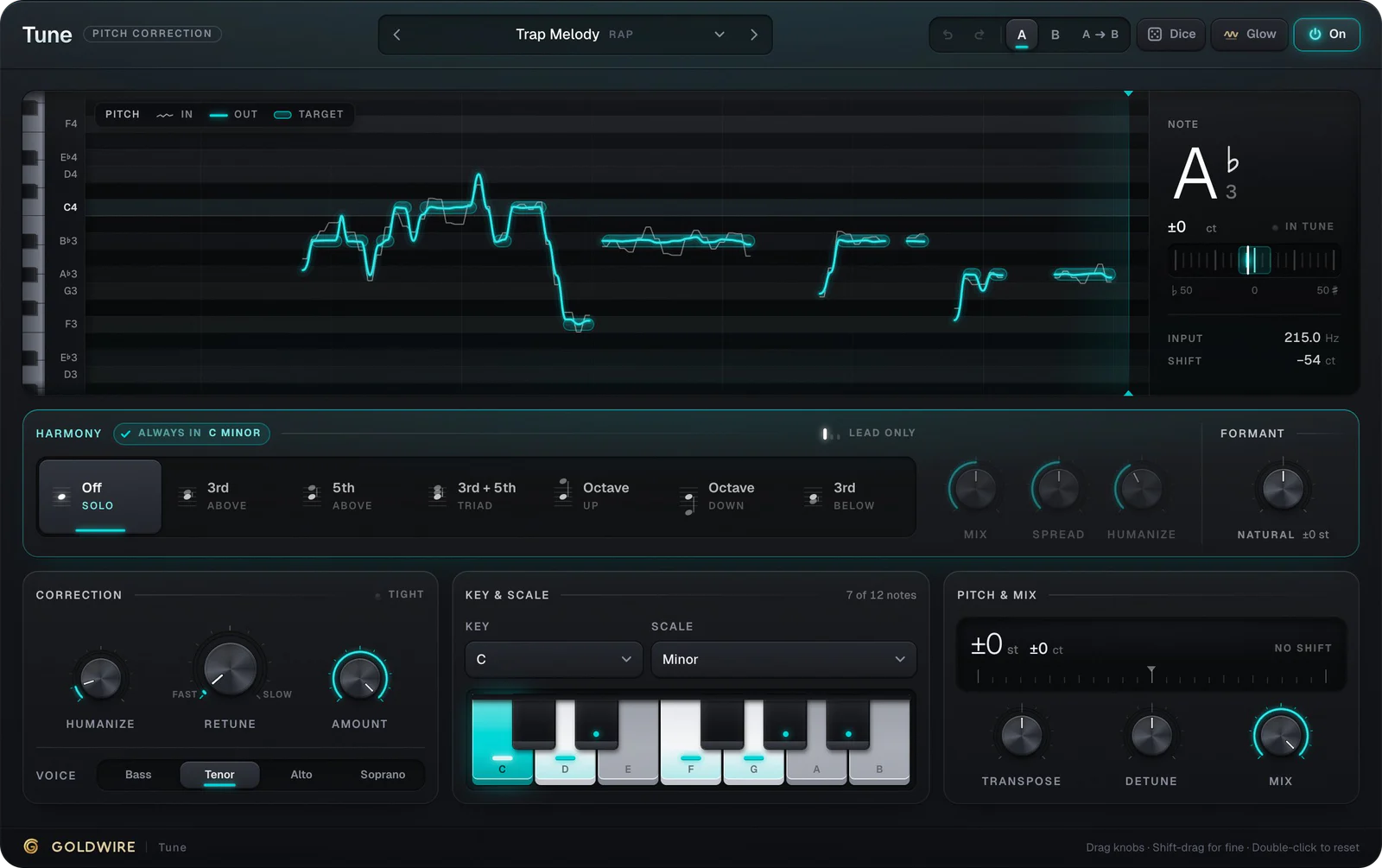
"Autotune" is used for any pitch correction, though Auto-Tune itself is a trademark of Antares. Every auto tune program works the same way: it tracks the pitch of a monophonic voice, compares it to the notes allowed by the key and scale, and pulls the voice toward the nearest one. The retune speed decides what you hear. Fast correction snaps notes instantly and gives the stepped hard-tune sound; slow correction lets the singer's natural movement through and just fixes the misses.
Most autotune for music production runs as a plugin inside a DAW. There are also standalone apps, phone apps and hardware: vocal processors and pedals built for live singers do pitch correction in a box, which is what people usually mean by hardware autotune or an autotune machine. In a studio, a plugin is more flexible and recalls with the session.
Types of autotune plugins compared
Real-time correction
- How you work
- Set key, scale and speed; it corrects as the track plays
- Best for
- Tracking, the hard-tune effect, quick fixes
- Examples
- Tune (ours), Antares Auto-Tune, Logic Pitch Correction, MAutoPitch, Graillon
Graphical pitch editor
- How you work
- Analyze the take, then edit notes on a graph
- Best for
- Detailed, invisible fixes
- Examples
- Melodyne, Logic Flex Pitch, FL Studio NewTone
Harmonizer
- How you work
- Adds in-key copies of the voice
- Best for
- Backing harmonies from one take
- Examples
- Tune's Harmony mode, FL Studio Pitcher
Vocoder (not autotune)
- How you work
- Replaces your pitch with a synth's notes
- Best for
- Robot voices and vocoded choirs
- Examples
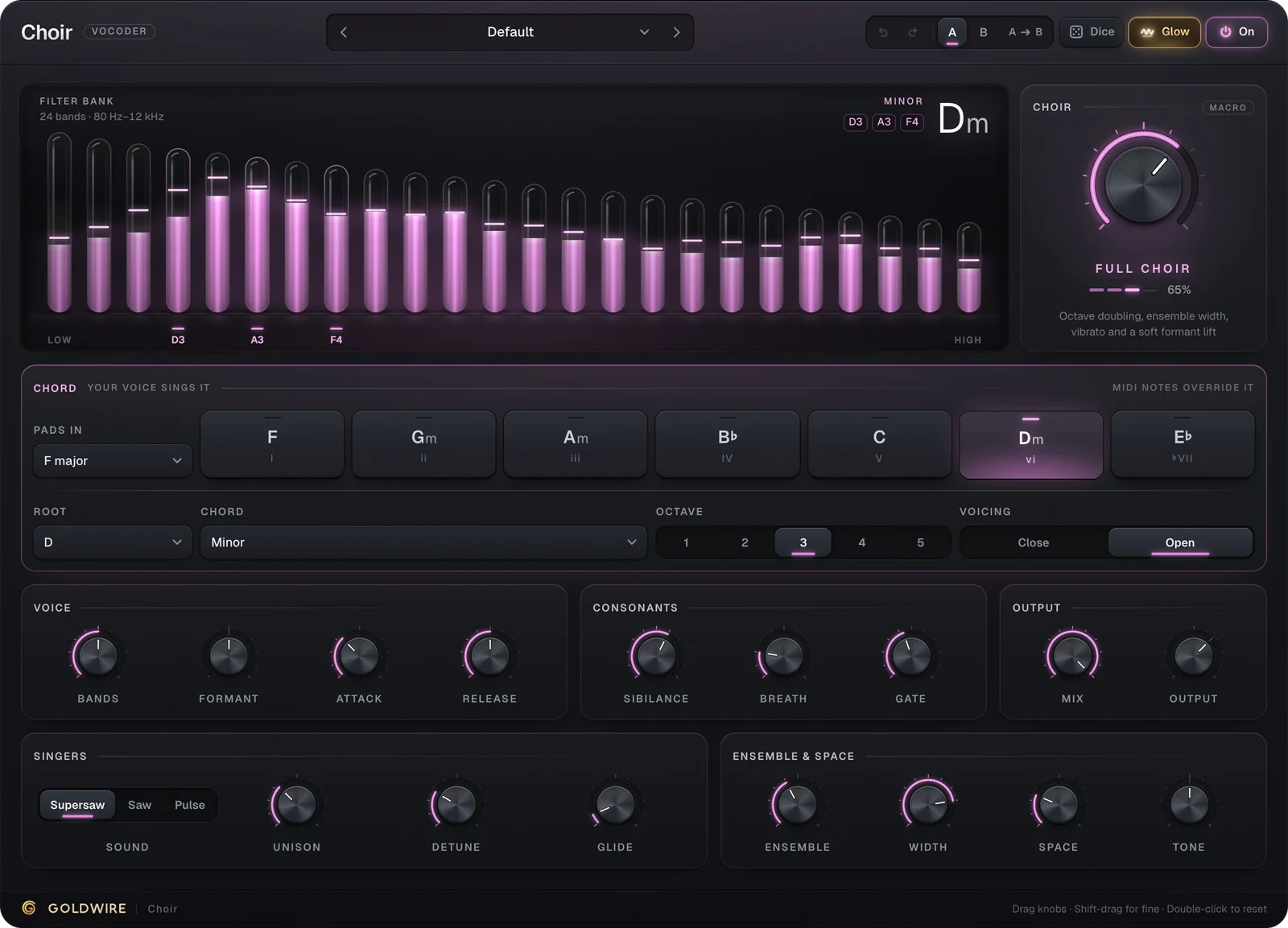
- Choir (ours)
For most autotune for vocals, real-time correction is the place to start. Use a graphical editor when one or two notes need hand-fixing. For a ranked list of specific products, see the best autotune plugins.
Free autotune software download options
- Your DAW. Logic Pro has Pitch Correction and Flex Pitch, GarageBand has a pitch correction control, and FL Studio includes Pitcher or NewTone depending on your edition.
- Free plugins. MAutoPitch (MeldaProduction) and the free edition of Graillon (Auburn Sounds) are long-standing free autotune plugins for Windows and Mac.
- In the browser. Our online autotune tunes a recording or upload with the Tune engine and gives you a WAV, with nothing to install.
Free tools usually give you fewer scales, no formant control and less say over how natural the correction sounds. That's often fine for a demo or a hard-tune hook. Our free autotune software guide compares the best autotune software free options by platform.
Autotune free trial and price
Autotune price ranges from free to hundreds for the premium editions. Antares sells Auto-Tune in several editions, as perpetual licenses or by subscription, and offers trials; check its site for current pricing. Tune costs €49 as a one-time purchase with a license key by email, no iLok and no subscription.
You can try Tune two ways. Every preset plays on its product page with our demo vocals, your own file or your microphone. Load a file or sing into your microphone and you hear exactly what the plugin does in your DAW, because it's the same engine. There's no downloadable trial; the download and license key arrive instantly when you buy.
- Input
- Hz
- No pitch yet
- ShiftVoice
- ct
- Tenor
Harmony
Always inC listeningCorrection
Key & scale
Pitch & mix
The real plugin engine, running in your browser: same DSP code and presets as the VST3/AU/AAX.
The autotune settings that matter
- Key and scale. Set them first. A wrong key pulls good notes to wrong pitches. Chromatic is the safe fallback.
- Retune speed. 0 ms for the hard-tune effect (Hard Tune), 5 to 15 ms for melodic rap (Trap Melody), 60 ms and up for natural correction (Natural Pop, Subtle Fix).
- Humanize. Relaxes correction on held notes so vibrato survives.
- Voice range. Telling the plugin whether it's a bass, tenor, alto or soprano voice helps it track reliably.
- Formant. Keeps a transposed voice sounding natural, or changes its character on purpose.
After autotune: the rest of the vocal chain
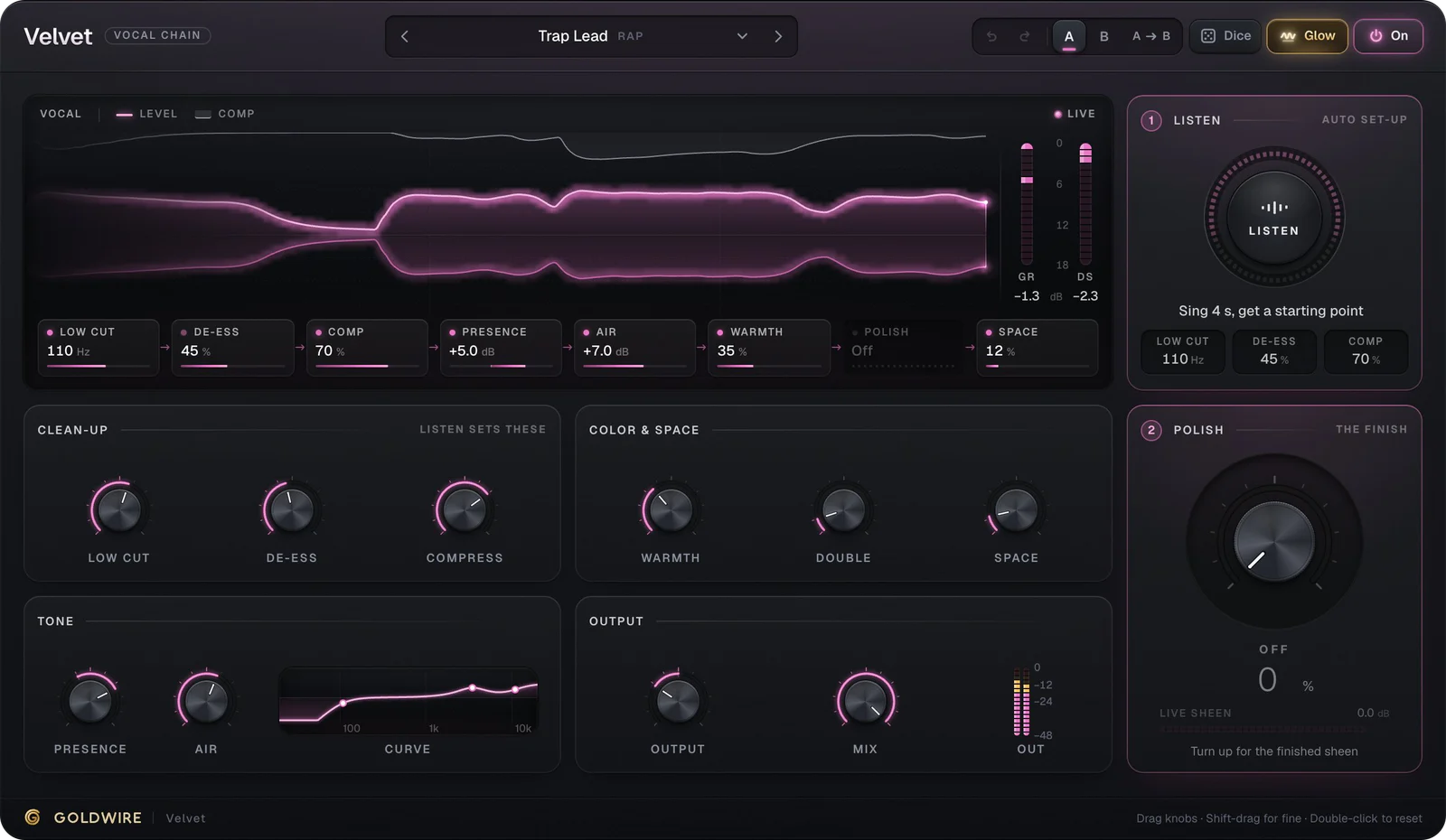
Pitch correction goes first on the vocal, before EQ and compression, so it tracks a clean signal and everything after it processes in-tune notes. Then a vocal chain such as Velvet handles low cut, de-essing, compression, presence, air and space. If the hook needs more voices, Tune's Harmony adds in-key 3rds and 5ths, and a vocoder such as Choir can turn a stack into a choir. Our vocal plugins guide covers the full order.
Autotune plugins in FL Studio, Ableton, Pro Tools and Logic
- FL Studio: load the autotune plugin in the first effect slot of the vocal's Mixer insert. See FL Studio plugins.
- Ableton Live: place it as the leftmost device on the vocal track. See Ableton plugins.
- Pro Tools: use the AAX version in insert slot A. See Pro Tools plugins.
- Logic Pro: load the AU version in the first Audio FX slot. See Logic Pro plugins.
Want it while recording? Keep your audio buffer at 128 samples or lower and monitor through the plugin. Our guide on how to get autotune walks through setup in each DAW.