How an autotune plugin works
An autotune plugin detects the pitch of a vocal as it plays, compares it with the notes allowed by your key and scale, and moves the voice to the nearest one. How fast it moves is the single setting that decides whether you hear natural pitch correction or the hard-tune effect. In Tune that setting is Retune, from 0 to 400 ms.
Three more controls decide how much and where it corrects. Correction sets how far each note is pulled toward the target, so 70% fixes most of the error and leaves a little human drift. Humanize relaxes the correction on held notes, which lets vibrato and long tails breathe while short notes still snap. Mix blends the tuned and dry signal, useful for doubled or octave effects. Because Tune is formant-preserving, the singer's tone stays intact even with Transpose at a full octave.
Retune speed: from natural pitch correction to hard tune
Pick the Retune range for the sound you want first, then fine-tune Humanize. Lower numbers correct faster and sound more obvious.
0 ms
- What you hear
- Instant, stepped jumps between notes: the robotic hard-tune sound
- Presets in this range
- Hard Tune, Robot Voice
5 to 15 ms
- What you hear
- Fast and audible but smooth enough for melodic rap and hooks
- Presets in this range
- Trap Melody (6 ms), Octave Down Ad-libs (10 ms), Pentatonic Hook (15 ms)
20 to 40 ms
- What you hear
- Noticeable on slides, mostly natural on held notes
- Presets in this range
- Chipmunk (20 ms), Default (25 ms), Minor Key R&B (35 ms)
60 to 150 ms
- What you hear
- Transparent correction for pop, ballads and backing vocals
- Presets in this range
- Natural Pop (70 ms), Subtle Fix (140 ms)
150 to 400 ms
- What you hear
- Gentle nudging where only long, sustained notes move
- Presets in this range
- Start from Subtle Fix and raise Retune
In the demo, Hard Tune sets Retune and Humanize to zero with full Correction, so every note lands on the grid instantly and the jumps between notes become the effect. Sing a slow slide between two notes and you'll hear the voice step instead of glide.
- Input
- Hz
- No pitch yet
- ShiftVoice
- ct
- Tenor
Harmony
Always inC listeningCorrection
Key & scale
Pitch & mix
The real plugin engine, running in your browser: same DSP code and presets as the VST3/AU/AAX.
Setting the key, scale and voice
Set Key and Scale to the song before anything else. With the wrong key, an autotune plugin makes a vocal worse with total confidence, because it pulls good notes to the wrong pitches. If you don't know the key, ask the producer, check the beat's file name, or find the root note by playing along on a keyboard.
- Chromatic treats all 12 notes as targets. It is the safe choice when you don't know the key, but out-of-key notes stay out of key, so the correction is gentler musically. Subtle Fix and Robot Voice use it.
- Major and Minor cover most pop, R&B and rap. Trap Melody is set to Minor, and Minor Key R&B to A minor; change Key to match your beat.
- Pent. Major and Pent. Minor have only five notes, so the voice snaps harder and has fewer wrong notes to land on. That is why Pentatonic Hook sounds so locked-in on simple melodies.
- Harm. Minor, Blues and Dorian are for songs written in those modes. Use them only when the melody actually uses those notes.
Then set Voice to the singer's range: Bass, Tenor, Alto or Soprano. A matching range helps detection lock onto the right register, so low male rap vocals and high female hooks both track cleanly.
Harmony and Formant: a vocal harmonizer inside the autotuner
Most autotuner VST plugins stop at correction, so stacked harmonies mean a second plugin or a second session with the singer. Turn on Harmony and Tune's vocal tuner plugin becomes a harmonizer: every note you sing gets a 3rd above, a 5th above, a 3rd and 5th together, an octave up, an octave down or a 3rd below. The harmony notes come from your Key and Scale, so they stay in key as the melody moves.
Three controls make it sound like real singers instead of a pitch-shifted copy. Harmony Mix sets the harmony level against the lead, Spread pans the harmony voices apart, and Harmony Humanize adds loose timing, drift and scoops. Pop Hook Stack in the demo runs the 3rd and 5th at 45% Mix with 80% Spread. Gospel Thirds adds a 3rd above with 65% Harmony Humanize for a looser, live feel, and Wide Backing Stack pushes Mix to 80% and Spread to 100% for a backing part that sits behind the lead. At the other extreme, Robot Choir sets Retune and Harmony Humanize to zero for a perfectly locked, robotic stack.
- Input
- Hz
- No pitch yet
- ShiftVoice
- ct
- Tenor
Harmony
Always inC listeningCorrection
Key & scale
Pitch & mix
The real plugin engine, running in your browser: same DSP code and presets as the VST3/AU/AAX.
Formant (±12 semitones) changes the character of the voice without changing the pitch: down sounds bigger and darker, up sounds smaller and brighter. Small moves are a mixing tool. Formant Warmth lowers it by 1.5 semitones to take the edge off a thin voice, while Darker Character and Brighter Character go to -4 and +4. Combine it with Transpose for full voice changes: Deep Voice drops pitch 5 semitones and formant 5, and Giant drops a full octave with formant at -7.
Autotune plugin for FL Studio, Ableton Live and Pro Tools
Tune always goes first on the vocal track, before EQ, compression and effects. Pitch detection works best on the plain recording, and everything after it then processes the corrected notes.
- FL Studio: route the vocal (or your recording input) to its own Mixer insert and load Tune in the top effect slot of that insert. Put your vocal chain in the slots below it. Our FL Studio page covers installing VST3 plugins.
- Ableton Live: drag Tune from the Plugins section of the browser onto the vocal audio track, as the leftmost device in the chain.
- Pro Tools: Tune comes as AAX. Insert it in slot A of the vocal track so it runs before every other insert.
- Logic Pro: load the AU version in the first Audio FX slot of the vocal's channel strip.
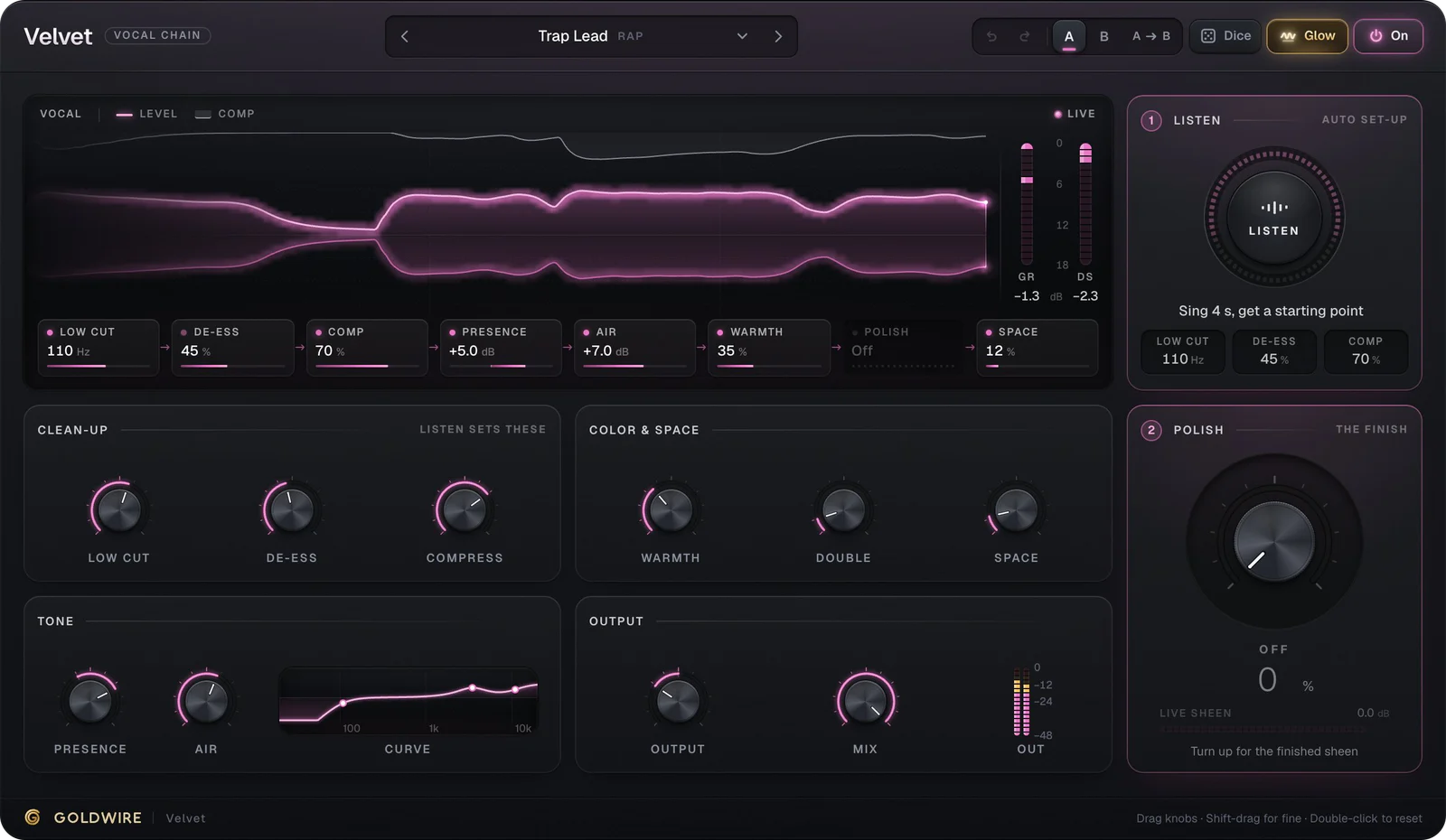
After Tune, a vocal chain such as Velvet handles de-essing, compression, tone and space. Keep that order: tune, clean, compress, color, then effects.
Live autotune: singing and recording through Tune
Tune doubles as live autotune software: its latency is low enough to monitor through it while you record, so the singer hears the tuned voice in their headphones. Set your DAW's buffer to 128 samples or lower while tracking. In most DAWs, effects on the track you record to are monitored but not printed, so you hear the tuned vocal and still keep a dry take you can retune later.
Singing with autotune is a skill of its own. With fast settings like Trap Melody, commit to each note and move between them cleanly. Scoops and wide vibrato turn into warbles, because the plugin snaps every wobble back to a note. If the singer fights the effect, raise Retune to 20 or 30 ms while recording and lower it again in the mix.
Creative pitch effects: octave ad-libs, robot and chipmunk
The same engine does more than correct pitch. Octave Down Ad-libs transposes the voice down 12 semitones and blends it at 60% Mix, so you hear a deep double under the original. Because formants are preserved, it sounds like a lower voice rather than slowed-down tape. Chipmunk goes the other way, a full octave up. Robot Voice combines 0 ms Retune, the Chromatic scale and -20 cents of Detune for a flat, mechanical tone.
- Input
- Hz
- No pitch yet
- ShiftVoice
- ct
- Tenor
Harmony
Always inC listeningCorrection
Key & scale
Pitch & mix
The real plugin engine, running in your browser: same DSP code and presets as the VST3/AU/AAX.
Use these on ad-lib and double tracks rather than the lead, so the main vocal stays clear and the effect reads as a layer.
What to look for in the best autotune plugin
Antares Auto-Tune is the best-known name, and Tune does the same job. When you compare auto tuning VST plugins, or any vocal tuning plugin, check five things: latency low enough to track through, formant preservation for transposing, key and scale snapping, a retune range that goes from 0 ms to slow and natural, and a humanize control for held notes. Tune covers all five for €49. If what you need is a pitch editor, where you redraw individual notes on a graph, that is a different kind of audio pitch correction software: professional pitch correction software such as Melodyne is built for that, while Tune works in real time. Our guides on how to get autotune and the best autotune plugins compare the options in more depth.