VST3 and AU
Plugins for Reaper
Reaper loads VST3 plugins on Mac and Windows and Audio Units on the Mac. Its default plugin paths already include the standard VST3 folder, so after installing you usually only need a rescan. Every Goldwire plugin ships as VST3 (plus AU on macOS) and works as a track, item or master FX.
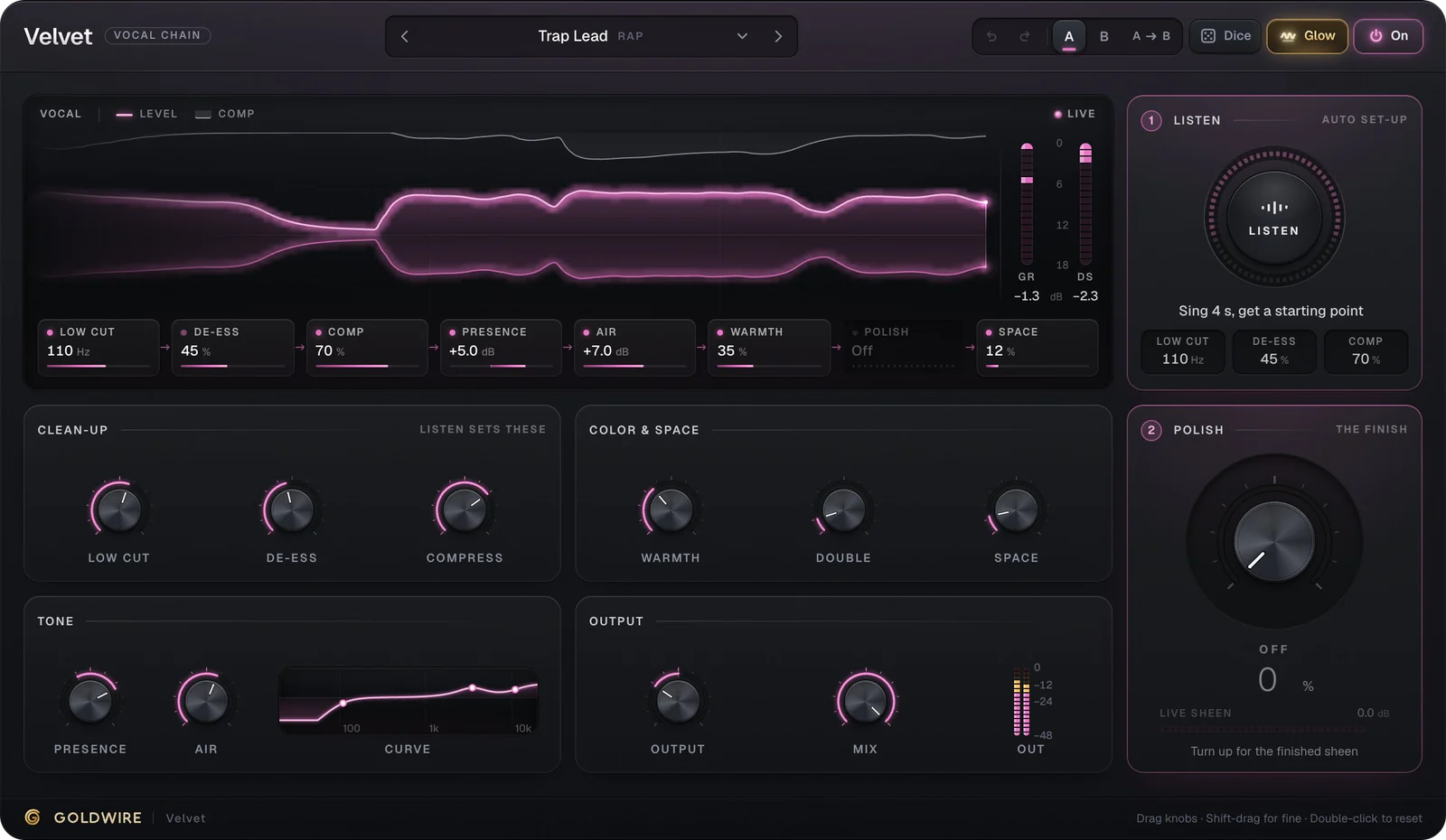
Velvet
- Low cut110Hz
- De-ess45%
- Comp70%
- Presence+5.0dB
- Air+7.0dB
- Warmth35%
- PolishOff
- Space12%
Listen
Auto set-up- Low cut
- 110Hz
- De-ess
- 45%
- Comp
- 70%
Clean-up
Listen sets theseColor & space
Tone
Output
Polish
The finishThe real plugin engine, running in your browser: same DSP code and presets as the VST3/AU/AAX.
Best picks for Reaper
 Try it
Velvet
€49Vocal chain
A finished vocal in one FX slot instead of a chain of stock plugins.
 Try it
Hydra
New€69Hybrid synth
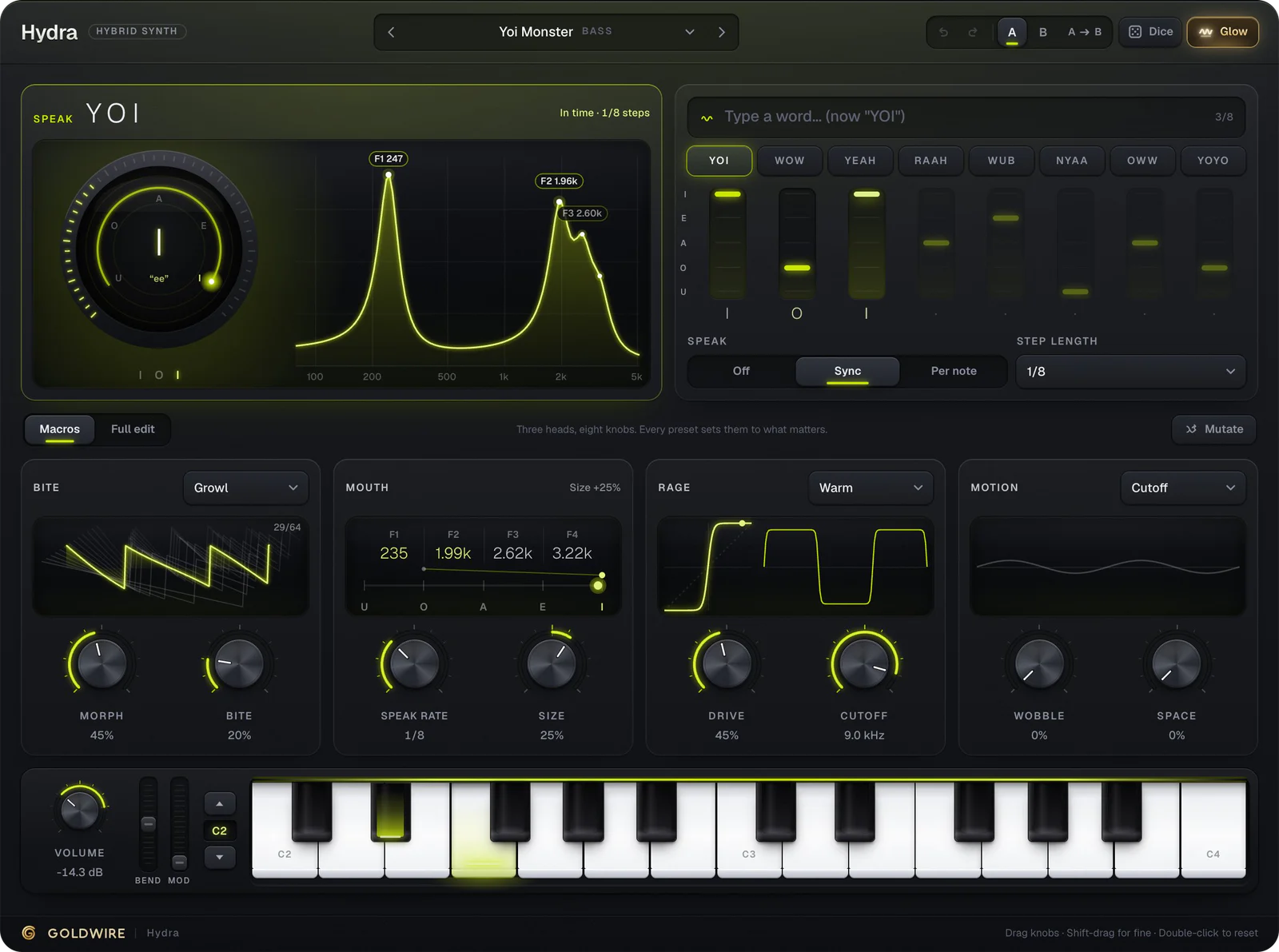
A hybrid synth for talking basses, growls, leads and pads, with presets that sound good on the first note.
 Try it
Contour
€39Equalizer
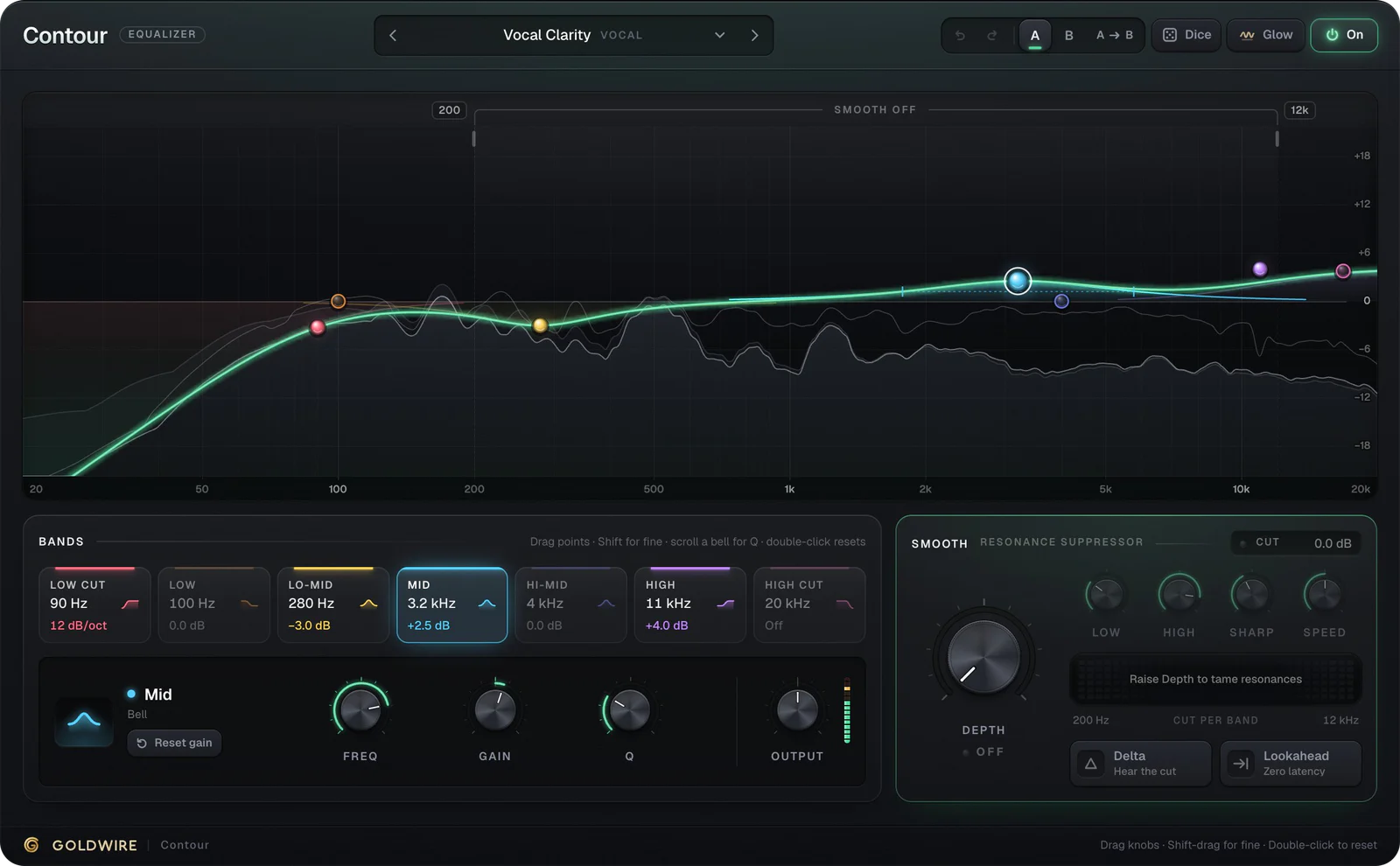
An EQ with a live analyzer that shows where the mix is crowded.
 Try it
Spread
FreeStereo widener
A free stereo widener that stays mono-safe.
How to install plugins in Reaper
- 1Run the installer and keep the VST3 option ticked (and AU on Mac).
- 2In Reaper open Options → Preferences (Settings on Mac) → Plug-ins → VST.
- 3Check that the VST3 folder is in the plugin paths, then click Re-scan.
- 4Click a track's FX button, search for Goldwire in the FX browser and double-click to add it.
- 5For instruments, add the plugin to a new track and arm it for MIDI input.
Where VST3 and AU plugins are installed
- macOS · VST3
/Library/Audio/Plug-Ins/VST3 - macOS · AU
/Library/Audio/Plug-Ins/Components - Windows · VST3
C:\Program Files\Common Files\VST3
Questions
Installing and using plugins in Reaper.
Does Reaper support VST3 and AU plugins?
Yes. Reaper loads VST3 plugins on Mac and Windows, and Audio Units on the Mac. Goldwire plugins install both on macOS and VST3 on Windows.
How do I rescan plugins in Reaper?
Open Options → Preferences → Plug-ins → VST and click Re-scan (or Clear cache/re-scan if a plugin failed before). New plugins then appear in the FX browser.
Are there free plugins for Reaper here?
Yes. Keys (electric piano), Pump (sidechain-style volume shaper) and Spread (stereo widener) are free VST3 plugins that load in Reaper.
Do Goldwire plugins run in Reaper on Linux?
Not yet. The plugins ship for macOS (Apple Silicon and Intel) and Windows 10 and 11.