VST3 and AU
Plugins for Studio One
Studio One loads VST3 plugins on Mac and Windows and Audio Units on the Mac, and it scans the standard plugin folders by itself. Every Goldwire plugin installs a VST3 (and an AU on macOS), so it shows up in the Browser after the next start, ready to drag onto a track or the main bus.
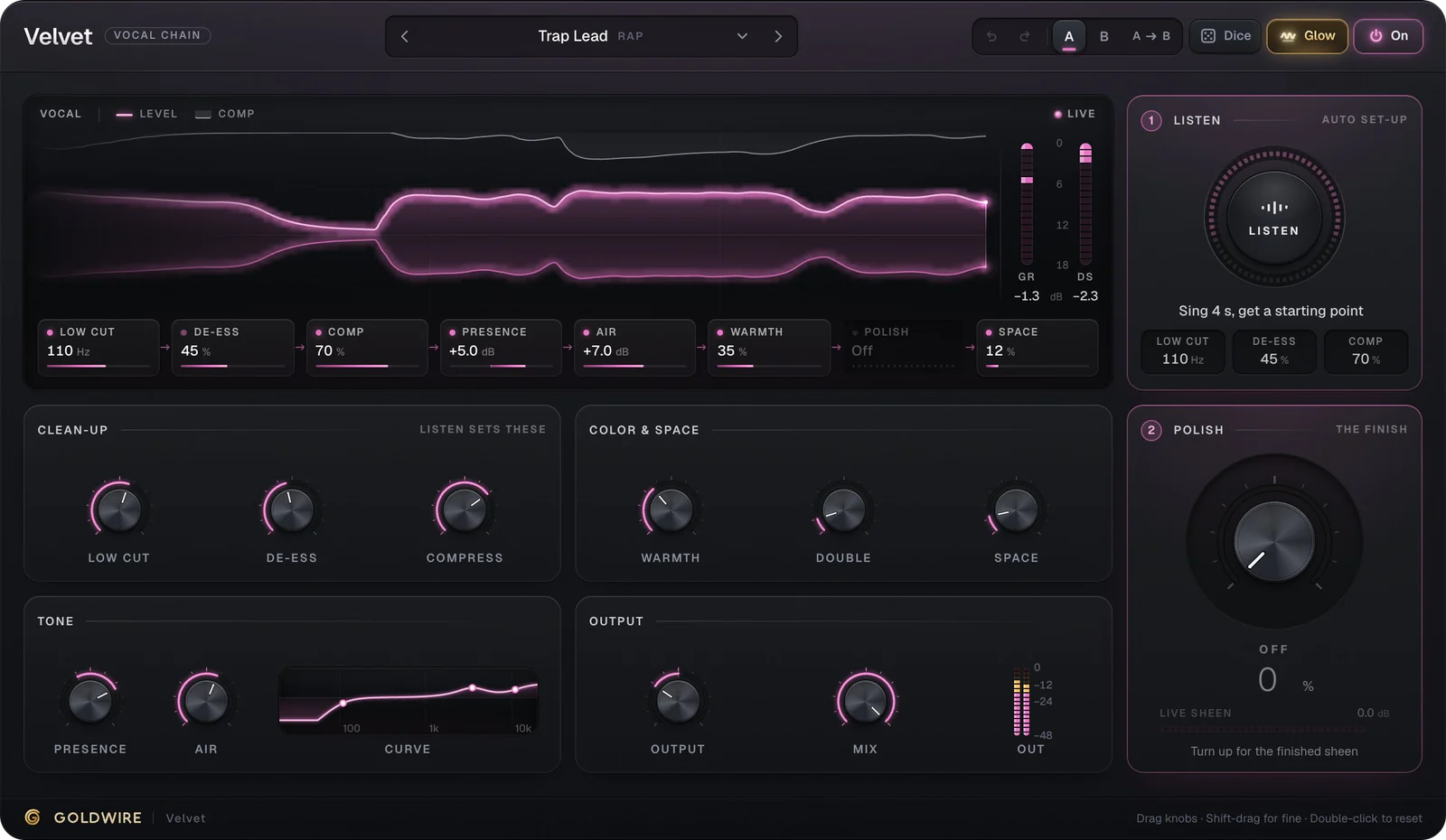
Velvet
- Low cut110Hz
- De-ess45%
- Comp70%
- Presence+5.0dB
- Air+7.0dB
- Warmth35%
- PolishOff
- Space12%
Listen
Auto set-up- Low cut
- 110Hz
- De-ess
- 45%
- Comp
- 70%
Clean-up
Listen sets theseColor & space
Tone
Output
Polish
The finishThe real plugin engine, running in your browser: same DSP code and presets as the VST3/AU/AAX.
Best picks for Studio One
 Try it
Velvet
€49Vocal chain
A finished vocal in one insert: clean-up, compression, de-essing, tone and space, set by listening to your voice.
 Try it
Master
New€49Mastering
A mastering chain on the main bus that listens to the mix and aims for Spotify, Apple Music or YouTube loudness.
 Try it
Tune
€49Pitch correction
Autotune that finds the key by itself, from invisible fixes to the hard-tune sound, with harmonies built in.
 Try it
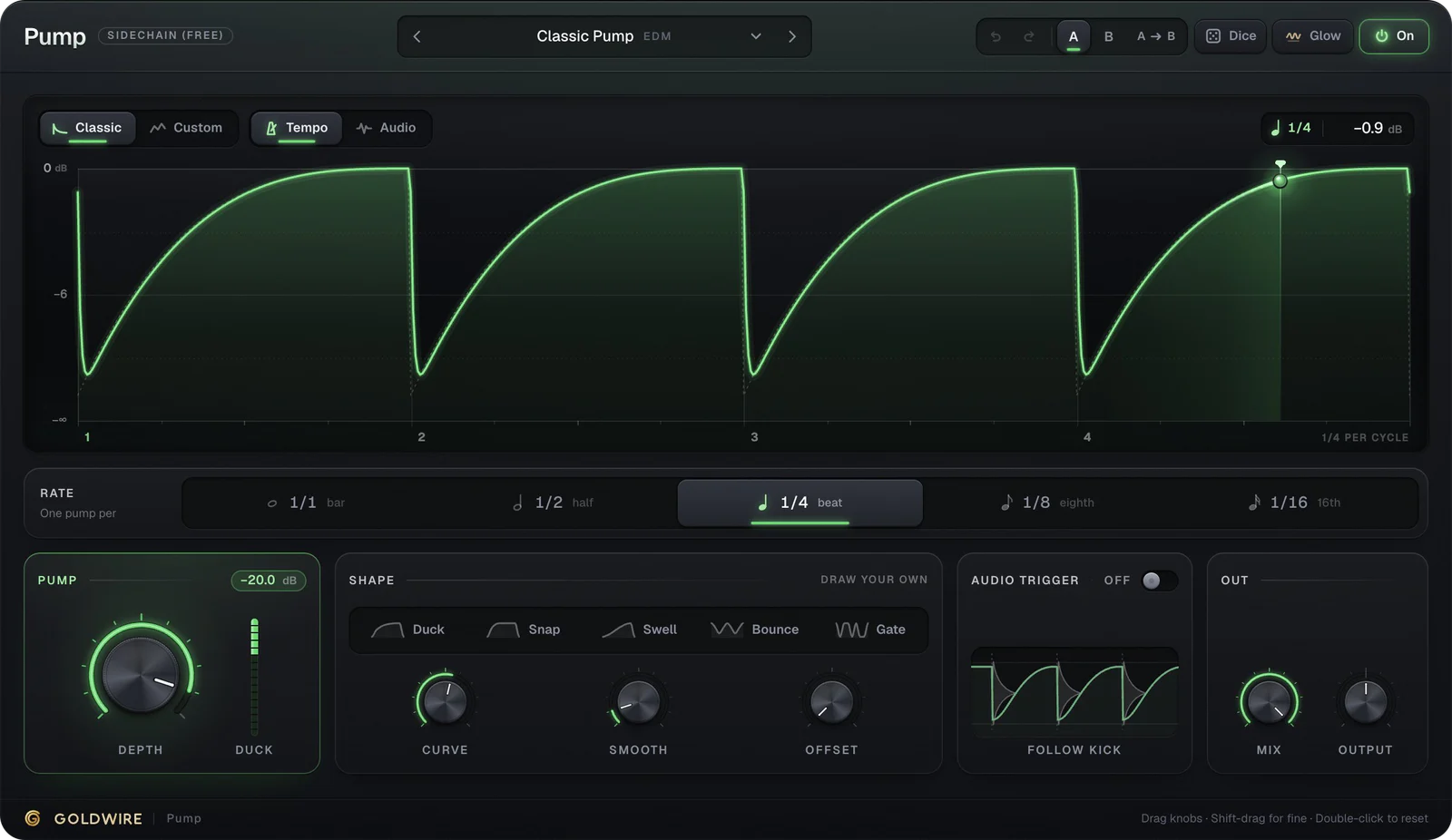
Pump
FreeSidechain
Free sidechain-style pumping without routing a kick to a compressor's sidechain input.
How to install plugins in Studio One
- 1Run the installer and keep the VST3 option ticked (and AU on Mac).
- 2Restart Studio One: it scans the standard VST3 and AU folders at startup.
- 3If a plugin is missing, open Studio One → Options (Settings on Mac) → Locations → VST Plug-ins, check that the VST3 folder is listed, and click Reset Blocklist.
- 4Open the Browser (F5), pick Effects or Instruments, and sort by Vendor to find Goldwire.
- 5Drag an effect onto a track or the main bus, or an instrument onto an empty space in the arrangement.
Where VST3 and AU plugins are installed
- macOS · VST3
/Library/Audio/Plug-Ins/VST3 - macOS · AU
/Library/Audio/Plug-Ins/Components - Windows · VST3
C:\Program Files\Common Files\VST3
Questions
Installing and using plugins in Studio One.
Does Studio One support VST3 plugins?
Yes. Studio One loads VST3 plugins on Mac and Windows, and Audio Units on the Mac. It scans the standard folders at startup, so a new plugin appears after a restart.
Why doesn't my plugin show up in Studio One?
Check Options → Locations → VST Plug-ins: the standard VST3 folder must be listed. If the plugin failed a scan once, Studio One blocks it; click Reset Blocklist and restart.
Are there free plugins for Studio One here?
Yes. Keys (electric piano), Pump (sidechain-style volume shaper) and Spread (stereo widener) are free VST3 plugins that load in Studio One.
Can I try the plugins before installing them in Studio One?
Yes. Every plugin and preset plays on this site with our loops, your own file or your microphone, on the same engine as the download.